


















Best Email Marketing Tools for Small Business: Your 2026
Discover the best email marketing tools for small business in our 2026 guide. We rank 10 top platforms on features, pricing, and deliverability for growth.
Stop Guessing: Find Your Perfect Email Marketing Tool
Your small business needs to stay in touch with customers, leads, partners, and past buyers. The problem is that most email software comparisons make every platform sound interchangeable. One tool is packed with features you’ll never touch, another gets expensive as your list grows, and a third asks you to rebuild your workflow around its dashboard.
That’s why choosing from the best email marketing tools for small business usually feels harder than it should. Most owners don’t need “the most powerful platform.” They need something the team will use, something that fits the business model, and something that won’t create a reporting mess six months later.
This guide is built for that decision. It sorts tools by practical use case, not by hype. If you live in Gmail and Google Sheets, your answer may look very different from a Shopify store running abandoned-cart flows or a service business sending monthly updates. That workflow-fit angle is often missing from roundup content, even though Instatly’s review-driven analysis of small-business email tool selection highlights how often small teams care more about operational simplicity than a full marketing suite.
If you also want a broader view of where email fits into your channel mix, this expert guide on 2026 digital marketing is a useful companion.
1. Mail Merge for Gmail
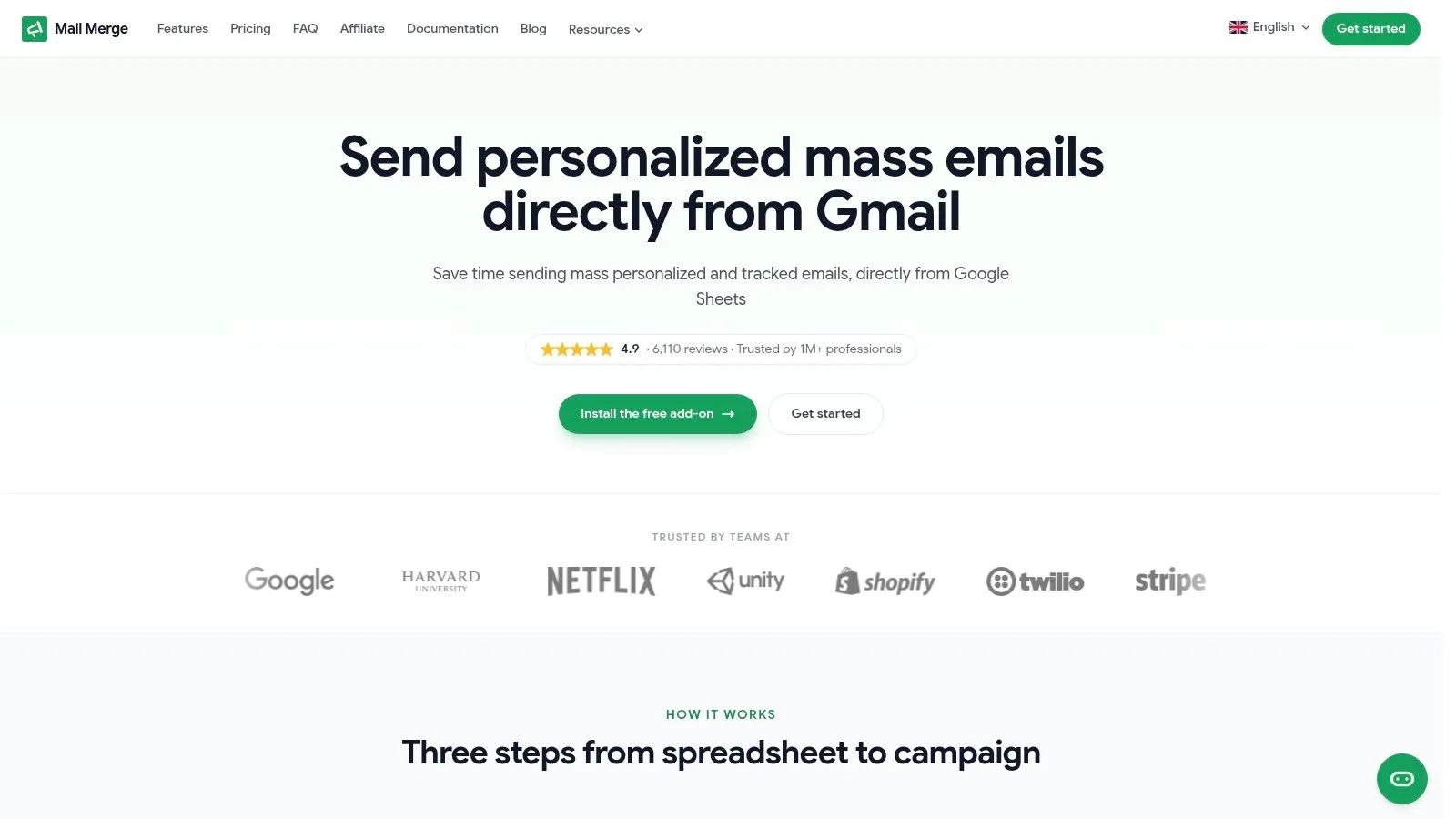
A common small business problem looks like this: the team already lives in Gmail, the contact list sits in Google Sheets, and the actual need is to send personalized updates at scale without buying a full marketing platform too early. In that situation, Mail Merge for Gmail is often the more practical category choice than a traditional ESP.
That distinction matters. This guide is not just ranking popular tools. It separates them by primary use case, and Mail Merge for Gmail belongs in the Gmail-native camp. If your work revolves around outreach, reminders, customer check-ins, hiring emails, or small-batch campaigns that still need to feel personal, a Gmail-based tool usually fits better than a newsletter platform built for broad list marketing.
Why it works so well for small teams
Setup is straightforward because the workflow matches how many small teams already operate. You install the Google Workspace add-on, connect a spreadsheet, personalize fields, and send from the Gmail account you already use every day. That lowers training time and reduces the usual friction of exporting contacts into a separate system.
It also covers the details that tend to break lightweight outreach processes. You can personalize subject lines, body copy, CC and BCC fields, attachments, and custom HTML. Send status, opens, clicks, and replies flow back into the sheet, so the spreadsheet becomes the campaign log instead of a disconnected contact dump.
For owners comparing newsletters with direct outreach, it helps to understand the difference between a classic ESP and sending individual emails to a group from Gmail. The right choice depends less on feature volume and more on how your team communicates with leads and customers.
It is also a cleaner operational fit for Google-centric teams. The add-on works inside your Google account and states that it does not read your inbox. For businesses that care about keeping processes simple and close to existing systems, that matters.
Where it beats a traditional ESP and where it does not
Mail Merge for Gmail is strongest when the goal is personal communication at modest scale. It sends one-to-one style messages from your own account, keeps the process visible in Sheets, and makes reporting easy for a founder, coordinator, or sales lead to review without learning a new dashboard.
That advantage is real, but so are the limits.
It is not the right pick if you need advanced customer journeys, multi-branch automations, heavy list segmentation, or ecommerce-triggered campaigns. Those are jobs for a full email platform. Send volume is also tied to your Gmail environment, which means capacity and use-case boundaries matter more here than they do in a dedicated ESP.
My rule of thumb is simple. Choose a Gmail-native tool when your business needs fast, personalized outreach from the inbox your team already uses. Choose a broader platform when email is becoming a structured lifecycle channel with automations, forms, and larger-scale campaign management.
2. Mailchimp
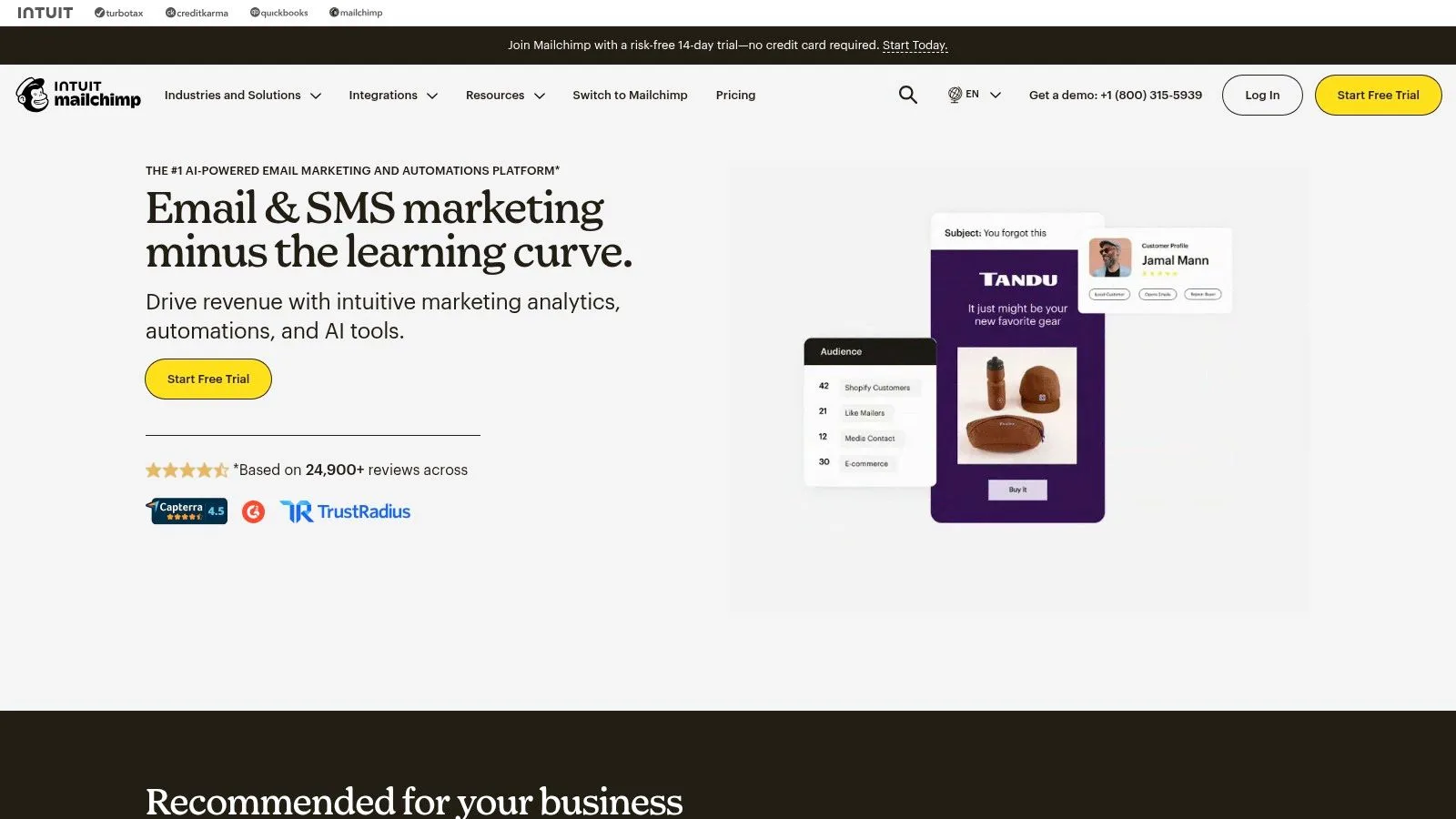
Mailchimp is still one of the easiest places to start if you want a full-featured platform with broad name recognition. Most small teams can launch newsletters, basic automations, signup forms, and ecommerce-connected campaigns without much technical help.
Its biggest strength is familiarity. There are templates, integrations, and enough tutorials online that even a new hire has usually seen it before. That reduces onboarding friction, which is one reason it stays relevant despite stronger competition in some niches.
Best fit
Mailchimp makes sense for businesses that want a classic email marketing dashboard with room to grow into automations and ecommerce flows. It’s especially useful when you need a large integration library and don’t want to piece together separate tools for forms, templates, and campaign reporting.
That said, I usually caution small businesses to watch the pricing structure closely. Mailchimp can feel inexpensive at the start, then less comfortable once you need more contacts, more seats, or extra capabilities. It’s a good platform, but not always the most cost-efficient one long term.
If your team is debating between newsletter software and direct personalized outreach, compare Mailchimp with individual group emailing workflows in Gmail before committing. They solve different problems.
Use Mailchimp if you want a known all-rounder and expect to grow into broader campaign management over time.
3. Brevo formerly Sendinblue
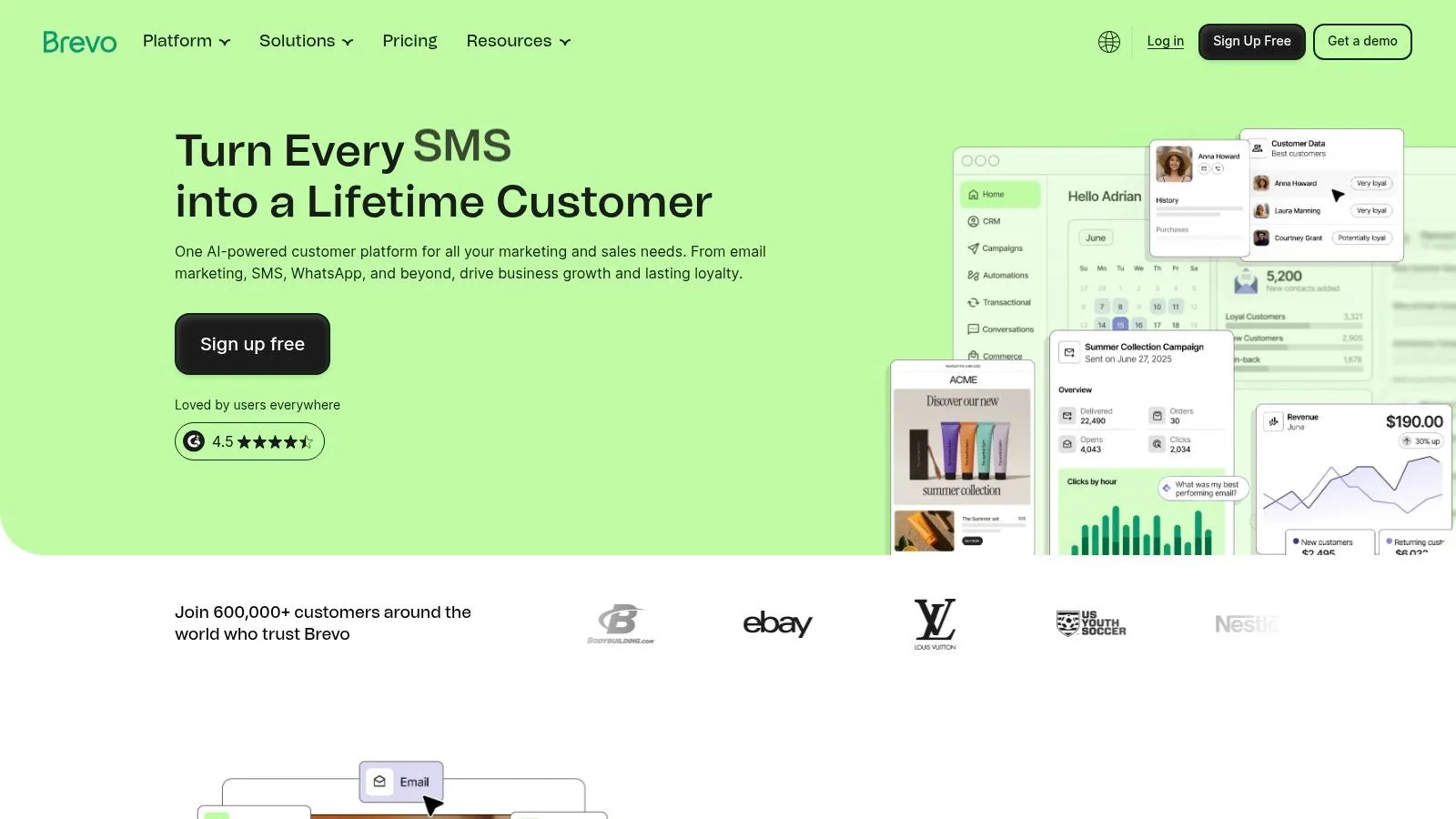
A common small-business scenario looks like this: you have a growing contact list, you send a few solid campaigns each month, and you also need order confirmations, form replies, or appointment messages to go out reliably. Brevo fits that operating model better than tools built mainly for high-frequency newsletters.
Its appeal is less about brand recognition and more about cost logic. Brevo is often a good choice when you want pricing that tracks sending activity more closely than list growth, especially if your database is larger than your actual monthly send volume.
Where Brevo fits best
Brevo sits in the all-in-one camp. It combines marketing email, transactional email, SMS or WhatsApp options, chat, and a lightweight CRM in one dashboard. For a small business that wants one tool to handle both campaigns and day-to-day customer messaging, that setup can save real time.
That convenience comes with a trade-off. Brevo covers a lot of ground, but each part is not always as deep as a category leader. A store that needs advanced ecommerce automation or a sales team that wants very detailed pipeline features may outgrow it faster than they expect.
I usually point Brevo toward service businesses, local companies, SaaS teams, and lean ecommerce operations that want practical coverage across channels without buying three separate products first. It is a strong fit when the decision is not just “Which email platform should we use?” but “Which system can handle email plus the operational messages our business already sends?”
If your priority is a flexible, multi-use platform with sensible entry costs, Brevo is one of the more realistic options on this list.
4. MailerLite
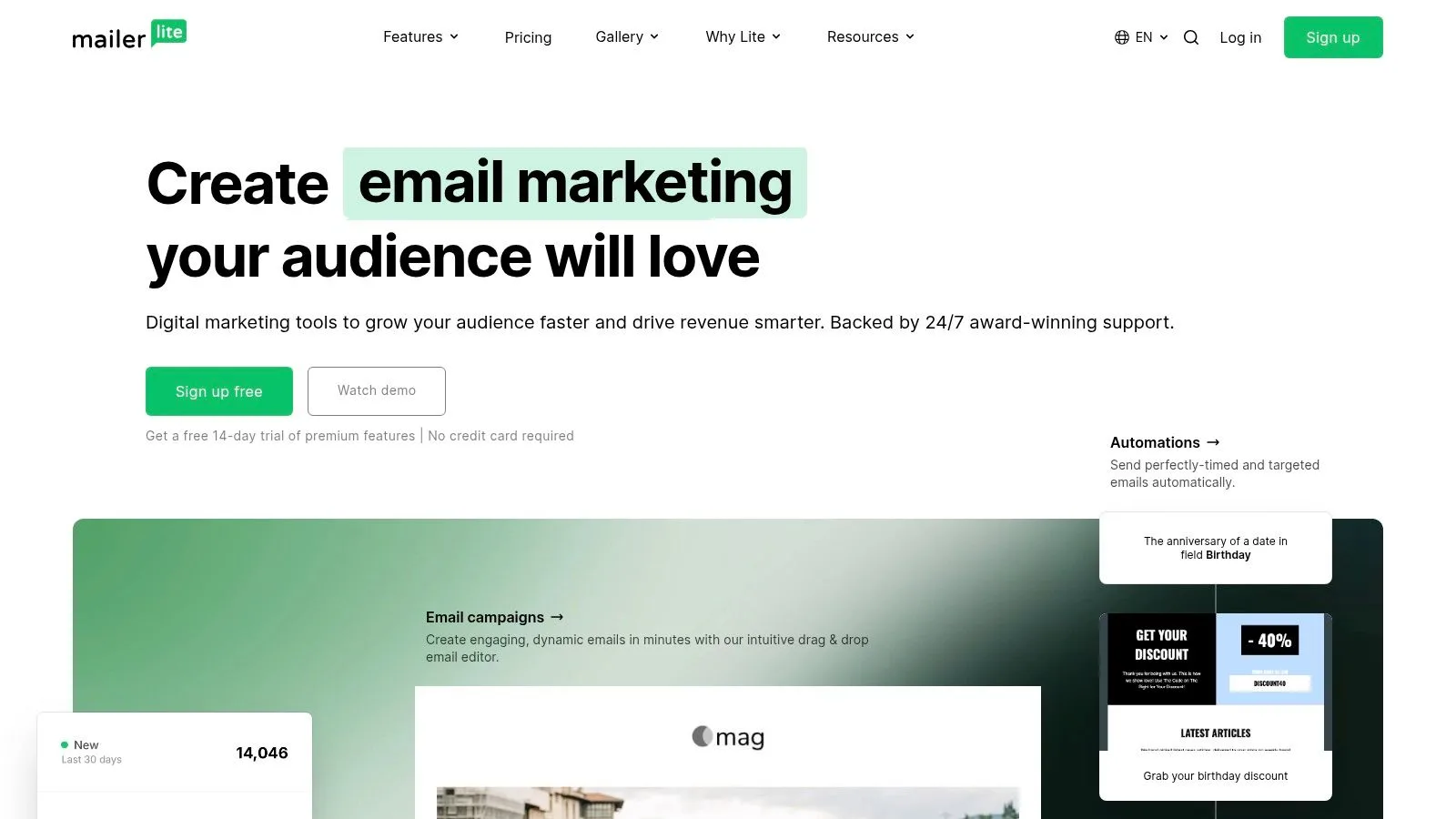
MailerLite is the tool I’d put in front of a small team that says, “We need email marketing, but we don’t want to fight the software.” Its interface is clean, the editor is fast, and the feature set covers what most smaller businesses typically use.
That reputation isn’t accidental. Historical market analysis has consistently treated MailerLite as a major contender because of its clean interface and intuitive editor, while still offering automation and analytics suitable for growth-stage small businesses.
Why it stays on shortlist after shortlist
MailerLite works well for newsletters, landing pages, forms, simple websites, and lightweight automations. For businesses that sell digital products or want to monetize content, it also has useful built-in support for that model.
Its limitation is ceiling, not usability. If you need deep enterprise controls, a giant integration ecosystem, or very advanced channel orchestration, you’ll eventually find its edges. But many small businesses never reach that point, and that’s exactly why it remains so appealing.
MailerLite is often the right answer when the team wants to send better emails next week, not spend the next month configuring software.
If ease of use is high on your list, MailerLite is one of the safest picks available.
5. Constant Contact
Constant Contact has always appealed to non-technical teams that want a broad small-business marketing platform with support they can contact. If your business runs events, local promotions, community communications, or simple ecommerce campaigns, it has a very practical shape.
It combines email with social posting, event tools, reporting, segmentation, and basic automation. That mix works well for organizations that don’t need highly complex customer journeys but do need several marketing tasks under one roof.
Where it makes sense
I like Constant Contact most for traditional small businesses, membership groups, and organizations where one person often wears five hats. The platform is straightforward, and the support options can make a real difference when no one on the team wants to troubleshoot alone.
The downside is value efficiency. There isn’t a permanent free plan, so you’ll want to be realistic about list size and how often you send. If your needs are simple, some cheaper tools may cover the same ground.
Still, for owner-led businesses that want an approachable all-around marketing tool, Constant Contact remains a reasonable choice.
6. Kit formerly ConvertKit
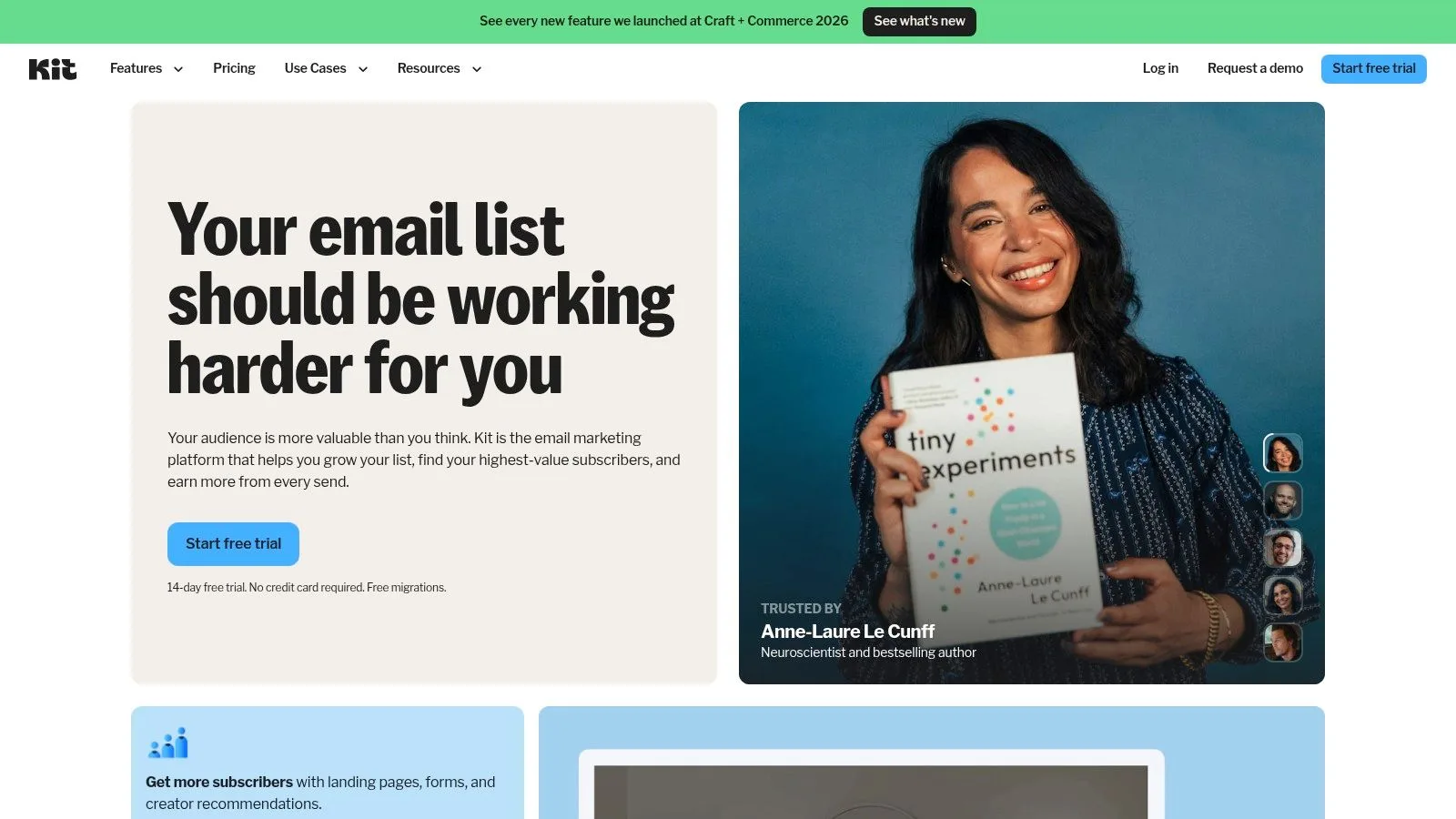
Kit is the best fit here for creator-led businesses. If your company runs on content, audience trust, digital products, memberships, or paid newsletters, Kit’s tag-based structure and automation logic are usually more natural than what you get in a general SMB platform.
It’s designed around audience relationships, not just campaigns. That sounds subtle, but it changes the day-to-day experience a lot.
What it does best
Kit is strong at sequences, tagging, forms, landing pages, and monetization paths for digital offers. It’s the tool I’d suggest for coaches, educators, solo founders with media businesses, and brands where the newsletter itself is part of the product.
The trade-off is pricing pressure as your audience expands. That’s common in creator software. Early on, the workflow feels elegant and focused. Later, subscriber-based pricing can force harder decisions about list hygiene and monetization.
If your business is audience-led and content-first, Kit usually makes more sense than a generic newsletter tool.
7. GetResponse
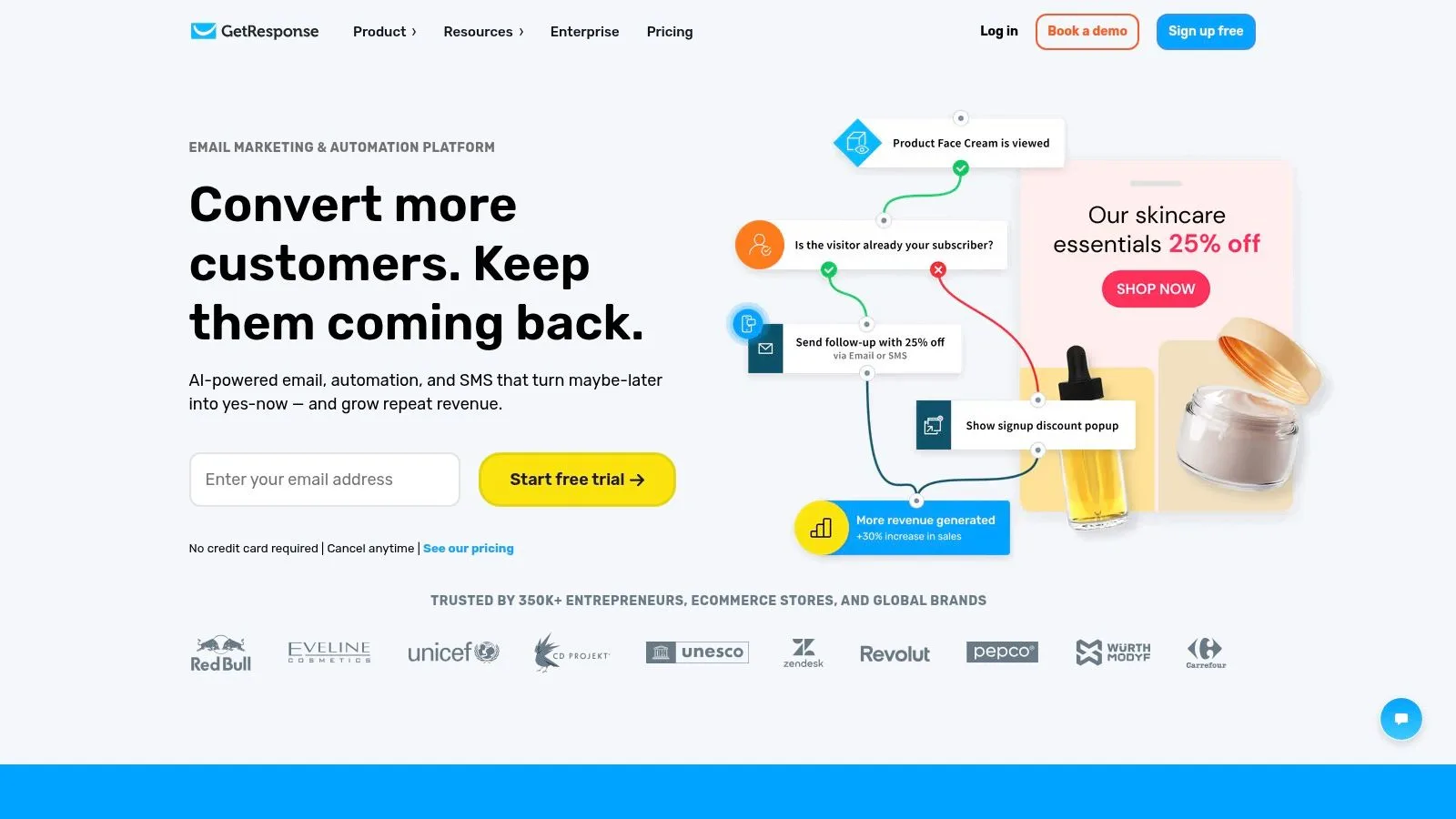
GetResponse is for the business that wants to centralize more than email. It bundles campaigns, automations, landing pages, pop-ups, websites, funnels, webinars, and even course-style functionality in one system.
For the right company, that’s efficient. For the wrong one, it’s heavy.
When the all-in-one approach helps
GetResponse shines when email is connected to lead capture, webinars, and funnel-building. Consultants, trainers, B2B service firms, and education businesses often get more value from it than a simple retailer would.
Its biggest practical risk is overbuying. If all you need is a monthly newsletter and a welcome sequence, GetResponse can feel like too much software. But if you’d otherwise pay for separate webinar, landing page, and automation tools, its breadth becomes an advantage.
Use GetResponse when you want to consolidate several growth tools into one platform and you’ll make use of those extra modules.
8. Moosend
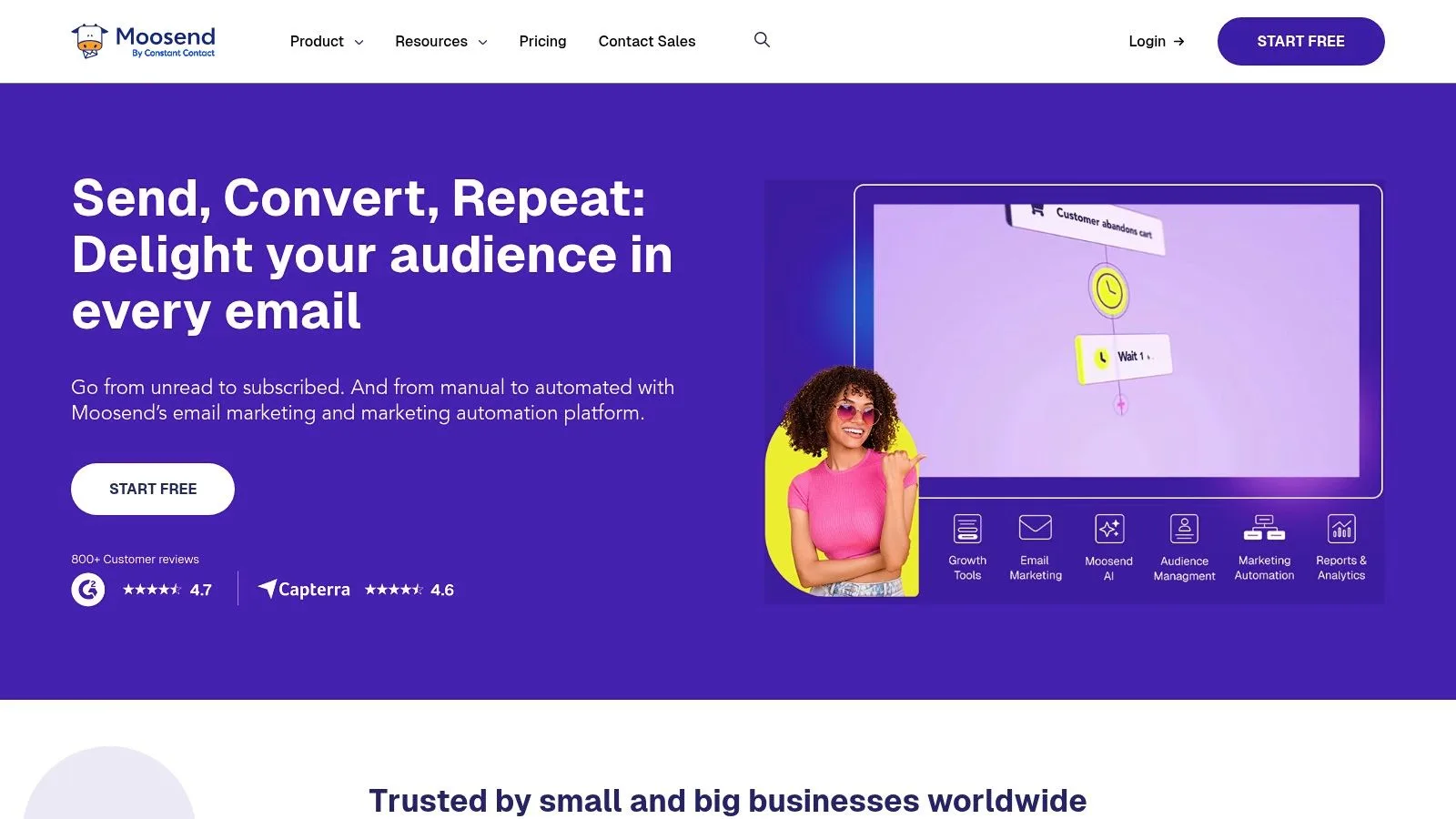
Moosend is a strong under-the-radar option for businesses that want capable newsletters and automations without paying for a heavyweight brand. It covers the essentials well and tends to appeal to teams that care about cost discipline.
The feature set is practical rather than flashy. You get campaigns, automation workflows, reporting, landing pages, forms, and transactional options.
Best use case
Moosend makes sense for seasonal senders, smaller ecommerce shops, and service businesses that want a reasonable automation layer without enterprise complexity. I also like that it offers pay-as-you-go email credits for teams that don’t send on a fixed monthly rhythm.
The trade-off is ecosystem depth. Compared with bigger names, the interface and integration options feel leaner. That won’t matter to every business, but it matters if your stack is already complex.
For a cost-conscious team that wants a sensible middle ground, Moosend is worth a look.
9. ActiveCampaign
A small business usually reaches for ActiveCampaign after simpler tools start to feel limiting. You have leads entering from several forms, follow-ups that should change based on behavior, and a sales process that depends on more than a basic newsletter sequence.
That is the point where ActiveCampaign starts to make sense.
Its strength is automation depth. You can build multi-step journeys, branch messaging based on actions, personalize content for different segments, and keep marketing activity tied closely to your CRM and sales pipeline. For a business with a longer buying cycle or a consultative sales process, that added control can improve timing and relevance in a way lighter tools often cannot.
Where ActiveCampaign fits best
I would look at ActiveCampaign for B2B service companies, agencies, consultants, SaaS teams, and other small businesses that already know their funnel stages. It works best when you can clearly answer questions like who counts as a qualified lead, which actions should trigger follow-up, and when a contact should move from marketing nurture to sales outreach.
The trade-off is setup burden. ActiveCampaign gives you a lot of flexibility, but flexibility creates more decisions. If your team is still sorting out basic campaign rhythm, list hygiene, or core offers, a simpler platform will often produce better results faster. Buying advanced automation before the strategy is clear usually leads to half-built workflows and reports no one acts on.
This is not the tool I would hand to a time-strapped owner who just wants to send monthly updates and the occasional promotion.
If you are ready to map your customer journey and maintain the system, ActiveCampaign is a strong choice for small businesses that need serious automation, not just email sends.
10. Omnisend
Omnisend is the ecommerce-first pick. If your business runs on Shopify or WooCommerce and your email program should drive store revenue, not just announcements, Omnisend is built for that reality.
It focuses on the workflows store owners need. Cart recovery, browse abandonment, product recommendations, and coordinated email plus SMS automations are the core value.
Best fit for stores
Omnisend is a strong choice for product-based brands that want revenue-oriented automations without moving to a large enterprise platform. It’s easier to map campaigns to store behavior when the product is designed around ecommerce events from the start.
The limitation is just as clear. If you don’t run a store, Omnisend may feel too specialized. A service business, local company, or B2B firm will often do better with a more general-purpose platform.
For online shops that want ecommerce workflows without overcomplication, Omnisend is a smart option.
Top 10 Email Marketing Tools for Small Business, Quick Comparison
| Product | Core features ✨ | UX & Quality ★ | Pricing 💰 | Best for 👥 |
|---|---|---|---|---|
| 🏆 Mail Merge for Gmail | ✨ Gmail+Sheets native mail merge, deep per-row personalization, real‑time open/click tracking, unsubscribe & scheduling | ★★★★★, fast, simple, reliable (4.9/5, 6,110+ reviews) | 💰 Free (50/day); Personal $2.99/mo; Pro $3.99/mo (1,500/day); Lifetime $149 one‑time | 👥 SMBs, SDRs, recruiters, educators, nonprofits |
| Mailchimp | ✨ Drag‑drop builder, templates, automations, large integrations | ★★★★, familiar UI, lots of resources | 💰 Free tier limited; costs rise with add‑ons/seats | 👥 Small teams scaling to ecommerce |
| Brevo (Sendinblue) | ✨ Email+SMS/WhatsApp, basic CRM, SMTP/API, send‑based pricing | ★★★★, approachable, practical | 💰 Send‑based pricing; free 300/day | 👥 Lean SMBs with frequent sends |
| MailerLite | ✨ Visual automations, landing pages, popups, monetization | ★★★★, simple, quick learning curve | 💰 Generous free tier; straightforward paid plans | 👥 SMBs wanting value & simplicity |
| Constant Contact | ✨ Email editor w/ AI, event & social tools, templates | ★★★★, beginner‑friendly, live support | 💰 No permanent free plan; clear plan limits | 👥 Non‑technical small teams & event organizers |
| Kit (ConvertKit) | ✨ Creator-focused automations, tagging, commerce tools | ★★★★, creator workflows, easy migrations | 💰 Free tier; per‑subscriber pricing scales | 👥 Creators, bloggers, digital product sellers |
| GetResponse | ✨ Funnels, webinars, automation, landing pages | ★★★★, robust, all‑in‑one suite | 💰 Unlimited sends on paid plans; good value for funnels | 👥 Teams centralizing email+funnels+webinars |
| Moosend | ✨ Automation, landing pages, PAYG email credits | ★★★, cost-conscious, lean feature set | 💰 PAYG credits & transparent pricing; 30‑day trial | 👥 Seasonal senders & budget SMBs |
| ActiveCampaign | ✨ Advanced multi‑step automations, CRM, AI features | ★★★★★, powerful automation at SMB scale | 💰 Quote/tiered pricing; scales with features | 👥 SMBs needing advanced automation & CRM |
| Omnisend | ✨ Ecommerce automations, product feeds, SMS & web push | ★★★★, ecommerce‑first, revenue‑oriented | 💰 Clear send allowances & SMS pricing | 👥 Ecommerce stores (Shopify/WooCommerce) |
How to Choose and Start Using Your Email Tool
A small business usually feels the cost of a bad email tool in the first month. The team delays sends because the setup is confusing, automations sit half-built, and subscriber data ends up scattered across spreadsheets, storefront apps, and inboxes. The right choice prevents that. It fits the way you sell today and gives you enough room to grow without forcing you into enterprise-level complexity.
Start with the job the tool needs to do first, not the longest feature list. If your team works inside Gmail and Google Sheets and sends outreach that needs to feel personal, a Gmail-native option makes sense. If your priority is newsletters, simple campaigns, and a clean editor, a lighter ESP such as MailerLite or Mailchimp is usually easier to manage. If you want email plus landing pages, CRM features, chat, or sales funnels in one system, an all-in-one platform like Brevo, GetResponse, or ActiveCampaign can reduce tool sprawl. If revenue depends on cart recovery, product recommendations, and customer lifecycle flows, an ecommerce tool like Omnisend is the more practical choice.
Automation matters, but only when it matches your stage. Welcome emails, abandoned cart reminders, lead follow-ups, and re-engagement sequences often perform better than one-off blasts because they reach people at the right moment. That does not mean every small business should buy the most advanced automation platform on day one. It means you should choose a tool that supports the next one or two workflows you are prepared to build, maintain, and measure.
Support is part of the buying decision too. Small teams rarely have time to troubleshoot deliverability issues, broken forms, or a messy import during a campaign week. Fast, competent support can save more money than an extra feature you may never use.
A practical framework works better than comparing ten pricing pages side by side:
-
Choose Gmail-native if you send personalized outreach, want your team to stay in Gmail, and need fast adoption with minimal retraining.
-
Choose a simple ESP if your core use case is newsletters, promotions, and a few basic automations.
-
Choose an all-in-one platform if consolidating email, forms, landing pages, CRM, or webinars matters more than having the lightest interface.
-
Choose an ecommerce specialist if your store data, product catalog, and purchase-triggered flows drive a meaningful share of sales.
-
Choose an automation-heavy platform only if someone on your team owns setup, testing, and reporting.
The wrong tool is usually not poor software. It is a mismatch between the platform and the business model.
Once you choose, keep the rollout simple. Import a clean list, confirm your domain settings, build one reusable template, and launch one automation that ties directly to revenue or lead follow-up. Then watch a short list of metrics: delivery, opens, clicks, replies if relevant, unsubscribes, and conversion. If you want help drafting faster, quso.ai’s AI email generator can help with campaign copy.
If your business already runs in Gmail and Google Sheets, Mail Merge for Gmail is a practical starting point, as noted earlier. It keeps sending close to the workflow your team already knows and supports personalized, trackable campaigns without adding a larger platform before you need one.
Ready to send your first campaign?
Install Mail Merge for Gmail from the Google Workspace Marketplace and send up to 50 personalized emails per day for free.
Get started for freeMore reading
More from News

7 Best Monthly Newsletter Templates for 2026
Find your perfect monthly newsletter template. Our guide has 7 free and paid options, plus a tutorial on sending them with Mail Merge for Gmail.
Mail Merge is CASA Tier 3 Certified!
Mail Merge for Gmail passed an independent CASA Tier 3 security assessment. Learn what the certification covers, its four pillars, and what it means for your data.

Announcing Our ISO 27001 Certification
Mail Merge for Gmail is now ISO 27001 certified. Find out what this information security certification means for you and why it matters for a tool that sends email on your behalf.