


















7 Best Monthly Newsletter Templates for 2026
Find your perfect monthly newsletter template. Our guide has 7 free and paid options, plus a tutorial on sending them with Mail Merge for Gmail.
Stop staring at a blank page. The monthly newsletter sounds simple until you have to build it again, gather updates from three people, fix formatting in Gmail, and send something that still feels personal. Teams often don’t need more inspiration. They need a monthly newsletter template they can reuse without rebuilding the whole thing every 30 days.
That’s where a practical workflow matters. Good templates give you structure, but the key time-saver is pairing that structure with a sending process that handles personalization, approvals, and tracking without turning into a full marketing-ops project. Microsoft Word offering built-in newsletter templates that people can edit, personalize, and export as PDFs is a good reminder that template-based newsletter creation is now a mainstream workflow, not a niche design task (Microsoft newsletter templates).
Below are the tools I’d consider for monthly newsletters, starting with the option that makes the Gmail-based workflow easiest.
1. Mail Merge for Gmail
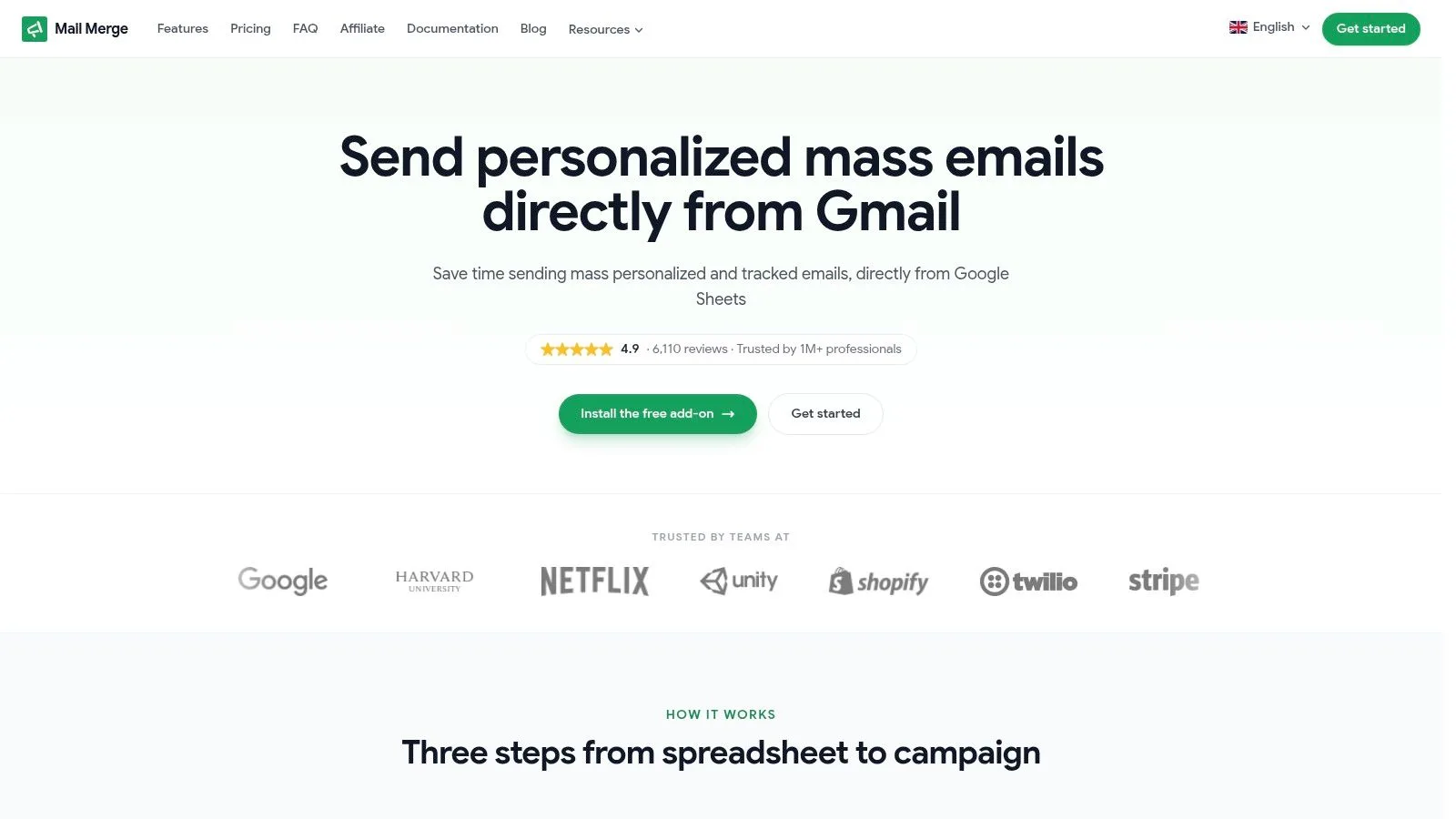
It’s the last week of the month. The copy is sitting in a Google Doc, the contact list is in Sheets, someone wants a version for partners, and someone else needs a PDF attached for a smaller segment. In that setup, Mail Merge for Gmail is a practical way to turn a reusable monthly newsletter template into a repeatable send process without adding a full email platform to the stack.
That matters because a good template only solves half the job. You still need a reliable way to personalize the message, send from the inbox your team already uses, and track what happened after the send.
Why it works well for recurring newsletters
The workflow is straightforward. Keep the recipient list in Google Sheets, paste or build the newsletter in Gmail, map your merge fields, preview the output, and send. For monthly newsletters, that usually covers the work that eats time every cycle: swapping in the new content, tailoring a few lines for different audiences, and avoiding manual copy-paste mistakes.
Mail Merge for Gmail supports personalization in the subject line, email body, CC, BCC, attachments, and HTML templates. That gives teams enough flexibility to run one monthly format across customer updates, donor news, recruiting newsletters, internal announcements, or partner communications without maintaining separate campaigns in separate tools.
It also writes send activity back to the sheet, including statuses like Sent, Opened, Clicked, and Replied. I like that because reporting stays close to the working file. A coordinator can review results, clean the list, and prep next month’s issue in the same spreadsheet instead of exporting data into another dashboard. For teams that need to protect deliverability while doing that, these email sender guidelines for Gmail-based campaigns are a useful checklist.
Practical rule: If contacts, draft approvals, and monthly edits already happen in Google Workspace, keep the newsletter workflow there until volume or automation needs clearly outgrow it.
How I’d use it each month
My go-to setup is simple. Start with one master newsletter template in Gmail or HTML. Store audience columns in Sheets, such as first name, company, segment, attachment URL, or intro variation. Test the merge on a small internal list first, then send in the final pass once formatting, links, and fallback text are confirmed.
This approach is especially useful when the newsletter includes personalized files or recurring documents. In those cases, you can also streamline document creation in Google and send the right asset to each recipient without building a separate manual workflow.
What it fits, and where it doesn’t
Here’s the trade-off with Mail Merge for Gmail:
- Best fit: Small businesses, startups, schools, nonprofits, recruiters, and lean marketing teams sending a recurring monthly update from Google Workspace.
- Less ideal: High-volume newsletter programs that need complex automations, advanced segmentation, or multi-brand design controls.
- Strong advantage: Activity tracking stays in Sheets, which makes handoff and reporting much easier for small teams.
- Main limitation: Sending still depends on Gmail account limits, so it’s better for controlled monthly sends than enterprise-scale broadcasting from one inbox.
For a lot of teams, that’s a sensible compromise. You get a reusable monthly newsletter template source and a clear sending workflow in the same environment. That combination is what makes this tool stand out in practice.
2. Beefree
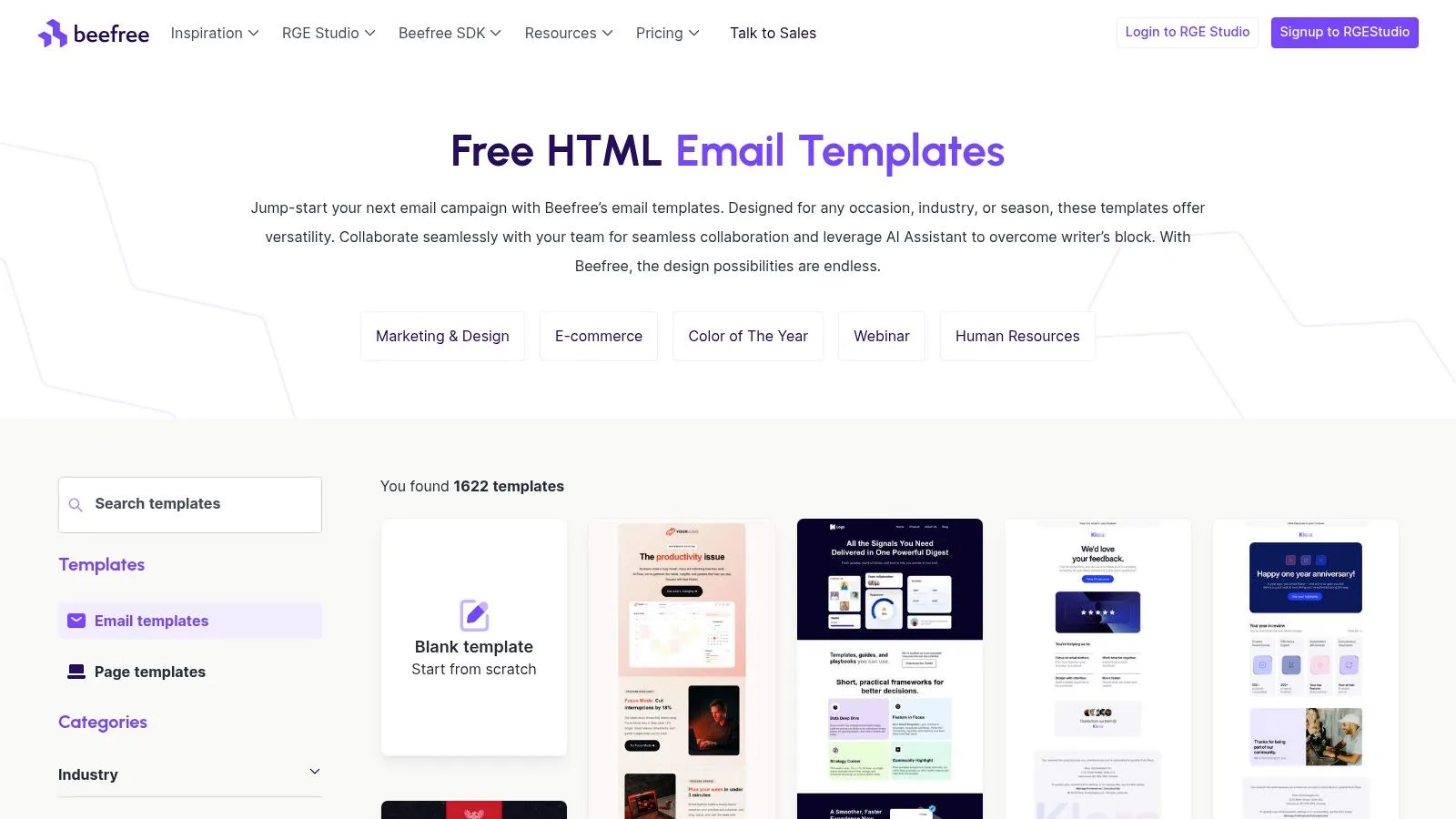
Beefree is one of the better choices when your main problem is visual production. If you want a monthly newsletter template that already looks polished on mobile, with drag-and-drop editing and export options that don’t fight you, it’s a strong option.
What I like most about Beefree is that it sits comfortably between design tool and sending workflow. You can build the newsletter there, export HTML, then move it into Gmail or another sender without starting from scratch. That makes it useful for teams that want better design than Gmail alone can offer, but don’t want to commit to sending from a large ESP.
Where Beefree earns its place
Beefree’s template library is built around common email layouts, including newsletter-style formats that repeat well month after month. The mobile-first angle matters because one research-backed roundup notes that most recipients open emails on mobile devices, making responsive design essential, and also highlights that 43% of Americans prefer simple, easy-to-scan marketing emails with unobtrusive images (Stripo’s newsletter statistics roundup).
That’s exactly the kind of structure Beefree supports well. You can build a scannable issue with one primary CTA, clear section hierarchy, and fewer competing links.
- Best use case: Marketing and ops teams that care about visual consistency and need reusable monthly layouts.
- Big plus: HTML export and connectors reduce the usual copy-paste mess.
- Watch out for: Paid tiers offer some of the collaboration and export features people usually want after the first few sends.
Before you send a template built in any visual editor, it’s worth reviewing email sender guidelines for Gmail-based campaigns. Good design won’t save a sloppy sending setup.
Use Beefree here: Beefree templates
3. Stripo
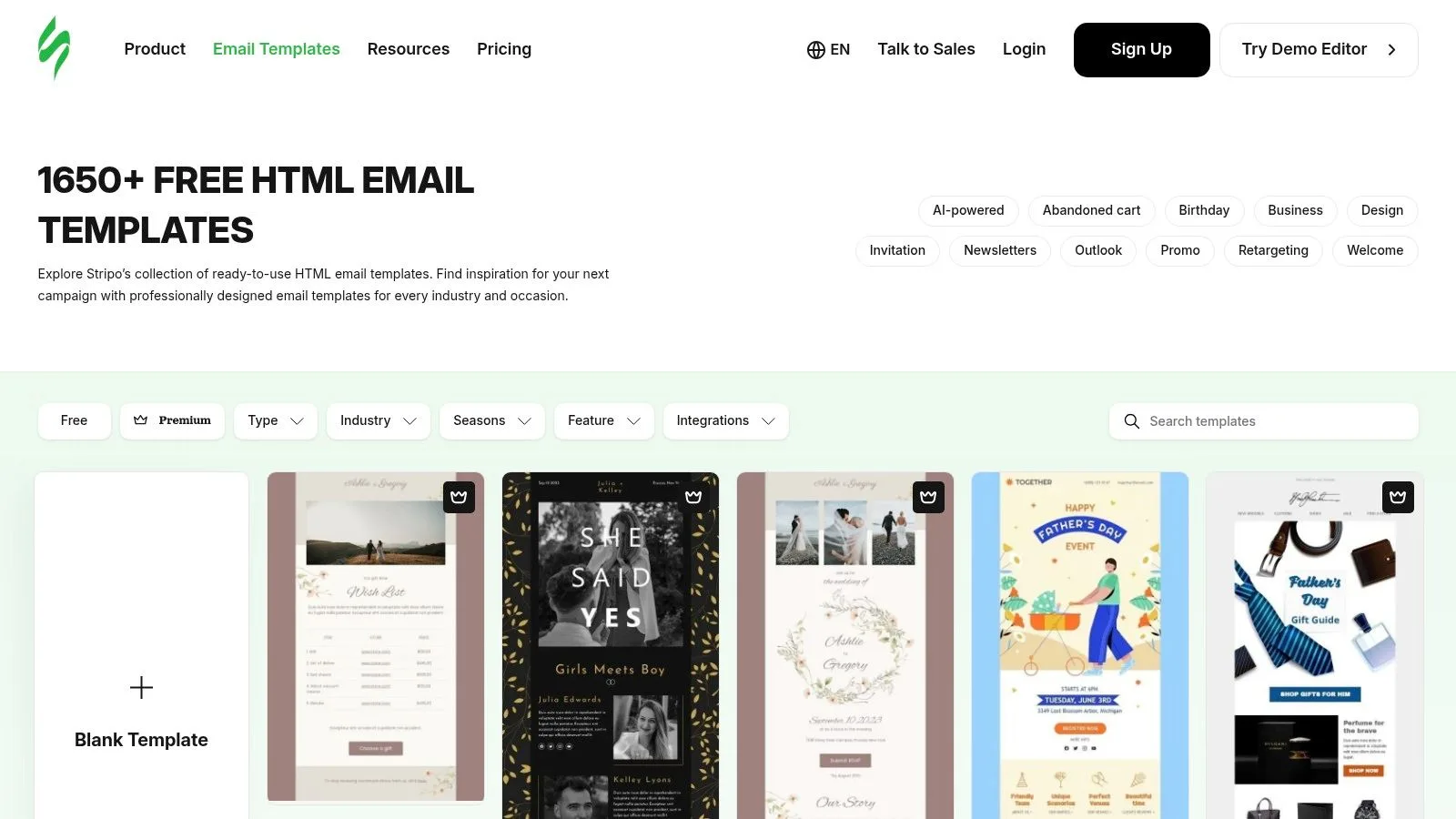
Stripo is the template source I’d reach for when speed matters more than originality. Its strength is modularity. You can build a monthly newsletter template once, then swap blocks for updates, events, offers, product notes, or curated links without redesigning the issue every time.
That block-based approach is useful because most newsletter advice stops at layout and branding, while the actual bottleneck is operational. Venngage’s newsletter template coverage is a good example of the wider gap in the category: teams often get design guidance, but not enough help on repeatable monthly workflows, approvals, content reuse, or standardizing what stays fixed versus what rotates (Venngage newsletter template guide).
Why Stripo fits repeatable production
Stripo is especially good when you want to define a stable structure such as:
- Fixed header: Logo, issue title, and intro slot.
- Recurring middle modules: Featured update, roundup, event, customer story, or team note.
- Stable footer: Contact info, unsubscribe language, and link set.
That’s the right way to use a monthly newsletter template. Keep the frame stable. Rotate the content modules.
A monthly newsletter gets easier when only a few sections change. If half the layout changes every month, you don’t have a template. You have a new project.
Stripo also works well with Gmail-based sending because draft export is available, which helps avoid formatting breaks that happen when people paste newsletter HTML by hand.
Use Stripo here: Stripo email templates
4. Mailchimp
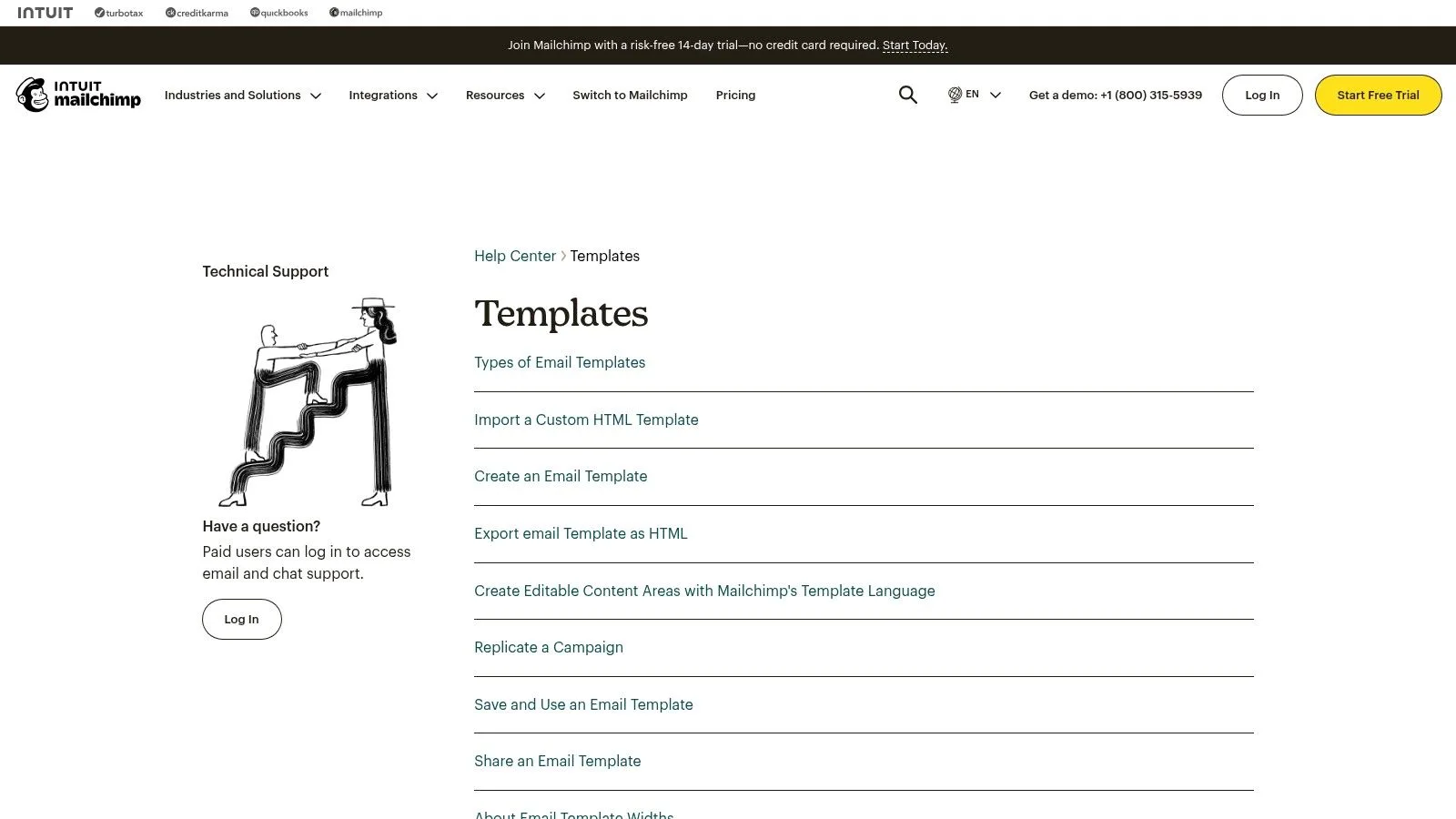
Mailchimp is still the familiar choice for many teams because almost everyone has touched it at some point. For a monthly newsletter template, that familiarity counts. It’s easier to hire around, easier to hand off, and easier to find examples for.
The built-in template library and block editor are good enough for standard monthly issues. The detail that matters is workflow: if you want to reuse Mailchimp designs in a Gmail-based process, HTML export applies to saved templates rather than draft campaigns. That’s workable, but you need to plan for it.
The real trade-off with Mailchimp
Mailchimp makes sense when the template itself is the priority and you want broad ecosystem familiarity. It makes less sense if your team’s actual sending hub is Gmail and you don’t want a separate campaign system driving the process.
Slack’s monthly newsletter guidance recommends tracking open rates and click-through rates, and providers such as HubSpot and Venngage emphasize A/B testing, scannable structure, and clear calls to action as standard performance practices (Slack monthly newsletter template guidance). Mailchimp fits that model well, but teams should be careful not to stop at opens.
That’s why it helps to understand click rate vs click-through rate in newsletter reporting. A monthly template should support one clear action, not just generate a pleasant-looking send.
- Choose Mailchimp if: You want a mainstream builder with familiar editing patterns.
- Skip it if: You mainly want a lightweight Gmail-native workflow.
- Plan around: Export rules and tighter free-tier constraints.
Use Mailchimp here: Mailchimp templates
5. HubSpot Newsletter Builder
HubSpot’s newsletter builder is the practical choice for teams that want templates now and broader marketing infrastructure later. If your monthly newsletter is tied to CRM context, lifecycle stages, or future automation plans, HubSpot gives you a cleaner upgrade path than pure design-first tools.
The builder itself is straightforward. You get ready-made templates and a drag-and-drop editor that’s easy to use for recurring sends. The bigger reason to choose it is strategic: you can start with a simple monthly newsletter and expand into segmentation, reporting, and automation without replacing the system.
Best for teams thinking past the template
HubSpot is strongest when the newsletter is part of a larger contact strategy. If you need sales, customer success, and marketing to share context, that matters more than having the flashiest template gallery.
It’s also one of the better examples of monthly email as an ongoing cadence rather than a one-off campaign. HubSpot’s own product guidance supports monthly blog subscription emails and lets teams schedule recurring sends tied to published content (HubSpot blog subscription emails).
Don’t pick HubSpot just because it has templates. Pick it if the newsletter is one piece of a larger contact system.
The downside is simple. Exporting clean HTML for a Gmail-based workflow isn’t the core pitch here. If you plan to design in one place and send through Gmail every time, other builders feel more natural.
Use HubSpot here: HubSpot newsletter builder
6. Mailjet
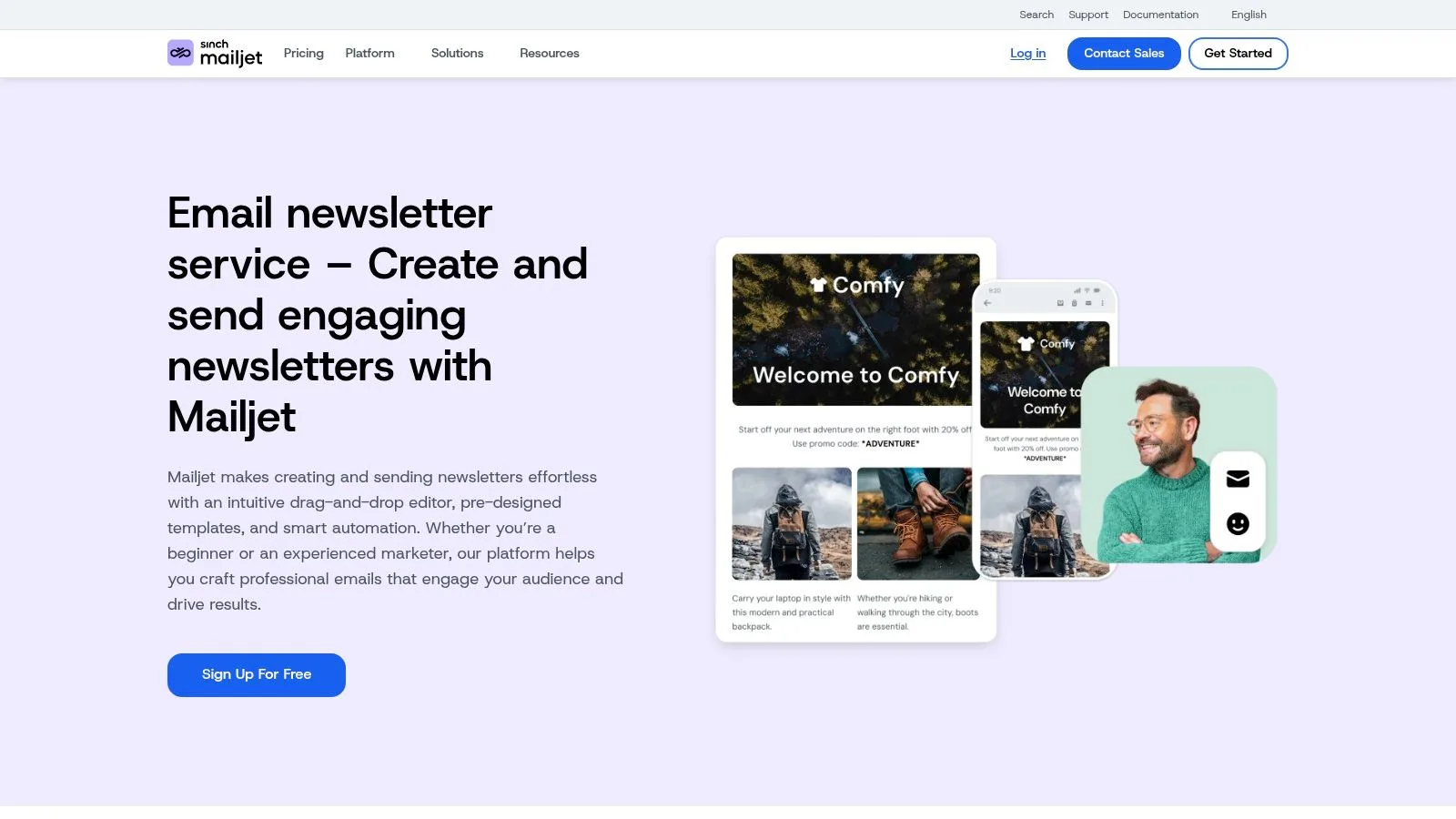
Mailjet is a good middle ground when several people touch the same newsletter before it goes out. Most monthly newsletters aren’t delayed by design. They’re delayed by reviews, edits, and version confusion. Mailjet’s collaborative editor helps with that part.
What makes it stand out is the combination of team editing and export flexibility. You can build the newsletter together, then download the finished template as HTML or MJML for reuse elsewhere. That makes it practical for teams that design centrally but send from different systems.
Where Mailjet is useful
This is the tool I’d consider when the monthly issue pulls input from marketing, product, HR, or leadership and everyone wants a pass before send day. Real-time co-editing cuts down on duplicate drafts and “latest-final-v4” chaos.
There’s also a broader market signal behind this category. The global email marketing and newsletter tools market was estimated at USD 8.2 billion in 2025 and is projected to reach USD 18.7 billion by 2034, with a 9.6% CAGR from 2026 onward, covering template builders, automation, analytics, A/B testing, and privacy-compliance features (email marketing and newsletter tools market forecast). That growth is one reason collaboration and export have become more important than template aesthetics alone.
- Strong fit: Teams with shared ownership of a monthly issue.
- Useful edge: Easier-than-average export for reuse outside the platform.
- Compromise: Template range is solid, but not the deepest library in this list.
Use Mailjet here: Mailjet newsletter service
7. Moosend
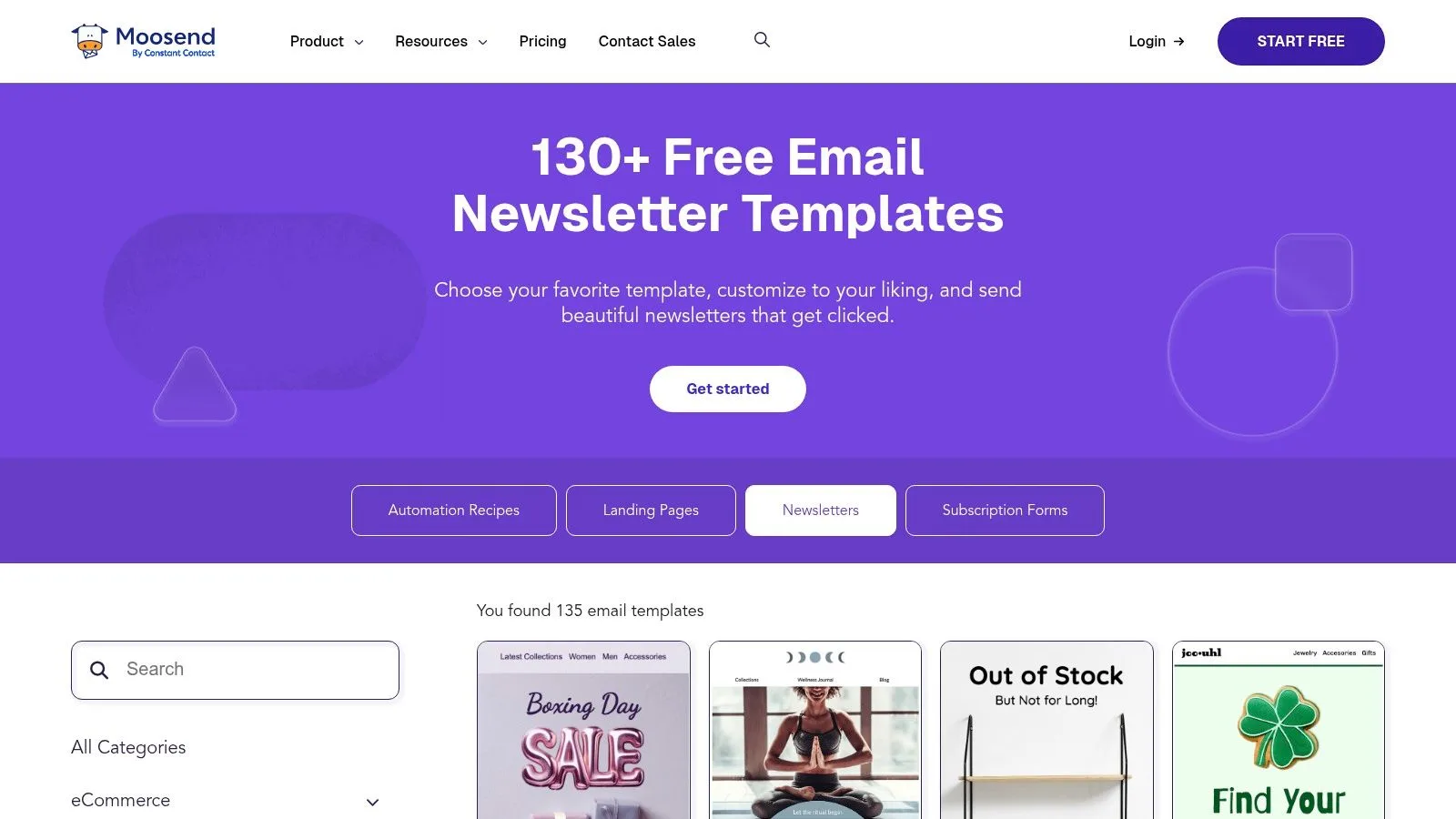
Moosend is a sensible pick for small and mid-sized businesses that want a modern template library without a steep learning curve. The editor is beginner-friendly, and the templates are clean enough that you can get to a sendable monthly newsletter quickly.
I like Moosend when the team creating the newsletter isn’t made up of email specialists. If an office manager, founder, marketer, or coordinator is doing the work, ease of use matters more than advanced controls they’ll never touch.
A good fit for smaller teams
Moosend’s value is that it keeps things simple. You get responsive templates, a drag-and-drop builder, and an HTML-friendly workflow if you want to move the design into another sending setup later.
That said, teams should think beyond opens and visual polish. Squarespace’s newsletter guidance points to a real blind spot in many template discussions: privacy changes and image blocking have made open-rate optimization less complete on its own, so clicks, replies, conversions, and list quality are often more useful indicators depending on the newsletter’s job (Squarespace newsletter examples and measurement discussion).
If your monthly newsletter exists to drive action, use a design that supports one primary outcome. Moosend’s simpler templates often help more than overbuilt layouts.
Use Moosend here: Moosend templates
Monthly Newsletter Template: Top 7 Tools Comparison
| Tool | 🔄 Implementation Complexity | ⚡ Resource Requirements | 📊 Expected Outcomes | 💡 Ideal Use Cases | ⭐ Key Advantages |
|---|---|---|---|---|---|
| Mail Merge for Gmail | Low, 3-step Gmail + Sheets workflow, minimal setup | Low, Gmail account + Sheets; free tier; subject to Gmail send caps | High personalization & tracking; strong deliverability for small lists, ⭐⭐⭐⭐⭐ | Small businesses, sales/SDR, recruiters, nonprofits wanting one‑to‑one mass outreach | Deep per-recipient personalization; privacy-first; spreadsheet-integrated tracking; affordable |
| Beefree (RGE Studio) | Low, drag-and-drop editor, template-focused | Low–Moderate, free templates; some exports/integrations need paid tiers | High-quality responsive designs; clean HTML export for Mail Merge, ⭐⭐⭐⭐ | Design-first teams exporting HTML to Gmail/ESPs or building monthly roundups | Large template library; HTML export; connectors to major ESPs |
| Stripo | Low, modular blocks for fast assembly | Low, free exports available (limited count); paid for frequent use | Fast repeatable newsletters and reliable Gmail drafts; responsive templates, ⭐⭐⭐⭐ | Small teams producing repeatable monthly issues with limited export needs | Very large template gallery; modular blocks; direct Gmail export |
| Mailchimp | Medium, block-based editor and template language to learn | Moderate, free tier limited; paid plans for larger lists & features | Good design + automation within an ESP; saved-template HTML export, ⭐⭐⭐ | Organizations needing an all-in-one ESP with lots of how-tos and community support | Mature platform; extensive resources; template export for reuse |
| HubSpot Newsletter Builder | Medium, visual builder with CRM integration | Moderate–High, free builder; full value requires Marketing Hub paid tiers | CRM-linked analytics and scalable automation when hosted in HubSpot, ⭐⭐⭐ | Teams that want CRM context and a clear upgrade path to marketing automation | Native CRM tie-ins; built-in analytics; upgrade path to advanced marketing |
| Mailjet | Medium, collaborative editor with export options | Moderate, exports (HTML/MJML) and co-editing often on paid plans | Team-friendly workflows and reusable templates; practical export for Gmail, ⭐⭐⭐ | Teams iterating on monthly issues needing real-time collaboration and exports | Real-time co-editing; easy HTML/MJML export; team collaboration features |
| Moosend | Low, beginner-friendly drag-and-drop editor | Low, many free templates; competitively priced paid plans | Solid template quality for SMBs; cost-effective for small lists, ⭐⭐⭐ | Small-to-medium businesses wanting simple editor and budget-friendly plans | Easy editor; solid responsive templates; good value at low volumes |
Build Better Newsletters, Faster
At 4:30 p.m. on send day, the template is rarely the actual problem. Approval changes are still coming in, subject lines are unresolved, and the contact list needs segmented intros pulled from a sheet. The teams that get the newsletter out cleanly usually have a tighter production process, not a prettier starting layout.
That is the point of pairing template builders with Mail Merge for Gmail. Use Beefree, Stripo, Mailchimp, HubSpot, Mailjet, or Moosend to create the structure. Then finish personalization and sending inside Gmail, where many teams already handle final review and stakeholder signoff.
I use a simple monthly workflow.
Start with one template and keep the recurring parts fixed: header, footer, brand block, legal copy, and the sections readers expect every month. Replace only the issue-specific modules. Store subject lines, preview text, CTAs, segment notes, and personalized fields in Google Sheets. Then preview each version in Gmail before sending. That setup reduces last-minute formatting mistakes and keeps segmented sends from turning into manual copy-paste work.
The trade-off is straightforward. A full ESP gives you more native automation, deeper reporting, and list management in one place. A Gmail-based workflow is often faster for monthly newsletters that begin in docs, move through approval threads, and rely on sheet-based audience data. For lean marketing teams, that speed matters more than adding another platform to manage.
The template source still matters. Beefree and Stripo give more layout control. Mailchimp and HubSpot fit better when the newsletter sits inside a wider email program. Mailjet helps when multiple people need to edit at the same time. Moosend is a practical pick for smaller teams that want a clean template without much setup.
Strong monthly newsletters are usually simple. Clear hierarchy. Mobile-safe sections. One primary action. The weaker ones tend to collect extra modules, extra links, and rushed edits that dilute the message before the email ever sends.
If you want to sharpen the message as well as the layout, this Formbricks newsletter content guide is a useful companion read.
Choose a template source that fits your team, standardize the parts that repeat, and run the final send through a sheet-driven Gmail workflow. That is the fastest way to turn a monthly newsletter template into a process your team can repeat next month without rebuilding everything from scratch.
Ready to send your first campaign?
Install Mail Merge for Gmail from the Google Workspace Marketplace and send up to 50 personalized emails per day for free.
Get started for freeMore reading
More from News

Best Email Marketing Tools for Small Business: Your 2026
Discover the best email marketing tools for small business in our 2026 guide. We rank 10 top platforms on features, pricing, and deliverability for growth.
Mail Merge is CASA Tier 3 Certified!
Mail Merge for Gmail passed an independent CASA Tier 3 security assessment. Learn what the certification covers, its four pillars, and what it means for your data.

Announcing Our ISO 27001 Certification
Mail Merge for Gmail is now ISO 27001 certified. Find out what this information security certification means for you and why it matters for a tool that sends email on your behalf.