


















Best Email Marketing Tool for Small Business: Get Pro
Find the best email marketing tool for small business. Master key features and create professional campaigns directly from Gmail in 2026. Get started now!
When evaluating email marketing tools for small business, you’re probably already tired of comparison pages that all sound the same. One platform promises advanced automation. Another pushes CRM, landing pages, SMS, and AI. A third wants you to rebuild your contact list, learn a new interface, and change the way your team already works.
That advice misses how most small businesses operate. You don’t need a marketing operations department. You need to send useful emails, personalize them without a lot of manual work, track what happened, and keep the whole process manageable for the person who also handles sales, support, or fulfillment.
The Overwhelming Search for an Email Marketing Tool
Most small business owners start in the same place. They know email still matters, so they open a few tabs, compare logos, and end up staring at platforms built for teams much larger than their own. The demos look polished. The workflows look powerful. The setup looks like a second job.

That frustration is reasonable. Email is still one of the biggest reachable channels online. The global email user base reached about 4.6 billion people in 2025 and is projected to grow to 4.9 billion by 2028, while average open rates are around 34.23%, according to HubSpot marketing statistics. For a small business, that means the channel is still worth taking seriously.
Why the usual buying advice feels off
The problem isn’t email. It’s the way software gets recommended.
Most lists are written as if every business needs visual automation builders, complex branching logic, deep CRM pipelines, and a full campaign studio. Some companies do need that. Many don’t. A local service company, small agency, consultant, recruiter, nonprofit, or founder-led startup often needs something much simpler.
You don’t get points for using the most advanced platform. You get results from sending the right message, to the right people, with a workflow your team will actually keep using.
What usually happens in real life
Small teams often abandon complicated platforms for predictable reasons:
- Setup stalls out because importing contacts, mapping fields, and configuring workflows takes longer than expected.
- Usage drops because only one person understands the system.
- Campaigns slow down because every send turns into a production task instead of a communication task.
- Costs feel harder to justify when most of the feature set sits untouched.
A more useful question is this. Instead of asking which platform has the longest feature list, ask which tool lets you send professional campaigns with the least friction. For many small businesses, the answer isn’t another separate platform. It’s a tool that fits inside Gmail and Google Sheets, where the work already happens.
What Small Businesses Actually Need from Email Marketing
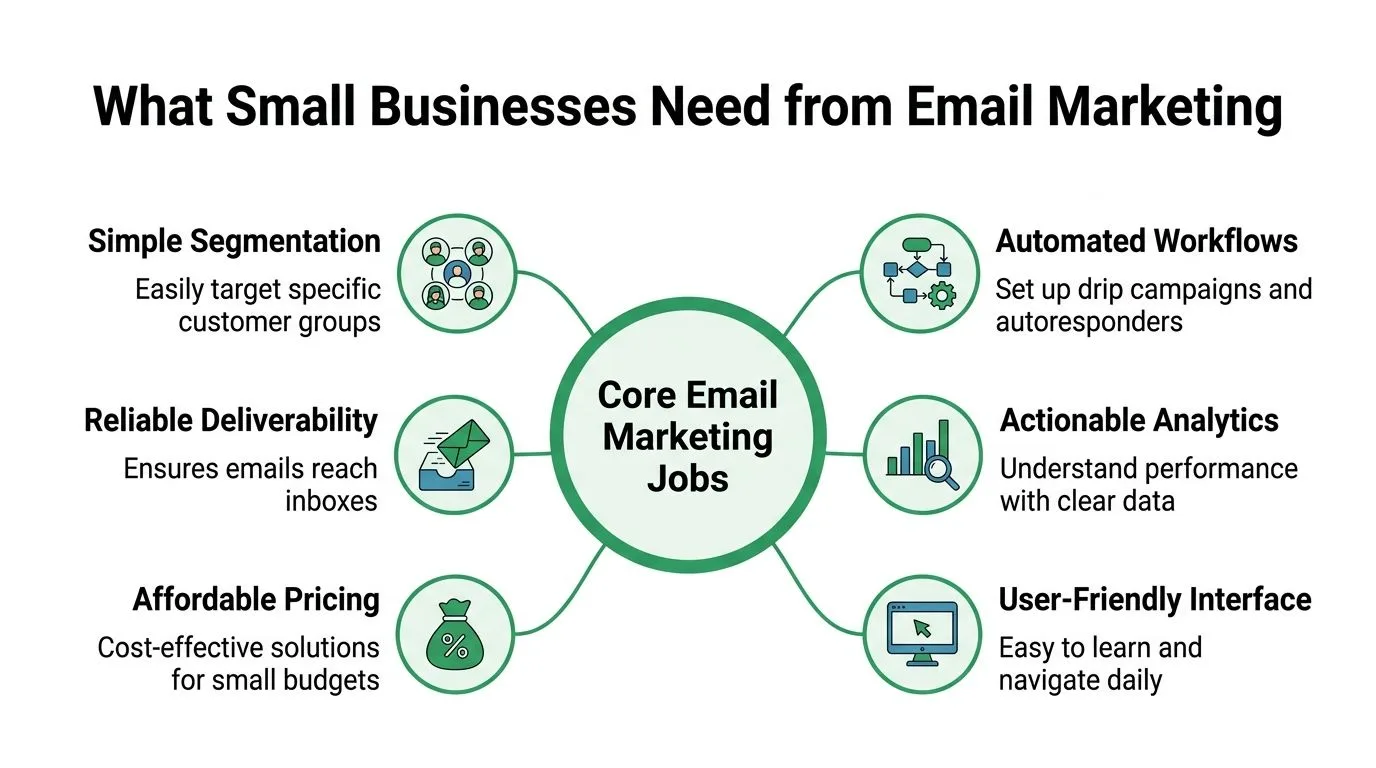
The easiest way to choose an email marketing tool for small business is to ignore the feature parade and focus on the actual jobs the tool has to do. Most small teams aren’t building massive customer journeys. They’re sending updates, follow-ups, newsletters, launch emails, reminders, and outreach.
The core jobs that matter
A practical tool should help you do a handful of things well:
- Send personalized messages so each recipient sees their name, company, or other relevant details.
- Keep lists organized without forcing you into a complicated database structure.
- Track engagement clearly so you can see opens, clicks, replies, bounces, and unsubscribes.
- Make repeat sending easy for newsletters, lead follow-ups, announcements, and event reminders.
- Protect deliverability so your emails reach inboxes.
- Stay simple enough for daily use by people who don’t specialize in email systems.
What belongs in the nice-to-have bucket
A lot of features look impressive in a product tour and barely matter in daily small business use.
A visual automation builder can be helpful. So can A/B testing, landing pages, and advanced segmentation. But if the trade-off is slower execution, more training, and another disconnected system to manage, those features can become overhead instead of a benefit.
Practical rule: If a feature makes your team less likely to send consistently, it isn’t helping your marketing.
A smaller requirement list usually leads to a better choice
For many businesses, a solid tool only needs to answer a few questions:
| Need | What to look for |
|---|---|
| Personalization | Can you use data from a simple spreadsheet? |
| Workflow | Can your team launch a campaign without special training? |
| Tracking | Can you tell who engaged and who didn’t? |
| Compliance | Can opt-outs be handled cleanly and quickly? |
| Deliverability | Does the tool support healthy sending practices? |
If you’re working on subject lines, timing, and relevance, this guide on strategies for better email open rates is worth reading. It complements tool selection well because software can’t rescue a weak message.
Your Practical Checklist for Choosing the Right Tool
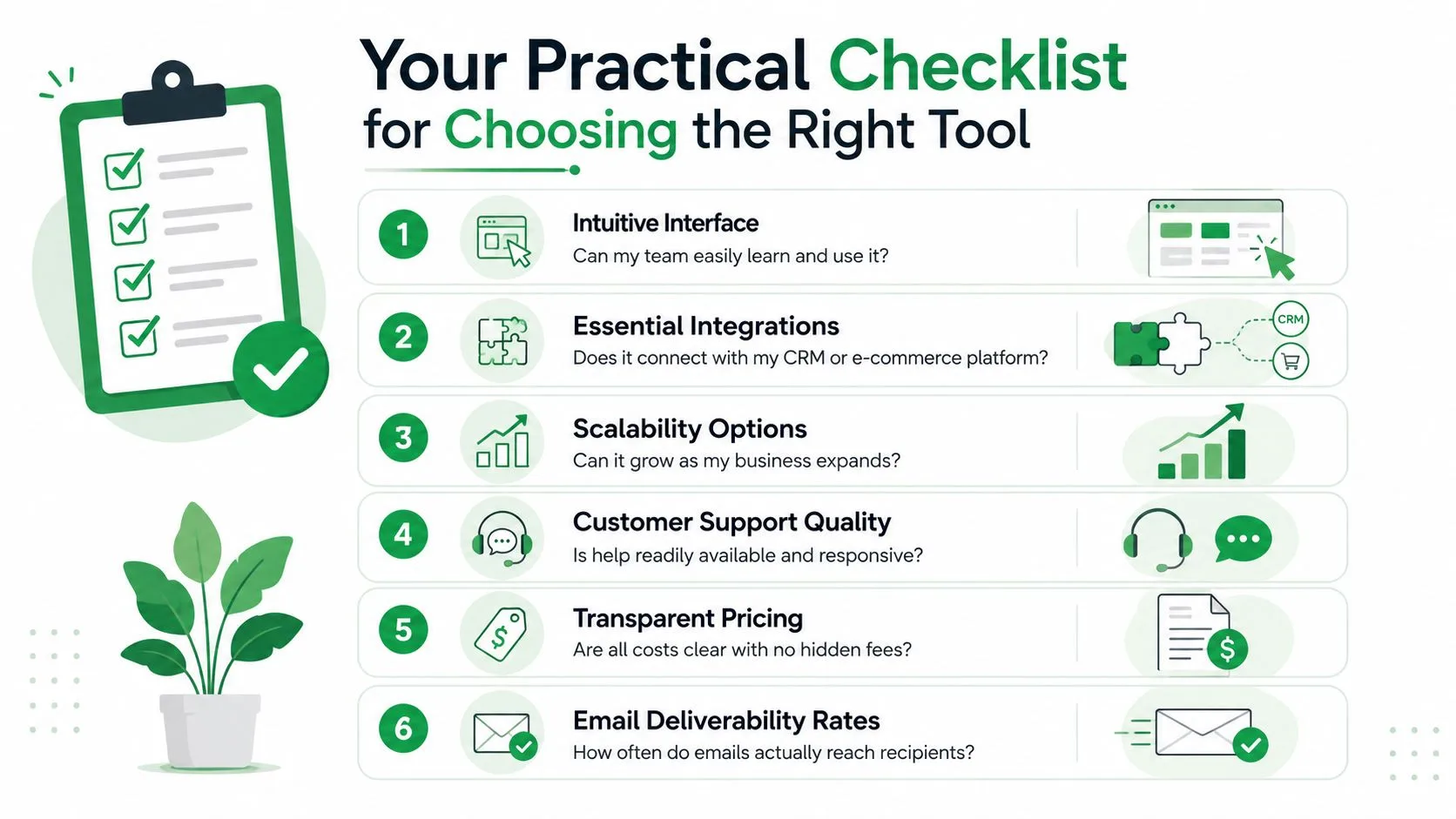
Many buying decisions go wrong at this stage. Teams compare templates, dashboards, and automation screenshots, but skip the things that truly determine whether a tool works well after week one. The checklist below is the one that matters in practice.
Check the workflow before the feature list
A tool can look polished and still be a bad fit.
If your customer data already lives in Google Sheets and your communication happens in Gmail, moving everything into a separate platform creates friction immediately. You now have imports, exports, syncing issues, and one more place where data can go stale.
Ask simple operational questions:
- Can someone on your team learn it fast?
- Can you send a campaign without jumping between multiple apps?
- Can you update a list quickly when priorities change?
- Can you see results without building a custom report?
Deliverability isn’t optional
Deliverability is partly about copy and list quality, but tool architecture matters too.
A tool’s architecture is essential for deliverability and privacy. Tools requesting full read access to your inbox create a significant privacy risk under GDPR. In contrast, solutions using scoped access like Google Workspace add-ons, and writing per-row engagement status back to a source like Google Sheets, maintain higher sender reputations and avoid the 20 to 30% drop in open rates seen with static, unhygienic lists. If you want the technical background, this explanation of email authentication for outreach and campaign sending is useful.
Tracking should be usable, not buried
Small teams don’t need analytics theater. They need visibility.
Good tracking tells you who was sent the email, who opened it, who clicked, who replied, who bounced, and who unsubscribed. Even better, that information should flow back into the place where your list already lives, so you can act on it immediately.
If engagement data sits in a separate dashboard nobody checks, it won’t improve the next campaign.
Privacy and permissions matter more than most buyers think
Many teams click through permissions during setup and never revisit them. That’s a mistake.
If a tool asks to read your inbox, that’s not a minor checkbox. It’s a design choice. For businesses handling customer information, sales conversations, recruiting messages, or internal communications, that permission model creates unnecessary exposure. A cleaner approach is a zero-inbox-read model where the tool only accesses what it needs to send and track campaigns.
The shortest shortlist wins
Use this quick pass/fail screen before you commit:
- Workflow fit: Does it work inside tools your team already uses?
- Permission model: Does it avoid full inbox read access?
- List hygiene support: Does it reflect engagement and suppression status clearly?
- Personalization: Can it merge spreadsheet data into the message naturally?
- Reporting: Can non-technical team members understand the results?
- Pricing clarity: Is the cost structure easy to predict?
A lot of all-in-one platforms fail this test for small businesses not because they’re bad products, but because they solve a different problem than the one you have.
Why Staying Inside Gmail Can Be Your Superpower
A lot of email advice assumes the serious option is always a dedicated platform. That sounds logical until you look at how small teams work day to day. If your contacts are already in a sheet and your team already lives in Gmail, forcing a migration can make outreach slower, not better.
Recent guidance often leans on broad feature checklists while missing that operational reality for teams centered on Gmail and Google Sheets. ActiveCampaign’s own discussion of small business email marketing reflects that broader advice gap in its overview of small business email marketing considerations.
Familiar tools reduce failure points
Gmail and Google Sheets are already part of many small business workflows. That matters for reasons that have nothing to do with hype.
You don’t need to train people on a new interface. You don’t need to maintain a separate contact database for routine sends. You don’t need to export CSV files every time a list changes. You update the sheet, write the email, review the merge fields, and send.
Simplicity improves consistency
Consistency usually beats sophistication.
When a tool feels native to your workflow, emails go out more often. Follow-ups happen faster. Team members consistently use the system. That steady execution matters more than owning a giant feature set you rarely touch.
For teams comparing approaches, this breakdown of native Gmail mail merge versus add-on workflows is a practical place to start.
Small businesses rarely struggle because they lack features. They struggle because their tools add too much friction between intent and action.
Gmail-centered outreach fits a common business reality
This approach is especially strong when your business sends:
- Lead follow-ups from a spreadsheet of prospects
- Customer updates tied to account lists or service dates
- Event reminders managed in Google Sheets
- Recruiting or hiring outreach with personalized fields
- Simple newsletters or announcements without a full marketing stack
That’s where staying inside Gmail stops looking basic and starts looking efficient.
How to Send a Campaign with Mail Merge for Gmail
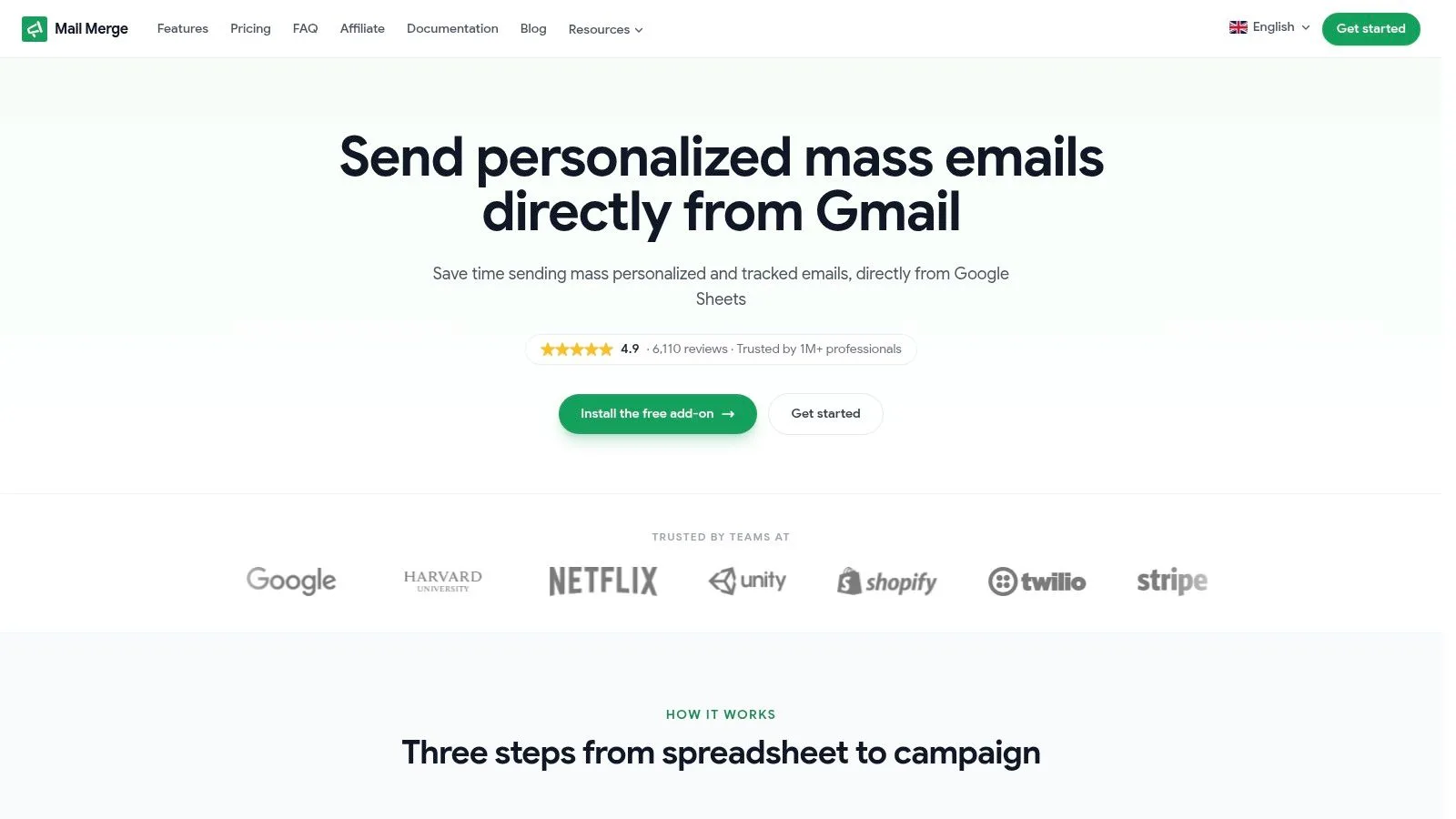
A Gmail-based workflow makes the most sense when it stays straightforward from start to finish. That’s the appeal here. You build the list in Google Sheets, write the email in Gmail, merge the fields, then track results back in the same sheet.
Step one, prepare the sheet
Start with a Google Sheet that has one row per recipient. Keep the structure clean. Typical columns include first name, company, email address, offer, meeting date, or any other field you want to personalize.
A practical list setup might include:
- Core identity fields like name and email
- Business context such as company, role, or location
- Campaign fields like a custom intro line or offer
- Status columns for engagement and follow-up actions
If you want a deeper walkthrough of the sheet structure, this guide on how to mail merge from Google Sheets covers the mechanics clearly.
Step two, write the message in Gmail
Open Gmail and draft the campaign as a real email, not a brochure. The strongest small business emails usually sound personal, direct, and useful.
Use merge tags based on your sheet columns. If your sheet has a First Name column, you can insert that value into the subject line or body so each message feels one to one. For many teams, a Gmail-based system offers an advantage. You’re writing in the same place you already send everyday business email.
Write the email like a person would send it manually. The tool should handle scale, not force you into robotic copy.
Step three, preview, send, and track
Before sending, preview the campaign using a few rows from the sheet. This catches awkward formatting, missing fields, and personalization mistakes before they reach customers or prospects.
After that, send immediately or schedule it. Once the campaign is out, the useful part begins. Tracking data flows back into the sheet, which turns your list into a working dashboard for follow-up.
Later in the process, a video walkthrough helps more than another paragraph:
What this workflow gets right
This style of sending fits small teams because it keeps the campaign close to the work.
You’re not managing a separate marketing database. You’re not sending people to a giant dashboard just to answer basic questions. You’re using a spreadsheet as the command center and Gmail as the sending environment. Mail Merge for Gmail supports that workflow by sending personalized, trackable campaigns from Gmail using Google Sheets data and writing engagement status back to the sheet.
That isn’t the right setup for every business. If you need a sprawling automation program across many channels, a larger platform may fit better. But for outreach, updates, reminders, recruiting, and lean newsletter workflows, this is often enough.
Simplify Your Outreach and Grow Your Business
The right email marketing tool for small business usually isn’t the one with the most tabs, builders, and dashboards. It’s the one your team will use regularly without friction. Simplicity isn’t a compromise. In a lot of small business settings, it’s the advantage.
If your workflow already runs through Gmail and Google Sheets, staying there can give you faster execution, cleaner operations, and fewer chances for data to drift. That leaves more time for the work that drives results: writing relevant emails, following up on interest, and building trust over time.
If you’re refining your broader growth system too, this Marketing a service company playbook is a useful companion read because email performs best when it’s tied to a clear offer and a repeatable sales process.
If you want a simpler way to send personalized, trackable campaigns from the tools you already use, Mail Merge for Gmail is worth a look. It keeps outreach inside Gmail and Google Sheets, which is often exactly what a small business needs.
Ready to send your first campaign?
Install Mail Merge for Gmail from the Google Workspace Marketplace and send up to 50 personalized emails per day for free.
Get started for freeMore reading
More from Guides
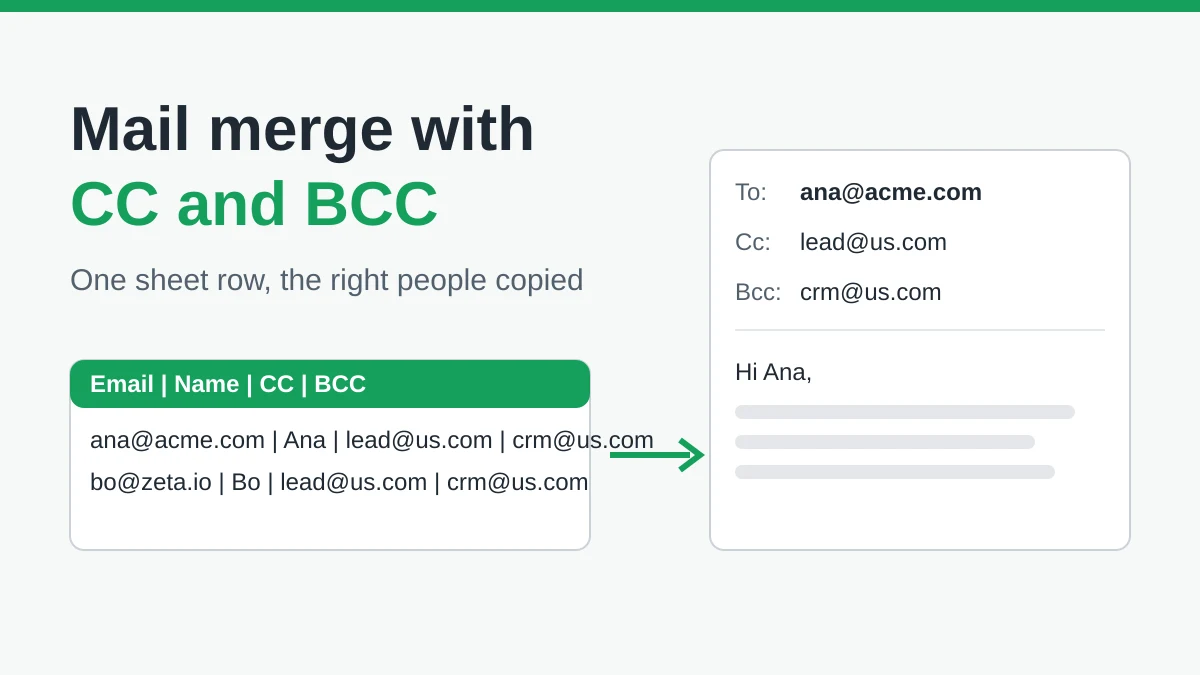
Mail Merge with CC and BCC in Gmail: Copy the Right People on Every Email
Learn how to run a mail merge with CC and BCC from Google Sheets, set up the columns, preview the result and see how copied recipients count toward your daily quota.
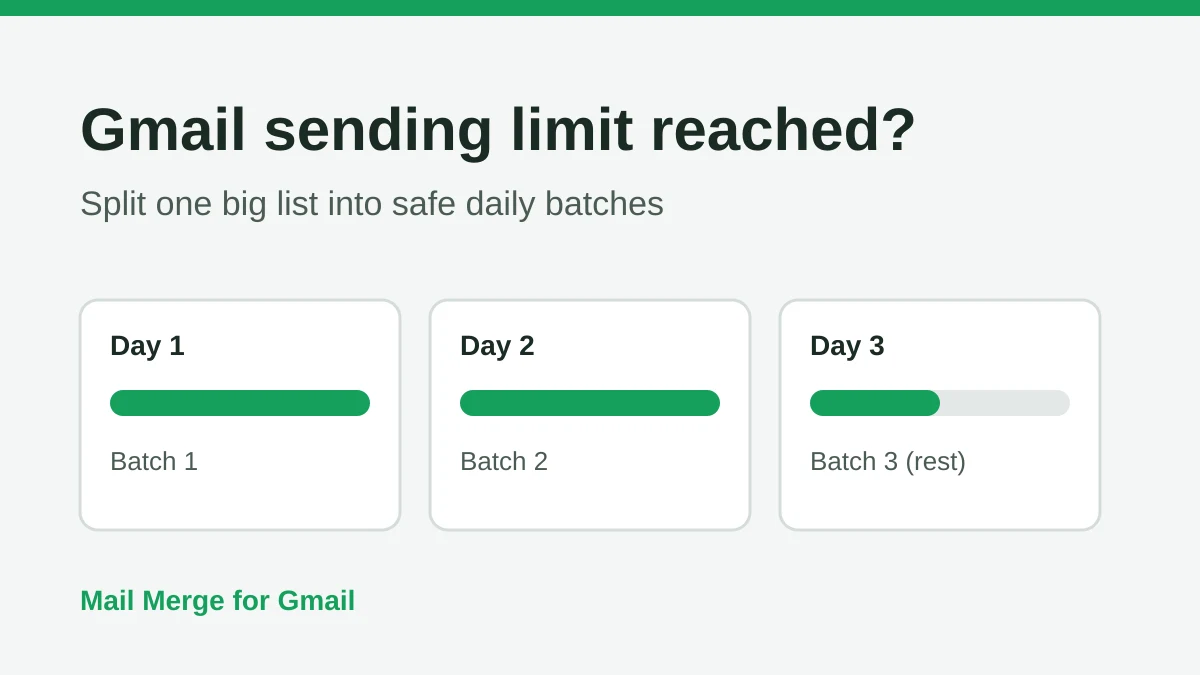
Gmail Sending Limit Reached: What It Means and How to Finish Your Campaign
Hit the Gmail sending limit reached error? Learn the real daily limits, when you can send again, and how to split a mail merge into safe daily batches.
Personalized Email Gmail: The Complete Guide
Master your personalized email Gmail workflow. Learn to merge Sheets data, track opens, and scale one-to-one outreach without leaving your inbox.