


















How to Master Email Address Search in 2026
Learn practical email address search methods for 2026, from search operators and pattern guessing to verification, privacy rules, and outreach prep.
You’re staring at a list of prospects, a deadline, and a half-finished sheet full of guesses. One address bounces, another turns out to be a role inbox, and three more were never valid in the first place, so the afternoon disappears into cleanup instead of outreach. That’s the shape of email address search in 2026, a reliability problem disguised as a lookup task.
The scale alone explains why shortcuts fail. Global email users were estimated at 4.48 billion in 2024, with projections of 4.73 billion by 2026 and 4.85 billion by 2027 in Market.US email user statistics. Daily volume was estimated at about 361 billion emails per day in 2024, rising to roughly 376.4 billion in 2025 and projected to reach about 408 billion by 2027 in the same source. No static directory can stay complete in that kind of environment, and that’s before you account for data decay, catch-all domains, and the simple fact that people change jobs while their addresses keep living on in old exports.
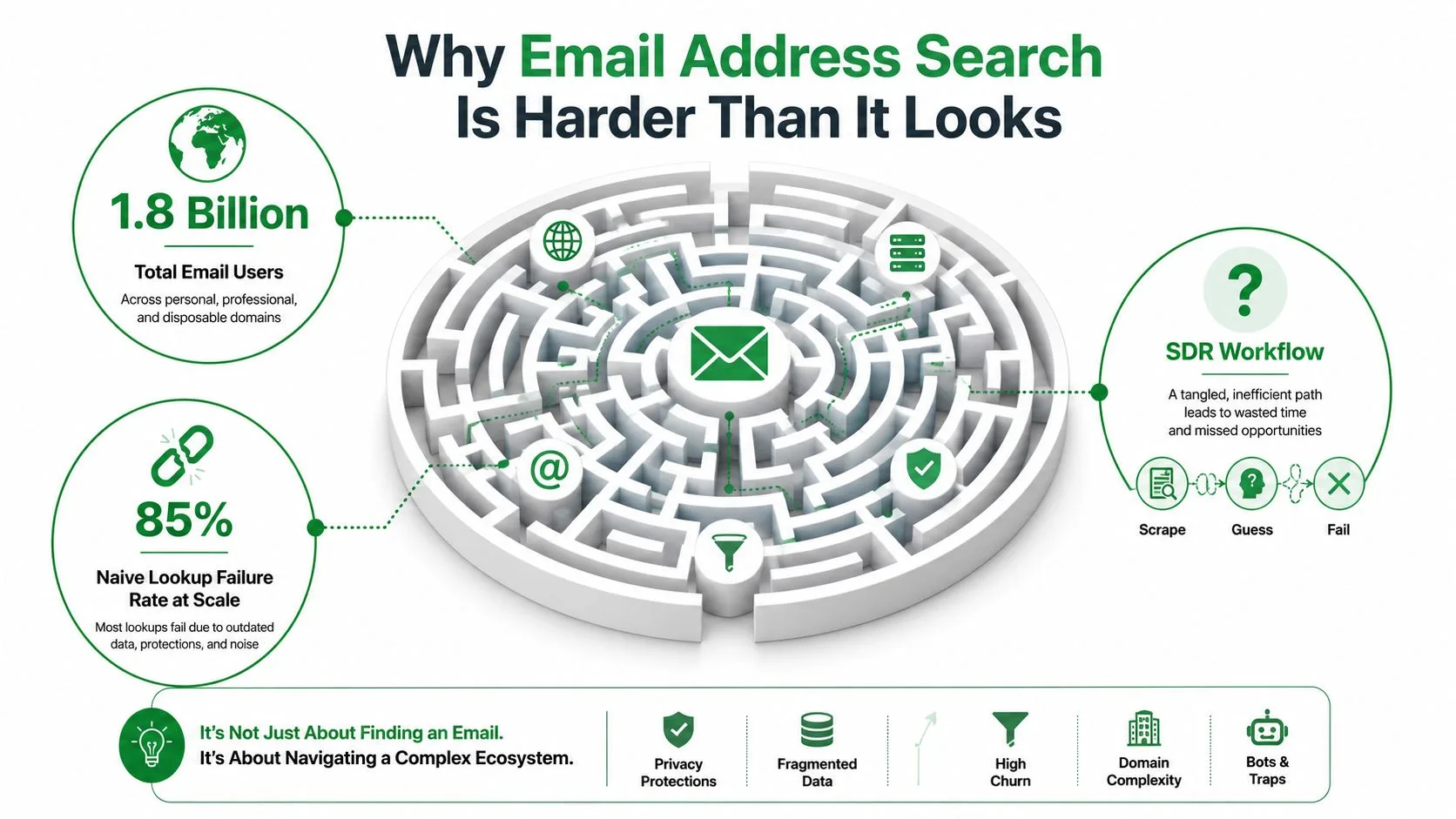
Why Email Address Search Is Harder Than It Looks
A rep can spend an afternoon on the hunt and still end up with a list that looks active but performs like a dead lead pile. One address came from a website footer, another from a LinkedIn profile, a third from a guessed pattern, and by the time the send goes out, the bounce report tells the truth. The problem is not effort. Email discovery, verification, and deliverability are three different jobs, and mixing them up is where teams burn time and sender reputation.
The scale problem hides inside normal-looking addresses
Email persists longer than many teams expect. Survey-based reporting summarized by Zettasphere found that 51% of people have kept the same email address for over 10 years, while other consumer surveys reported averages of about 2.5 email addresses in 2019 and “just less than two” in more recent reporting, as summarized in Zettasphere’s review of how many email addresses people typically use. That persistence is why a found address can still be useful years later, but only if it belongs to the right person and still accepts mail.
Practical rule: treat every found address as a candidate, not a fact.
The structure looks simple, which is why people overtrust it. An email address has a local part before the @ symbol, exactly one @, and a domain plus top-level domain after it. Practical validation rules also require no spaces anywhere, and the total address length should not exceed 254 characters under RFC 5321, according to Debounce’s email regex guide. A common extraction pattern is [a-zA-Z0-9._%+-]+@[a-zA-Z0-9.-]+\.[a-zA-Z]{2,}, which is useful for pulling addresses out of text, but it only checks shape, not whether the mailbox exists, as explained in Extract Emails’ regex guide.
Why guesses break under load
Role inboxes like info@ and sales@ are easy to find, but they are weak targets for personalized outreach. A guessed pattern such as first.last, firstlast, or flast can be right on one domain and wrong on the next, which is why pattern guessing carries the highest bounce risk. Guidance from SalesTarget’s guide to finding business emails puts that bounce rate at 15% to 25% for domain pattern guessing, while verified results can keep bounce risk under 5% when the workflow includes validation before send.
A lookup can also be technically correct and still fail the job. Catch-all domains accept mail for almost anything, which means a message may go through even when the mailbox owner is not the person you wanted. Old exports create a second problem, since people change jobs and keep their old address in a CRM longer than they keep using it.
If a contact matters, the right question is whether the address still works, belongs to the right person, and can be used without hurting the domain. That is why a solid process starts with discovery, then moves to checking, then ends with compliant outreach. For a closer look at tracing an address back to a person, see how to trace emails.
Free Search Methods That Actually Work
The free methods are still useful, but only when you treat them as the discovery layer. They help you collect candidates fast, then you validate the result before you trust it. That sequence matters because a free method that returns ten possibilities is better than one “perfect” guess that bounces.
Start with public pages and search operators
Google and Bing are still good for public exposure. Try queries like "name" + "company" + email, site:company.com "@", or filetype:pdf "name" email to surface contact details in bios, PDFs, speaker decks, and press materials. Company sites also hide useful clues in about pages, team pages, author bios, and contact pages, especially when teams publish public-facing assets for media or customer support.
Publicly listed addresses are the easiest to justify and the easiest to verify.
WHOIS can help with small business domains when registrar data is still visible, but the coverage is uneven and has been reduced over time. LinkedIn and X can work when a user has chosen to expose contact info, though visibility varies by region, account type, and privacy settings. On LinkedIn, profile fields and contact info sections are the first places to check; on X, bio text and public posts can occasionally reveal an address, but many users only expose generic inboxes or nothing at all.
Guess patterns only after you’ve collected evidence
Pattern guessing is best used after you’ve seen a domain’s style on the site or in a public source. Common shapes are first.last@domain.com, firstlast@domain.com, and flast@domain.com. If a company’s public materials show several employee addresses, the pattern often becomes obvious, but you still need to verify before sending.
A quick way to separate useful from useless:
- Public website clues: fastest when a company posts bios, author pages, or PDFs with contact details.
- Search operator results: good for public mentions across the web, especially if the target has spoken or written online.
- WHOIS and profile mining: worth trying for small firms and founders, less reliable for larger orgs or privacy-protected records.
- Pattern guessing: useful when you already have supporting evidence, risky when you don’t.
That’s the boundary that matters. Free search methods find the likely address. They don’t prove it’s deliverable.
Paid Finders and the Verified Versus Usable Gap
A paid finder can save time on discovery, but the advertised match rate is not the number that matters. The number that matters is how many addresses survive verification and can be mailed without harming sender reputation. That gap between raw enrichment and usable results is the most honest measure in this space.
Measure what you can send, not what the tool claims
Benchmark testing across multiple tools against 20,000 contacts showed that the gap between raw match rate and real usable rate ranged from 1.9% to 29.7%, according to Instantly’s email finder accuracy and bounce risk analysis. That spread is wide enough to change the outcome of a campaign, even when two products look similar on a sales page.
Practical rule: if a tool does not hold up after verification, it is a sourcing shortcut, not a list-building solution.
The clean way to evaluate any finder is straightforward. Pick 50 to 100 target contacts, run them through the tool, then verify the output with an independent verifier. From there, extrapolate valid, invalid, and catch-all shares to the rest of the list. That sample is small enough to test quickly and large enough to show whether the tool is useful for your segment.
Don’t ignore decay when you evaluate cost
B2B contact data does not stay fresh. Independent guidance puts annual decay at about 22.5%, which means a list that looked decent last quarter can age into trouble much faster than expected, as noted in SalesTarget’s email-finding workflow guide. That decay changes the subscription math. If your team only uses a finder occasionally, a pay-per-use model may make sense. If you source every week, the recurring cost may be worth it, but only when you verify output before every send.
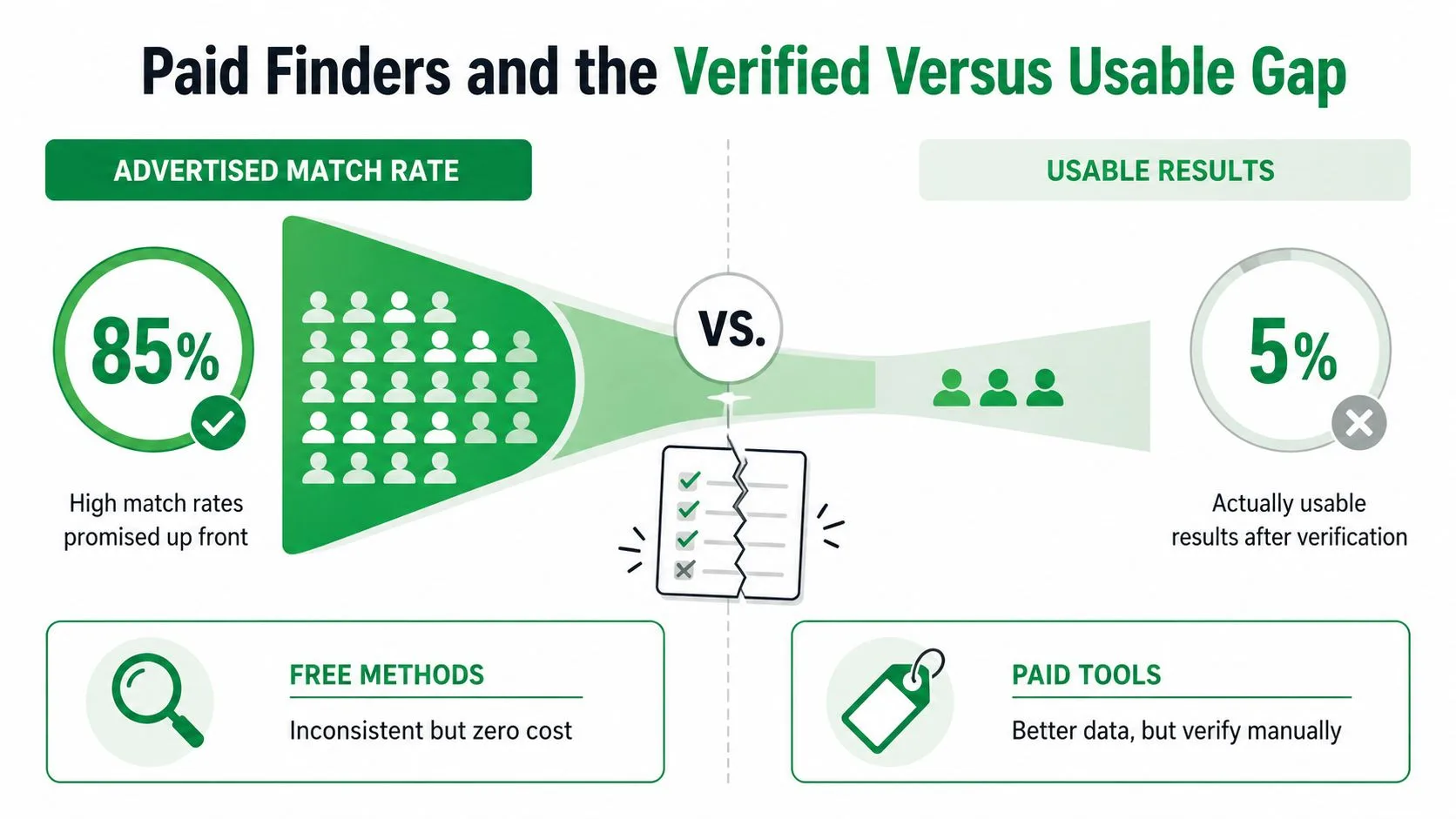
The decision is not free or paid. It is whether the output holds up after you clean it. Paid tools can speed up discovery, but verification decides whether the list is real. For a practical cleanup workflow, use this email list cleaning guide before you send.
Verifying Addresses Before You Send
Verification is where a candidate becomes a sendable contact. A regex pass only proves the address looks like an address, not that a mailbox exists or that the domain will accept mail cleanly. SMTP validation, MX checks, and catch-all handling give you the complete picture.
Separate syntax, domain, and mailbox checks
Think of verification in layers. Syntax checks catch malformed addresses. Domain checks confirm the domain can receive mail. Mailbox-level checks try to determine whether the individual address is deliverable. If a domain uses catch-all behavior, it may accept mail for almost anything, which means the server will not tell you whether a specific mailbox is real.
That’s why catch-all results should be flagged, not treated as clean. You can still mail them, but they carry uncertainty. The right move is to separate them into a monitored bucket and keep them out of your highest-stakes sends until you have additional evidence.
A simple spreadsheet schema helps a lot here:
- Source: where the address came from
- Pattern: guessed, public, finder, or referral
- Syntax status: valid or invalid
- Mailbox status: valid, invalid, or catch-all
- Risk flag: clean, uncertain, or suppress
- Last verified: date of the latest check
If you want a practical cleanup workflow for the same problem, the guide to cleaning an email list is a helpful companion because the order matters as much as the tools.
Verify a sample before you trust the full list
The most useful benchmark is still a small sample. Run 50 to 100 contacts through an independent verifier first, then project the valid, invalid, and catch-all shares onto the broader list. That’s the fastest way to see whether a paid finder, a public-source scrape, or a guessed pattern is worth using at scale.
The reason this works is simple. A list can look strong at the discovery stage and still fail in delivery. Verification tells you whether you’ve got a working route to the inbox or just a stack of addresses that will bounce.
Privacy, Consent, and Legal Guardrails
A found address is not the same thing as permission to send. That gap is where a lot of outreach goes wrong, because public visibility, scraping, and consent are three different things. If you ignore that distinction, you don’t just create legal risk, you also stress your sender reputation.
Publicly listed is not the same as scraped
A publicly listed address, like one on a contact page or author bio, is easier to justify than a scraped address pulled from a private source. WHOIS data has also become less complete over time and varies by registrar, so old assumptions about easy ownership lookups aren’t reliable anymore. LinkedIn visibility is useful for discovery, but it does not equal consent to receive cold email.
For a plain-English view of founder outreach and selling motion, the guide to selling as a founder is a useful reminder that contact discovery and contact permission are separate steps.
Keep compliance practical
GDPR, CAN-SPAM, and CASL all push you toward clearer sourcing, honest identity, and an obvious unsubscribe path. A compliant footer should identify the sender, include an unsubscribe mechanism that works, and avoid hiding behind vague company names. The bigger operational point is that sending to non-consenting or poorly sourced addresses is one of the fastest ways to get throttled or flagged.
If you can’t explain where the address came from, don’t put it into a campaign.
The checklist is straightforward:
- Public source: can you point to a public page or opt-in record?
- Purpose match: does the message fit the context of how you found it?
- Unsubscribe path: is there a clear way out for the recipient?
- Regional fit: does your sourcing approach respect the rules that apply to the recipient?
- Risk review: would you be comfortable defending the source in front of a deliverability team?
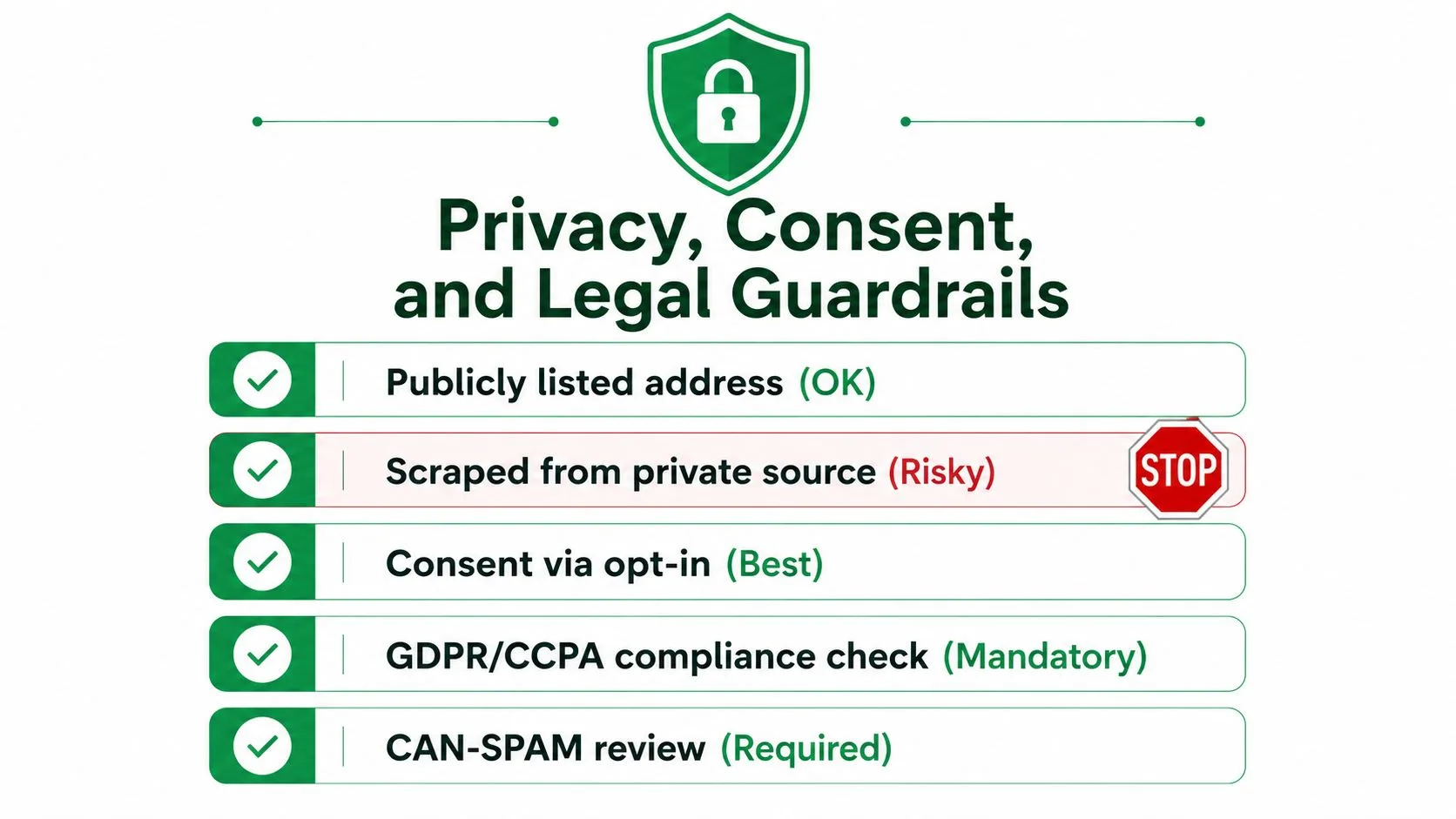
The safe habit is simple. Verify the address, document the source, and only then decide whether the outreach belongs in a campaign.
Preparing Contacts for Personalized Outreach
A clean list still needs structure before it can support real outreach. If the sheet only holds email addresses, you end up sending generic copy and guessing at campaign performance later. Build the list for personalization, suppression, and follow-up from the start, because that is what keeps a database usable after the first send.
Use the sheet as the campaign backbone
A practical Google Sheet usually includes first name, company, role, source, status, and a notes column for context. Separate hard bounces and catch-all addresses into a suppress tab so they do not keep cycling back into future sends. That small habit keeps bad records from contaminating later campaigns and makes cleanup easier when a list starts to age.
Once that structure is in place, a mail merge layer can turn the sheet into an actual sending system. Tools like Mail Merge for Gmail connect to Google Sheets and let you send personalized campaigns from Gmail with subject line, body, CC, BCC, attachment, and custom HTML variations per row. They also write per-row status updates such as Sent, Opened, Clicked, and Replied back into the sheet, which turns the spreadsheet into the campaign log.
A stronger setup starts with contact database management guide, because the field layout, source notes, and suppression rules matter as much as the sending step itself.
Treat status columns as list hygiene, not just reporting
The privacy posture matters too. A good add-on should keep data inside your Google account and avoid reading your inbox. That matters when you are handling cold outreach, candidate communication, or donor lists, because the tool should help you send, not widen your data exposure.
Practical constraints shape the workflow. Gmail sending at scale still has a 1,500 recipients per day cap for this kind of setup, so batching is part of the job. That cap also makes the status columns more valuable, because each batch gives you a clean signal on what to suppress, what to rework, and what deserves a follow-up.
When a campaign underperforms, do not just blame the copy. Use the sheet to clean the list, tag the weak sources, and keep the addresses that still show signs of life. A campaign that leaves you with a cleaner database is still a win.
Your Email Address Search Playbook
The full workflow is short enough to keep on one screen. Discover the candidate, verify the address, check the source and compliance angle, then send only what survives the filter. That order protects both deliverability and your reputation.
The four-stage sequence
- Discover: use public pages, search operators, WHOIS where appropriate, and pattern clues from company materials.
- Verify: run syntax, domain, and mailbox checks, then treat catch-all results with caution.
- Compliance-check: confirm the source is defensible, the context fits, and the footer and unsubscribe path are real.
- Send: load the clean sheet, batch within your sending limits, and watch the status columns for feedback.
The numbers give the sequence its urgency. Unverified guessing can carry 15% to 25% bounce risk, while verified results can keep bounce risk under 5% when the workflow is tight, as noted in SalesTarget’s email search guide. B2B data also decays at about 22.5% annually in that same source, which is why a list that was fine months ago may need fresh verification before the next campaign.
Decide when to re-verify
If a list hasn’t been checked recently, re-verify it. If the last verification is old enough that decay could have moved a meaningful share of contacts, start with a fresh sample before you send. A recent, documented verification date is part of list quality, not an afterthought.
The sheet should tell the story in a glance. Clean contacts move forward, risky ones stay suppressed, and every send writes new status data back into the same system. That’s how a one-time search turns into a repeatable outreach process.
If you want a cleaner way to run personalized outreach after you’ve verified and organized your contacts, Mail Merge for Gmail gives you the sending layer inside Gmail with status tracking back to Google Sheets. It’s built for teams that care about list quality, deliverability, and simple follow-up, so you can turn a verified sheet into a real campaign without leaving your workflow.
Ready to send your first campaign?
Install Mail Merge for Gmail from the Google Workspace Marketplace and send up to 50 personalized emails per day for free.
Get started for freeMore reading
More from Tutorials
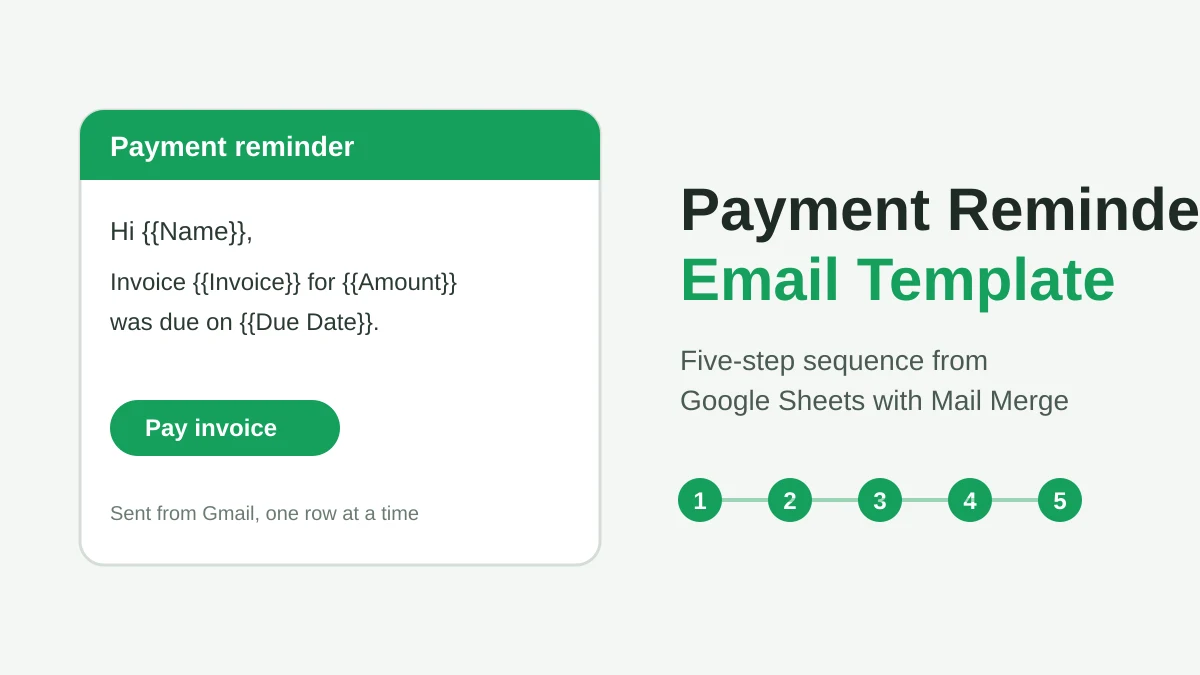
Payment Reminder Email Template: Five Messages You Can Send from Google Sheets
Copy a payment reminder email template for each stage of an overdue invoice, then send every reminder from Google Sheets through Gmail with personalized merge fields.
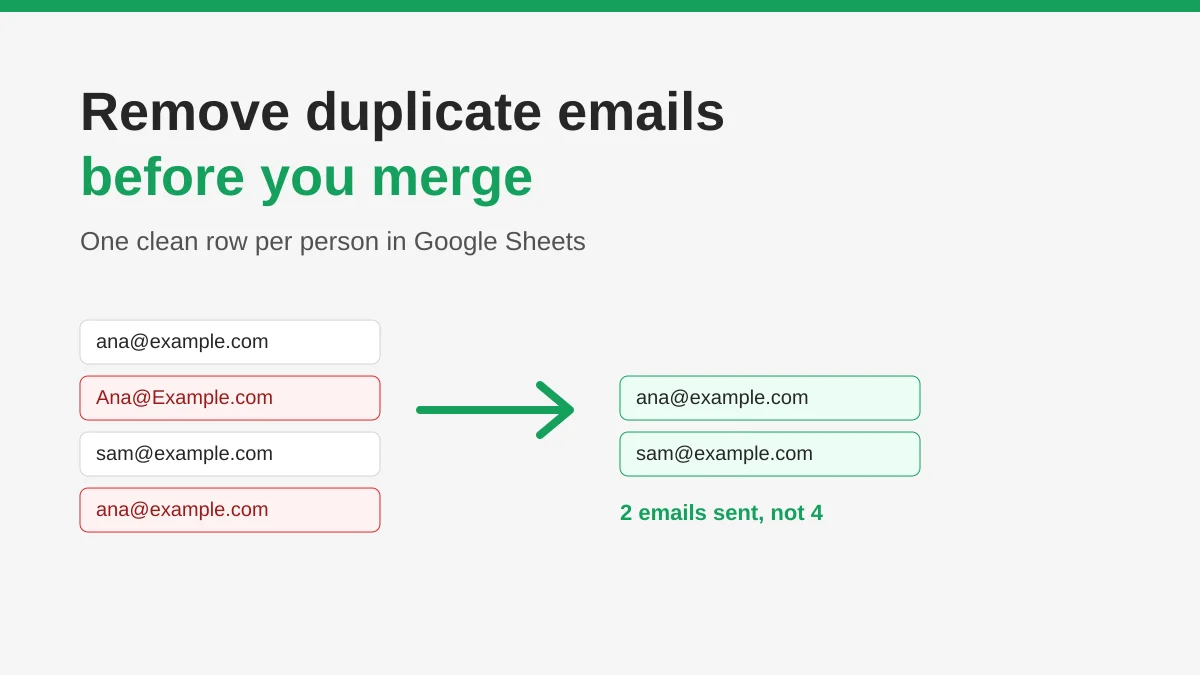
How to Remove Duplicate Emails in Google Sheets Before a Mail Merge
Learn how to remove duplicate emails in Google Sheets before a mail merge with Remove duplicates, UNIQUE and COUNTIF, so no contact gets the same message twice.
How to Build Targeted Email Lists That Actually Convert
Learn how to build targeted email lists that drive opens, clicks, and replies. Practical steps for sourcing, segmenting, cleaning, and GDPR-compliant outreach.