


















10 Best Email Automation Platforms of 2026
Find the best email automation platforms for your needs in 2026. We compare 10 tools for Gmail, SMBs, and ecommerce based on features, price, and use case.
Choosing an email platform usually happens at the worst possible time. A campaign is late, the list is growing, and the team needs something that can send the right message without creating more busywork. The pressure makes it tempting to shop for the biggest feature set, but the better move is to match the platform to the job you need done.
That’s especially true now that automation has moved from a nice-to-have to core infrastructure. Automated email flows now generate 41% of all email-driven revenue from just 5.3% of total send volume in Stripo’s 2026 benchmark based on Klaviyo data across 183,000+ brands (Stripo 2026 benchmark report). The same general direction shows up in broader market data, where marketing automation is estimated at $6.65 billion in 2024 and projected to reach $15.58 billion by 2030 with a 15.3% CAGR (marketing automation statistics). Adoption is already mainstream, too, with about 56% of companies using marketing automation and 40% of B2B firms planning to adopt it (industry overview).
So the key question isn’t whether automation matters. It’s which class of email automation platforms fits your workflow, your budget, and your team’s technical comfort. If you’re exploring lightweight outreach options for freelancers, this guide also pairs well with automation tools for autónomos.
1. For In-Inbox Personalization Gmail Add-Ons
If you live in Gmail and send highly personalized outreach, Gmail add-ons are the fastest path to usable automation. They keep the work inside your inbox, which means less context switching and fewer moving parts than a standalone marketing suite.
These tools make the most sense when every recipient needs a slightly different message, but the send volume is still manageable. Gmail’s own mail merge workflow can pull data from Google Contacts or a spreadsheet, and Google’s Apps Script sample also shows a mail merge with Gmail and Google Sheets as a valid automation pattern, which is why this category works so well for candidate outreach, donor updates, and small-batch sales follow-up. For teams that care about readability and quick setup, the appeal is simple, you can start without rebuilding your process.
Practical rule: If your team already works from Gmail and Sheets, a native add-on usually beats a larger platform until you need cross-channel journeys or enterprise-level reporting.
The trade-off is equally clear. Gmail add-ons are great for personalized one-to-one or one-to-few campaigns, but they aren’t meant to replace a full ESP when you need complex lifecycle automation. They’re strongest when speed, simplicity, and inbox familiarity matter more than a deep marketing stack. For a broader look at lightweight workflows, the category pairs well with dynamic email content.
2. Mail Merge for Gmail
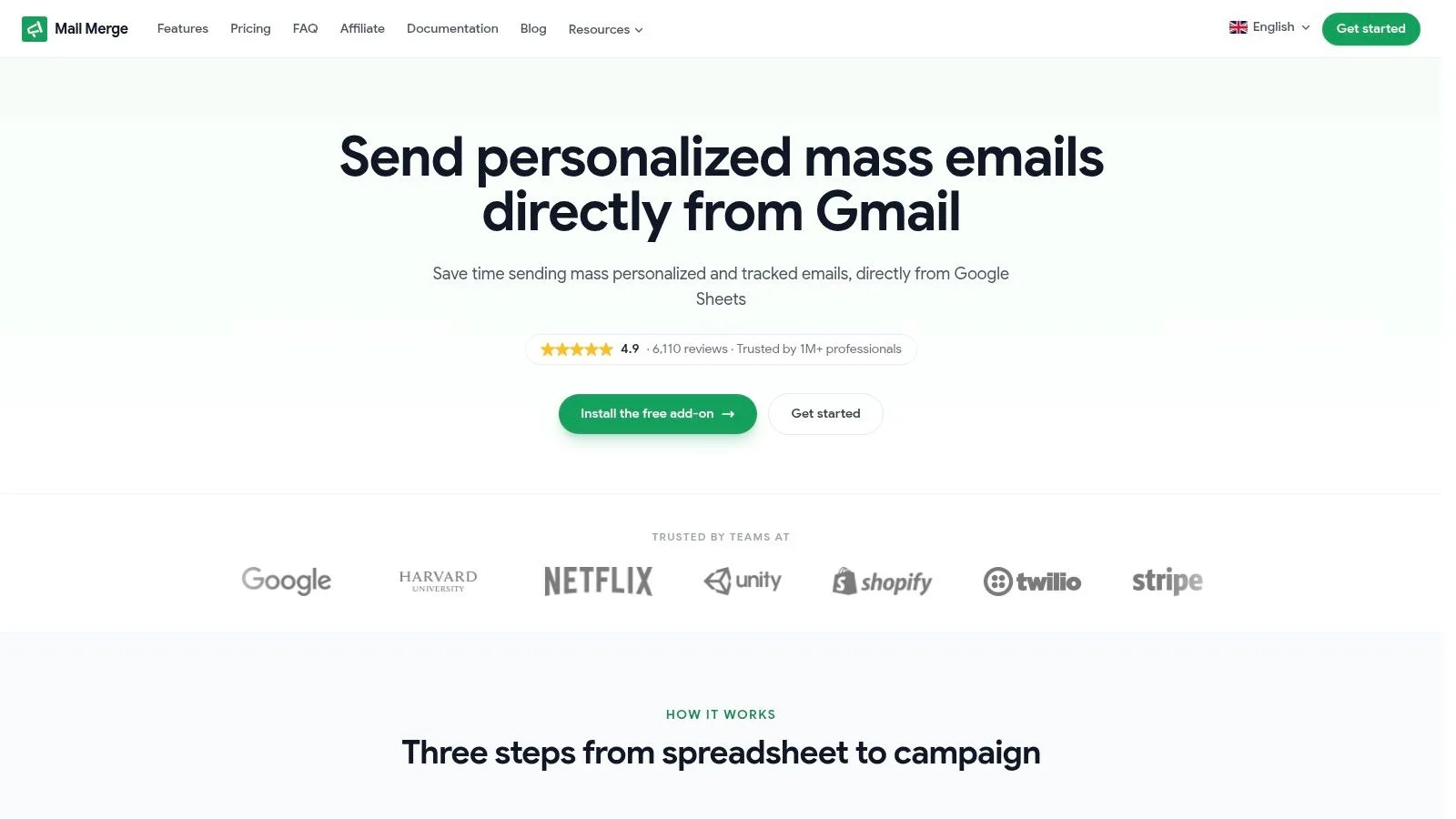
Mail Merge for Gmail fits the same inbox-native category, but it goes further than most add-ons because it treats Google Sheets like the campaign control center. You import contacts, choose or build a template, preview, and send, all without leaving Google Workspace.
That structure works especially well for teams that want a privacy-first workflow. The add-on never reads your inbox, stores campaign metadata only in your Google account, and says it’s GDPR compliant. It also writes per-row delivery and engagement states, including Sent, Opened, Clicked, and Replied, back to the spreadsheet so reporting stays shareable and easy to audit.
The feature set is built for practical outreach, not vanity automation. You can personalize subject lines, body copy, CC, BCC, attachments, and custom HTML, and the higher tiers add scheduling, team analytics sharing, and an Autopilot workflow. The pricing stays accessible, with a free tier for 50 emails/day, Personal at $2.99/month for 250/day, Professional at $3.99/month for 1,500/day, and a one-time Lifetime option at $149 for unlimited use at the top daily send level. The product also shows 4.9/5 from 6,110+ reviews and says it’s Trusted by 1M+ professionals.
What makes it especially strong is how little friction it introduces. If you’re a small business, recruiter, educator, nonprofit, or event organizer, that simplicity often matters more than a large feature catalog. The best time to use Mail Merge for Gmail is when you want campaigns that feel personal, are easy to review in Sheets, and don’t require a separate platform to learn or maintain. For teams mapping drip workflows, drip email campaigns are a natural next step.
3. For Growing Businesses All-Purpose ESPs
Once email stops being a side task, a broader email service provider starts to make sense. These platforms sit between inbox add-ons and full enterprise automation suites, which is why they’re often the best fit for small and midsize businesses that need newsletters, basic automation, and list management in one place.
The right all-purpose ESP gives you room to grow without forcing a complicated migration. You usually get a visual editor, a few reliable journey templates, segmentation, and enough analytics to understand what’s working. That’s the sweet spot for teams that have outgrown manual sends but aren’t ready for a full CRM-led stack.
There’s a real practical reason this category stays popular. A lot of businesses don’t need omnichannel orchestration yet, they need a platform that keeps regular campaigns organized and makes triggered follow-ups feel less improvised. If your team sends newsletters, product updates, onboarding emails, or event reminders, this is often the most efficient upgrade path.
For smaller organizations, the key question is not “How many advanced features does it have?” It’s “Will the team use the features we’re paying for?” The platforms in this group usually win because they balance enough automation depth with a lower learning curve. That makes them a safer middle ground when you’re still figuring out your audience structure, your content cadence, and how much segmentation you can sustain. For more context on small-business options, best email marketing tools for small business is a useful companion resource.
4. Mailchimp By Intuit
Mailchimp remains one of the most familiar names in email automation platforms because it lowers the barrier to entry. The interface is approachable, the template ecosystem is large, and the journey builder gives smaller teams a clear way to launch automations without a long setup cycle.
Its strength is breadth without immediate complexity. You can build multi-step automations in the Customer Journey Builder, design campaigns with drag-and-drop editing, manage audiences with basic CRM fields, and review performance through campaign and comparison reports. That makes it a practical choice for newsletters, promotions, and lifecycle basics when you want a mainstream tool your team can learn quickly.
The trade-off shows up as your list grows. Costs can scale fast with contacts and sends, and some of the more useful capabilities sit behind higher tiers. For many teams, that’s acceptable early on, but it’s worth watching if you expect audience growth to happen quickly or if you need more advanced segmentation later.
Mailchimp’s other advantage is ecosystem depth. Integrations and community support are easy to find, which can reduce setup friction for teams that don’t want to build a custom stack around their email tool. If your organization values familiarity and broad adoption more than specialist features, Mailchimp is still a credible default.
Visit Mailchimp if you need an established general-purpose platform with a low-friction entry point.
5. Brevo Formerly Sendinblue
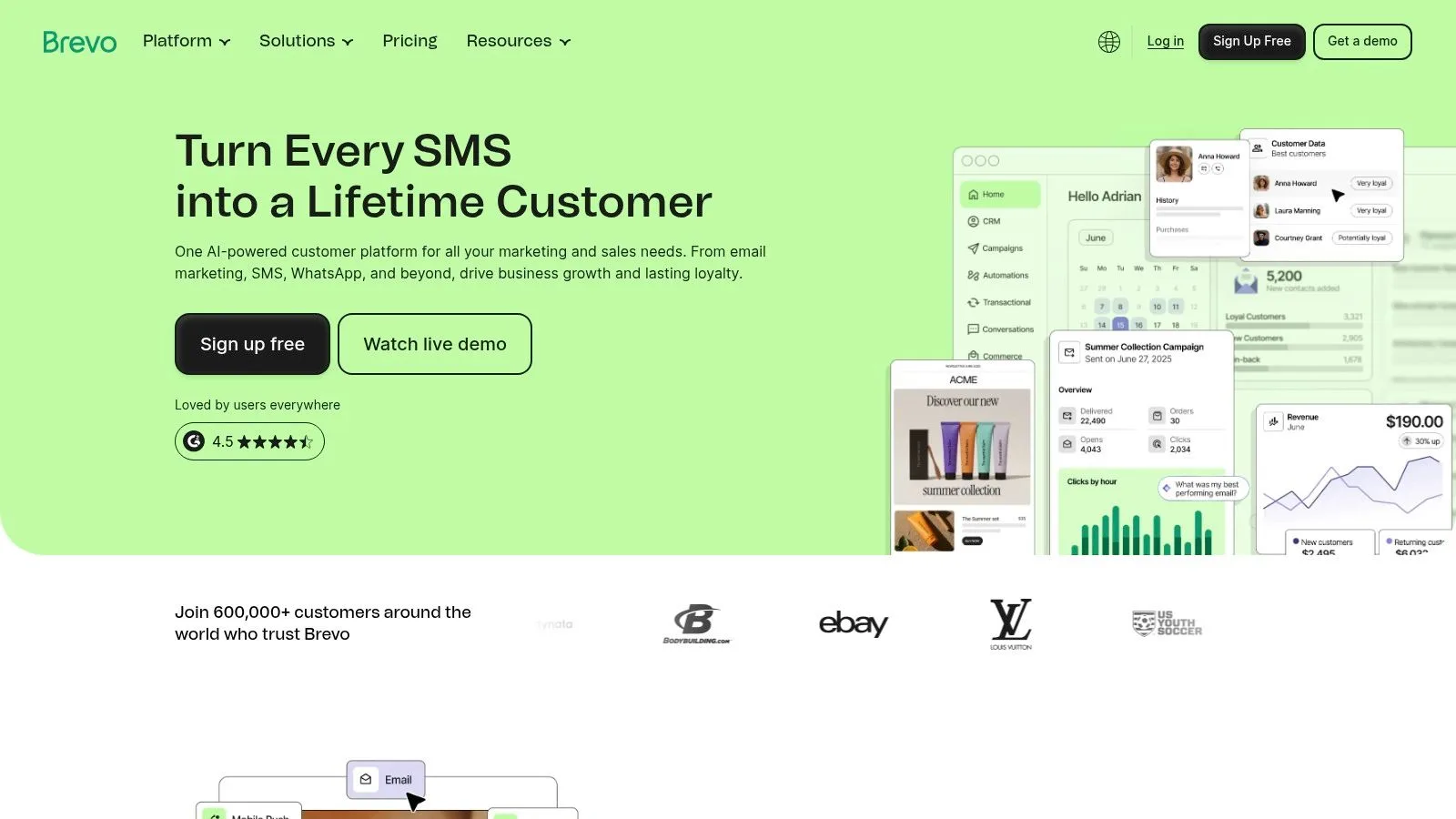
Brevo is a smart choice when you care about sending costs and channel consolidation more than a flashy interface. Its send-based pricing model can be attractive for organizations with large databases and modest send frequency, especially when marketing and transactional email both need to live in the same account.
The platform covers visual marketing automations, email, SMS, WhatsApp, transactional email through SMTP or API, and a simple CRM with deal stages. That combination is useful when one team handles newsletters, receipts, reminders, and basic nurture in a single environment. You don’t need separate systems just to manage routine communication.
Where Brevo stands out is value structure. If your contact list is large but your volume is controlled, a send-based model can be easier to justify than pricing that climbs only with contact count. That’s a real advantage for teams that maintain broad databases but send selectively.
The limits are about depth, not usefulness. The CRM is lighter than a dedicated CRM platform, and advanced ecommerce features lag behind specialist tools. For many SMBs, that’s fine. The platform is strongest when you want a compact, practical stack that handles routine messaging without overcomplicating operations.
Visit Brevo if you want email, transactional, and messaging channels under one roof.
6. MailerLite
MailerLite appeals to teams that want automation without a steep learning curve or bloated interface. It’s especially strong for creators, small businesses, and nonprofits that need a clean system for campaigns, landing pages, forms, and simple website support.
The platform’s visual automations and templates make it easy to build common journeys quickly. If you’re setting up welcome emails, lead magnets, or a simple nurture sequence, the workflow is straightforward enough that a small team can manage it without much training. It also includes digital product support, which helps creators and nonprofits sell directly without adding another tool.
The biggest reason people choose MailerLite is momentum. It gets teams out of spreadsheet-and-inbox chaos and into a system that is still manageable. That matters when your priorities are speed, clarity, and a sensible price point rather than deep attribution or advanced ecommerce logic.
There are a couple of cautions. More advanced ecommerce analytics are limited compared with specialist platforms, and free-plan limits can change, so it’s worth verifying the current terms before migrating. Still, for teams that want a tool with solid basics, MailerLite usually feels easier to live with than heavier all-in-one systems.
Visit MailerLite if you want a budget-friendly platform that stays simple as you scale.
7. Campaign Monitor
Campaign Monitor is a strong pick when design quality matters as much as automation. The platform is built for teams that want polished templates, brand consistency, and straightforward journeys without the complexity of a deep CRM suite.
Its visual journey builder supports common lifecycle use cases like welcome, onboarding, and date-based sequences. Template management and style controls make it easier to keep campaigns visually consistent across sends, which is valuable for agencies, nonprofits, and brand-conscious marketing teams. Segmentation and dynamic content add enough targeting to keep campaigns relevant without forcing a technical workflow.
The platform’s main strength is trust in presentation. Non-technical marketers often like it because the design tools are readable, predictable, and not overloaded with options. That can speed up execution, especially for teams that need to launch campaigns regularly and don’t want to fight the software every time they edit a layout.
The constraint is depth. Campaign Monitor is usually not the best answer if you need highly complex behavioral logic or CRM-level orchestration. Pricing and send limits also scale with subscriber count, and advanced functionality lives in higher tiers. For straightforward lifecycle email where brand presentation matters, though, it holds up well.
Visit Campaign Monitor if your team values design control and simple automation.
8. For Integrated Sales and Marketing CRM-Centric Platforms
When email is tied to deals, pipeline stages, support issues, or service handoffs, a CRM-native platform is the safer bet. These systems connect marketing actions to customer records, which makes them better for teams that need one shared view across sales and marketing.
The practical advantage is context. If a lead opens a sequence, downloads a resource, or fills a form, the sales team can see that history in the CRM instead of chasing it across tools. That reduces duplicate work and makes follow-up feel less random. It also helps teams build lifecycle workflows that reflect the full relationship, not just the next email.
This category usually pays off in sales-assisted funnels, SaaS, agencies, and larger service businesses. If your marketing team and sales team both touch the same account, an integrated platform makes it easier to track handoffs, report on pipeline impact, and avoid fragmented data. The downside is that these tools usually require more setup and more discipline, so they’re not ideal if you only need simple broadcasts.
One useful benchmark from B2B email statistics is that the channel still delivers meaningful returns at scale, with one 2026 roundup reporting an average of $46 returned for every $1 spent and 72% of B2B companies using some form of email marketing automation in 2025 (B2B email marketing statistics). That’s a strong signal that CRM-linked email is worth the effort when revenue attribution matters. The point is not just sending more mail, it’s tying those sends to outcomes your sales team can use.
9. ActiveCampaign
ActiveCampaign is one of the most capable platforms for teams that need deep automation logic without jumping straight to an enterprise suite. It’s a strong fit for lifecycle marketing in SaaS, ecommerce, and sales-assisted funnels where timing, conditional content, and customer behavior all matter.
The platform gives you visual, multi-trigger automations, segmentation, predictive sending, conditional content, a native CRM, ecommerce integrations, site and event tracking, and landing pages. That combination is powerful because it lets one team build journeys that respond to what a customer does, not just where that customer sits on a list. If a lead changes behavior, the workflow can react in ways that feel much more intentional than a standard drip sequence.
What makes ActiveCampaign especially useful is the depth of logic. You can build campaigns that branch based on behavior, status, or engagement, which is exactly what many lifecycle programs need. It’s also broad enough to support multiple departments, so it often works well when marketing, sales, and customer success all need visibility into the same contact record.
The downside is learning curve. Teams that are new to automation can overbuild, underuse, or stall in setup. Pricing also depends on contacts, add-ons, and billing cycle, so it’s worth modeling costs before you commit.
Visit ActiveCampaign if your team needs advanced automation and can support a more complex setup.
10. HubSpot Marketing Hub
HubSpot Marketing Hub is the most natural fit when you want email automation tied tightly to a broader CRM and service stack. It’s built for teams that want marketing, sales, and service data in one environment instead of stitched together through integrations.
The big advantage is visibility. Visual workflows connect to CRM objects, email marketing sits alongside forms, ads, landing pages, reporting, attribution, and campaign analytics, and the surrounding toolset reduces the need to jump between systems. That matters when your team wants a single source of truth for contacts, deals, and campaign performance.
HubSpot is especially strong for organizations that treat marketing as one part of a larger operational system. If sales, support, and marketing all need the same contact history, HubSpot makes collaboration easier because the data model is shared. That can reduce silos, which is often the reason teams adopt it.
The trade-off is cost and complexity. As marketing contacts and user seats increase, expenses can climb, and the platform requires more onboarding discipline at higher tiers. For smaller teams, that can be more platform than they need. For larger teams that want unified reporting and strong CRM connection, it can be worth it.
Visit HubSpot Marketing Hub if unified data and cross-team workflows are your priority.
11. For Online Stores Ecommerce Specialists
Ecommerce specialists earn their keep by connecting campaigns directly to revenue events. That matters because online stores need more than engagement metrics, they need attribution, product awareness, and behavior-based automation that reflects what shoppers are doing.
These platforms usually come with prebuilt flows for abandoned cart, browse abandonment, post-purchase follow-up, win-back, and product recommendation logic. They also tend to integrate with storefronts, especially Shopify, so catalog data and customer activity can drive much more specific messaging. That’s where they outperform general-purpose tools.
The best ecommerce platforms make segmentation feel operational, not abstract. Instead of splitting a list by demographics, they let you segment by orders, products viewed, purchase value, and engagement patterns. That gives merchandisers and marketers a more usable way to influence repeat purchases.
This category is usually too much for non-commerce senders. If your business doesn’t rely on product-level attribution, the extra complexity can become a distraction. But for stores that measure email by revenue contribution, the specialist approach usually wins.
A useful performance signal from email automation benchmarks is that automated emails can drive 320% more revenue than standard non-automated emails, and other aggregated research cited in 2026 says automation can yield a 544% ROI over the first three years (marketing statistics overview). Those figures help explain why ecommerce teams lean so hard into automation, the economics are hard to ignore.
12. Klaviyo
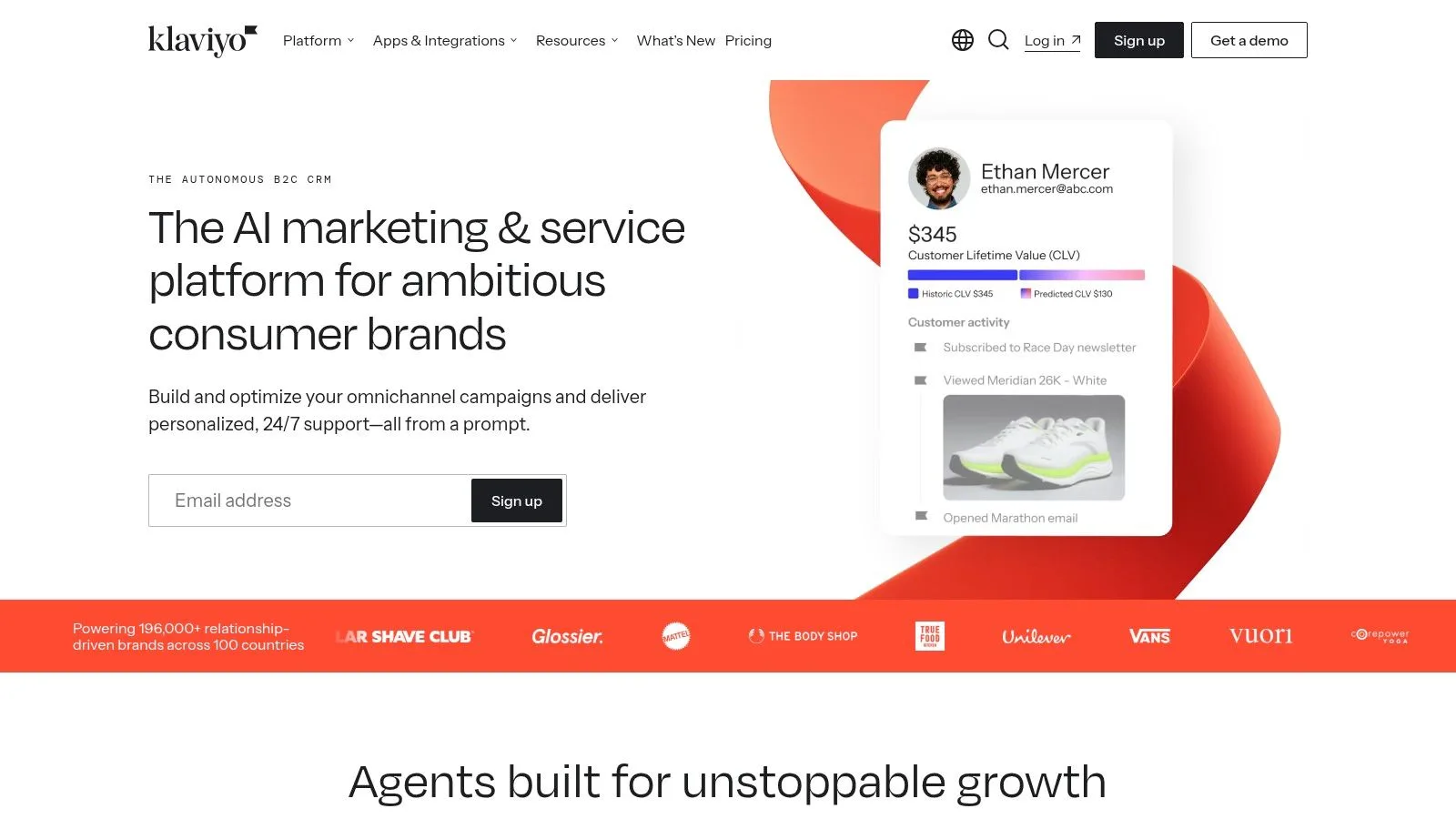
Klaviyo is built for ecommerce teams that want a customer platform, not just an email sender. Its strength is deep store integration, especially for Shopify and retail workflows, where revenue attribution and product-level personalization matter most.
The platform includes prebuilt ecommerce flows such as browse abandonment and post-purchase sequences, dynamic product content, segmentation based on orders, SKUs, and revenue, plus SMS and emerging RCS options with predictive analytics. That feature set is valuable because it lets a store react to what shoppers bought, what they viewed, and how much they spend, all in the same system.
Klaviyo works best when your email strategy is tied to merchandising and lifecycle revenue. Product feeds, customer logic, and event data all come together in ways that general-purpose tools often can’t match. For retailers and direct-to-consumer brands, that makes campaign planning much more practical.
The downside is cost growth. As profile counts and SMS usage increase, pricing can escalate, and non-commerce businesses often find the platform more complex than they need. Klaviyo is excellent when store data is the center of the strategy, but it’s not the most efficient choice for simple newsletters or outreach.
Visit Klaviyo if ecommerce revenue and product personalization are your main goals.
13. Omnisend
Omnisend is another strong ecommerce option, especially for teams that want fast setup and multi-channel coordination without a heavy implementation process. It combines email, SMS, and web push, which makes it handy for stores that want a practical mix of channels from day one.
The platform’s value comes from its prebuilt ecommerce automation library. If you need abandoned cart, welcome, or post-purchase workflows, Omnisend gets you moving quickly. Product and content blocks also make it easy to pull catalog items into campaigns without building everything from scratch.
That fast start matters for smaller stores and lean teams. You get enough automation and segmentation to run the core ecommerce lifecycle, but without the configuration burden that often comes with larger systems. For many operators, that speed to value is the advantage.
Its limitations show up in more complex environments. Omnisend is less suited for intricate B2B lead nurture, and advanced reporting customizations are more limited than in enterprise suites. If your strategy is mostly standard ecommerce flows, though, it remains a strong and practical option.
Visit Omnisend if you want ecommerce automation with straightforward multi-channel coverage.
14. For Content Creators Creator-Focused Platforms
Creators usually need a different kind of email automation platform because the goal isn’t just sending campaigns, it’s building an audience and monetizing that audience over time. That shifts the value proposition toward newsletters, landing pages, digital products, memberships, and simple automations that support content workflows.
These platforms are strongest when they reduce tool sprawl. A creator often wants one place to capture subscribers, send broadcasts, segment readers, and sell a course or paid product without assembling a separate ecommerce stack. That’s especially useful for solo operators and small media businesses that need to move quickly.
The best creator-focused tools also respect the way content businesses work. Tagging, sequence building, and simple funnels are often more useful than heavy CRM fields or enterprise reporting. The platform should help a creator stay consistent, not add operational overhead.
The key trade-off is design flexibility. Creator platforms often emphasize simplicity and publishing workflows over elaborate templates or advanced logic. That’s fine if the goal is audience growth and direct monetization, but less ideal if you need a highly branded, complex marketing system.
15. Kit Formerly ConvertKit
Kit is well suited to creators, course sellers, and small media businesses that want newsletters and automation without a cluttered workflow. It blends visual automations, landing pages, signup forms, tip jars, and product sales into a creator-friendly package.
The big advantage is focus. Kit is built for people who monetize attention through digital products, memberships, and subscriber relationships, so the platform avoids a lot of the noise that can make enterprise tools feel clumsy. That helps creators move from idea to launch faster, which matters when the business depends on publishing momentum.
It also reduces the need for separate tools. If your audience capture, broadcast email, and digital product sales can live together, you spend less time stitching systems together and more time creating. For a one-person business or a small media team, that simplicity can be a major advantage.
The limitations are also part of the product philosophy. Template variety and design flexibility are more limited than some competitors, and recent pricing changes have drawn mixed feedback, so it’s worth checking current tiers before you scale. If you value workflow clarity more than deep visual customization, Kit is still a strong creator-first choice.
Visit Kit if you’re building an audience and selling digital products from the same platform.
16. How to Choose a Quick Decision Framework
If you’re stuck between categories, start with your primary use case, not the feature list. A sales team sending personalized outreach, a store running abandoned-cart automation, and a nonprofit sending donor updates do not need the same platform, even if all three sit under the label of email automation platforms.
Then check three constraints in order. First, your technical comfort level. If your team works best inside Gmail and Sheets, a native add-on is usually the cleanest fit. Second, your budget. Platforms that look inexpensive at the start can become costly as contacts, seats, or send volume rise. Third, your expected growth over the next year, because switching platforms midstream is painful if your list doubles or your workflow expands into sales or ecommerce.
Deliverability also needs to be part of the decision. Guidance cited in 2026 points teams toward keeping bounce rates below 2% and spam complaint rates below 0.1% (email deliverability guidance). That’s why the best platform isn’t just the one with more features, it’s the one your team can send from consistently without hurting sender reputation.
Rule of thumb: Choose the simplest platform that can reliably do the next 12 months of work, not the fanciest one you might use someday.
If your work is mostly inbox-based outreach, stay light. If your revenue depends on lifecycle journeys, move up to a richer ESP or CRM-led system. If you sell products online, pick the ecommerce specialist that understands revenue attribution. The right category removes friction, and that usually matters more than an endless feature checklist.
16 Email Automation Platforms, Features & Use Cases
| Product | Core features ✨ | UX/Quality ★ | Price/value 💰 | Target audience 👥 | USP / Notes |
|---|---|---|---|---|---|
| 🏆 Mail Merge for Gmail | Gmail+Sheets personalization; per-row tracking; scheduling; Autopilot | ★ 4.9/5 (6,110+ reviews) | 💰 Free 50/day; $2.99–$3.99/mo; Lifetime $149 | 👥 SMBs, sales/SDRs, recruiters, nonprofits | 🏆 Privacy-first; writes Sent/Opened/Clicked/Replied back to Sheets |
| Mailchimp | Journey builder, templates, audience mgmt, reporting | ★ Established & intuitive | 💰 Free→scales with contacts; can get costly | 👥 Small → mid-market marketers | ✨ Large integration ecosystem; familiar UI |
| Brevo (Sendinblue) | Email, SMS, WhatsApp, transactional SMTP/API; visual automations | ★ Good value for multi-channel sends | 💰 Send-based pricing, cost-effective for low-frequency sends | 👥 Businesses with large lists & transactional needs | ✨ Unified marketing + transactional channels |
| MailerLite | Visual automations, landing pages, site builder, digital product sales | ★ Easy & fast onboarding | 💰 Budget-friendly; free tier available | 👥 Creators, small businesses, nonprofits | ✨ Simple builder + affordable entry plans |
| Campaign Monitor | Designer templates, journey automations, segmentation | ★ Designer-friendly | 💰 Priced by subscribers; higher tiers for advanced features | 👥 Brands prioritizing design & deliverability | ✨ Polished brand controls and templates |
| ActiveCampaign | Visual multi-trigger automations, native CRM, site/event tracking | ★ Powerful but steeper learning curve | 💰 Priced by contacts; add-ons affect cost | 👥 Sales/marketing teams needing complex journeys | ✨ Deep automation & CRM integration |
| HubSpot Marketing Hub | CRM-connected workflows, attribution, forms, landing pages | ★ Enterprise-ready; feature-rich | 💰 Can be expensive as contacts and seats grow | 👥 Mid-market → enterprise; sales-led orgs | ✨ Unified CRM + marketing + analytics |
| Klaviyo | Prebuilt ecommerce flows, product personalization, SMS & analytics | ★ Ecommerce-focused, high-performing | 💰 Pricing scales with profiles & SMS usage | 👥 Ecommerce & retail brands (Shopify) | ✨ Best-in-class revenue attribution & Shopify depth |
| Omnisend | Ecommerce automation library, product blocks, email/SMS/web push | ★ Fast time-to-value for ecommerce | 💰 Competitive for omni-channel ecommerce | 👥 Online stores needing quick setup | ✨ Prebuilt ecommerce playbooks; multichannel out of box |
| Kit (ConvertKit) | Creator automations, landing pages, commerce for digital products | ★ Simple, creator-first UX | 💰 Creator-friendly tiers; verify current limits | 👥 Creators, bloggers, course creators | ✨ Built-in commerce and creator tools for newsletters/memberships |
Your Next Step From Platform to Performance
The best way to choose an email automation platform is to stop shopping abstractly and run a small real test. Pick the category that matches your current job, import a limited list, and send one automated sequence that matters to your business, whether that’s a welcome flow, a follow-up series, a sales outreach batch, or an abandoned-cart campaign. You’ll learn more from that one send than from a week of comparing feature pages.
If you’re on the fence, judge the platform by three things, how quickly your team can launch, how clearly the analytics map to your goals, and whether the workflow feels sustainable after the first campaign. A tool that looks powerful but frustrates the people using it will lose to a simpler system that ships work. That’s especially true in email, where timing, consistency, and maintainability often matter more than theoretical capability.
The broader market data backs that mindset. Adoption is already widespread, growth is still strong, and automation continues to outperform batch email in meaningful ways. The winners aren’t the teams that buy the most software, they’re the teams that build a repeatable process around the right tool and keep improving it.
Take the next practical step today. Start a trial, connect a small segment, and send a campaign you can measure. If your work lives in Gmail and Google Sheets, try Mail Merge for Gmail and see how quickly a lightweight, privacy-first workflow can turn manual outreach into a repeatable system.
A CTA for Mail Merge for Gmail.
Ready to send your first campaign?
Install Mail Merge for Gmail from the Google Workspace Marketplace and send up to 50 personalized emails per day for free.
Get started for freeMore reading
More from Guides
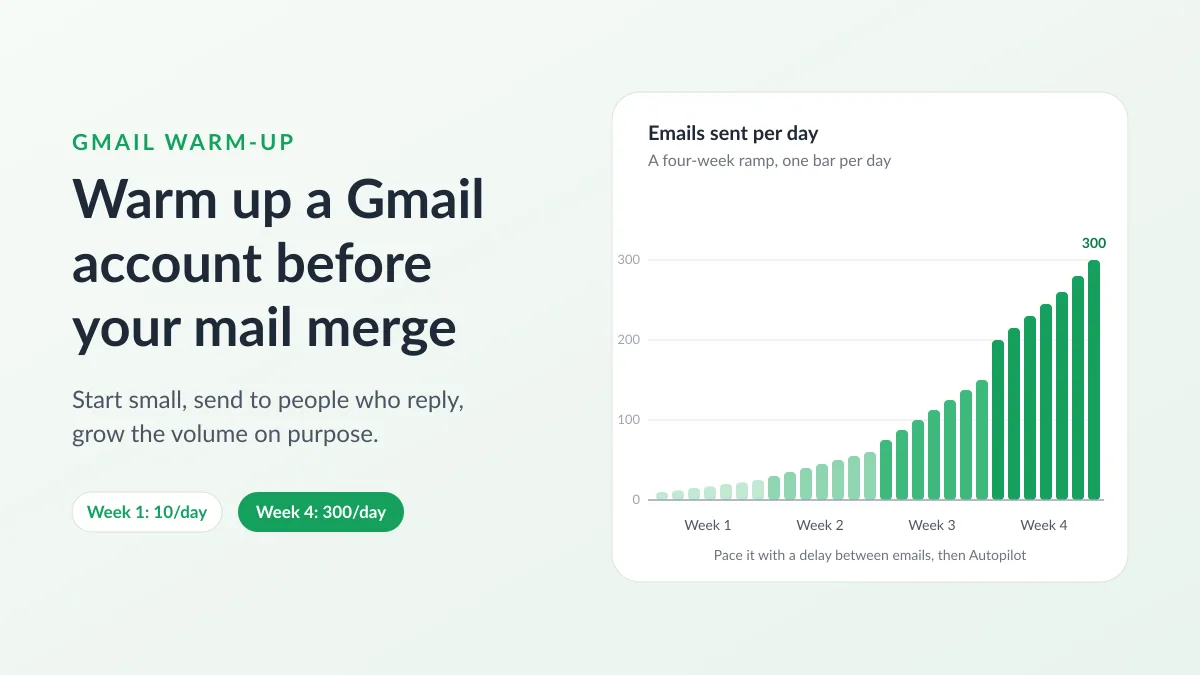
Gmail Warm-Up: How to Warm Up a Gmail Account Before a Mail Merge
Gmail warm-up explained with Google's own ramp-up rules: who needs it, a four-week manual schedule from Google Sheets, and how Mail Merge's warm-up works.
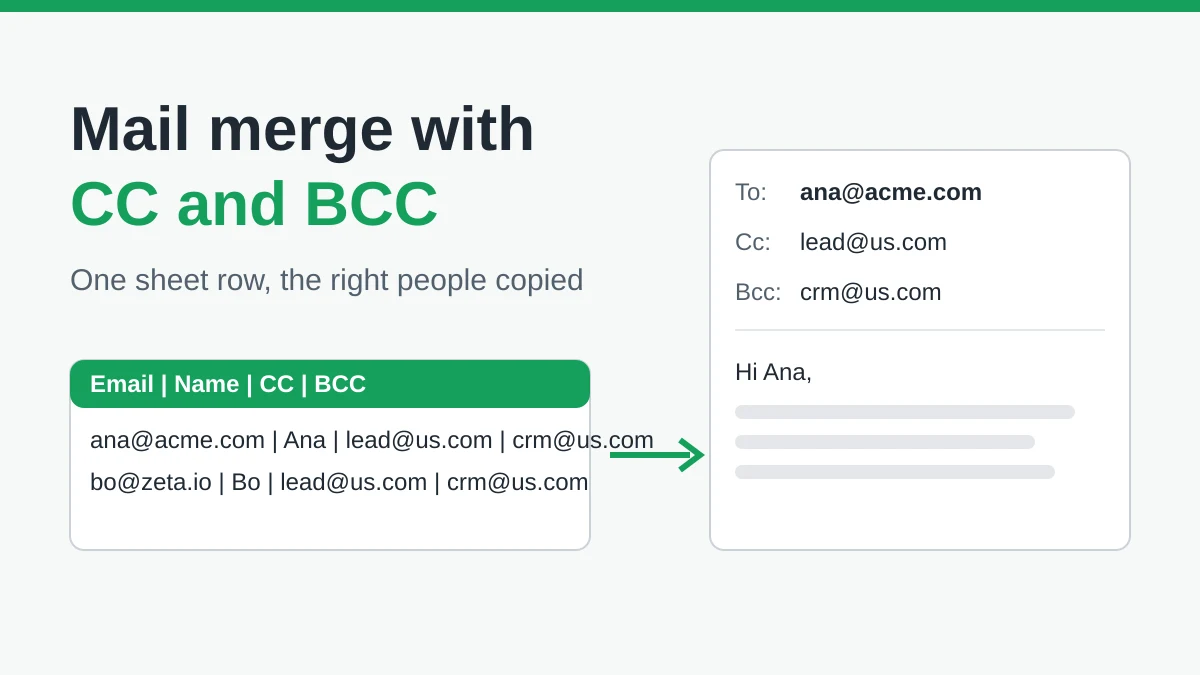
Mail Merge with CC and BCC in Gmail: Copy the Right People on Every Email
Learn how to run a mail merge with CC and BCC from Google Sheets, set up the columns, preview the result and see how copied recipients count toward your daily quota.
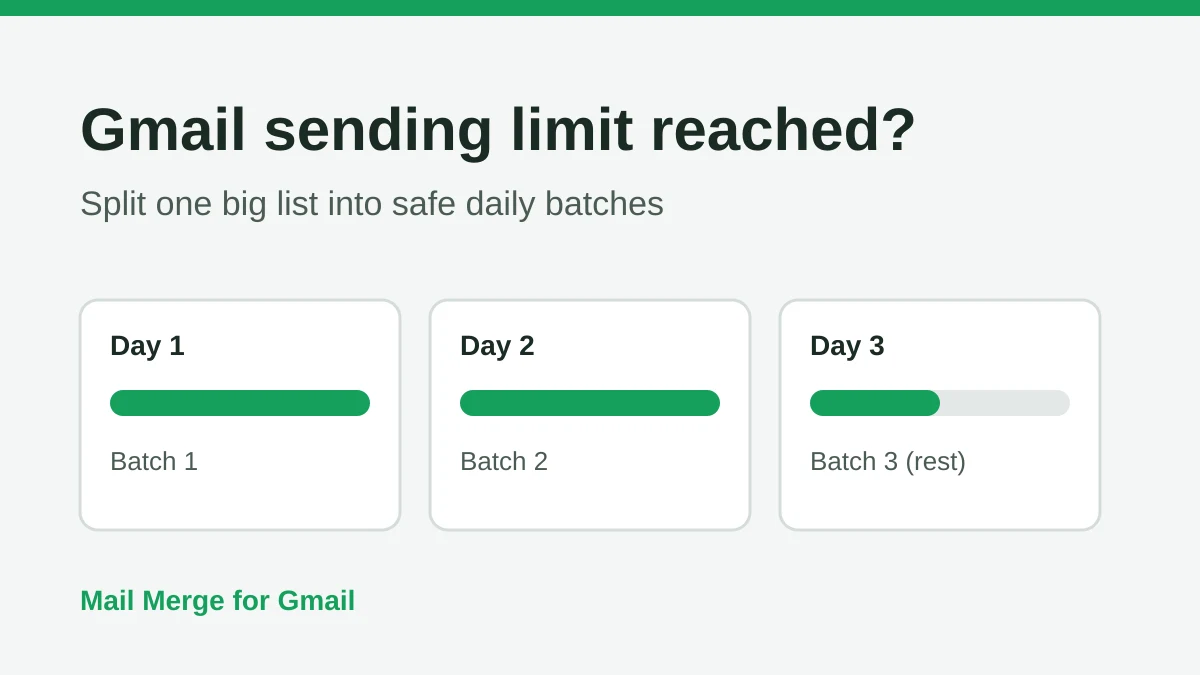
Gmail Sending Limit Reached: What It Means and How to Finish Your Campaign
Hit the Gmail sending limit reached error? Learn the real daily limits, when you can send again, and how to split a mail merge into safe daily batches.