


















Email Contact List: Build and Maintain a Quality Database
Learn how to build, clean, and maintain a high-quality email contact list. Practical guide for small businesses using Mail Merge for Gmail.
You’ve got a Google Sheet full of customers, leads, event attendees, and old contacts. Some rows came from Gmail, others from a trade show form or a colleague’s spreadsheet. The campaign is ready, but the list contains duplicate addresses, former employees, people who unsubscribed, and contacts whose permission nobody can document.
That’s not a minor spreadsheet problem. An email contact list is a working business asset, a deliverability input, and a record of communication permission. It needs maintenance before every campaign and a simple operating routine between sends.
What an Email Contact List Actually Is
A small business can expose list problems in a single Gmail send. Someone exports contacts from a spreadsheet, pastes the addresses into Gmail, and sends an announcement to everyone. Failed deliveries follow. Some recipients say they never requested updates, and the next campaign performs worse. The sheet still appears full, but its row count says little about whether the data is usable.
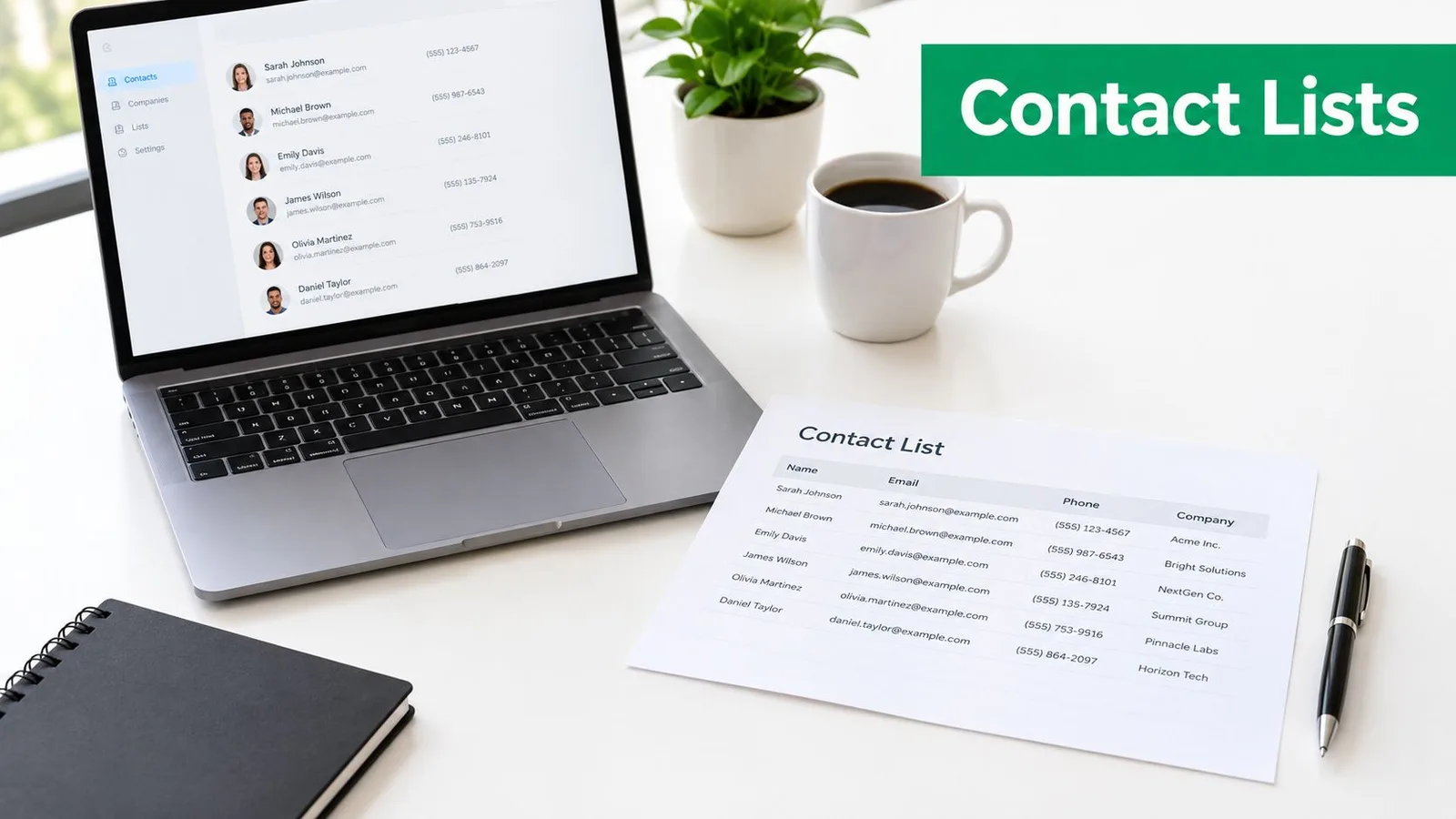
An email contact list combines addresses with the information needed to make a responsible sending decision. Each record should show who the person is, where the address came from, what they agreed to receive, and how your team should handle future communication. Practical fields include first name, last name, company, contact type, source, consent date, consent context, last meaningful interaction, unsubscribe status, and bounce status.
That context changes how a team treats the spreadsheet. A mailing list is a governed business dataset, not an unrestricted collection of addresses. GDPR-oriented guidance from Ghent University explains that recipients must actively give permission in relevant mailing-list contexts. Organizations should also record who consented, when consent was given, how it was collected, and what people were told.
The fields that make a list usable
A spreadsheet supports daily work when its columns answer practical questions:
- Identity: Keep one profile per person, use a consistent email format, and standardize names.
- Source: Record whether the contact came from a form, customer relationship, event, referral, or another permitted channel.
- Permission: Store the consent date, collection method, stated purpose, and current subscription status.
- Activity: Record useful history, such as campaign clicks, replies, purchases, or attendance.
- Control status: Mark unsubscribes, hard bounces, suppression decisions, and records retained for audit purposes.
A customer, guide download, and event attendee may share one sheet while requiring different messages. List quality means the right record, permission, context, and sending decision stay together.
That structure prevents routine spreadsheet mistakes. Without it, a colleague can copy an old tab into a new campaign, restore an unsubscribed contact, or send a recruiting update to a newsletter audience. Small teams do not need dedicated IT support to reduce these errors. They need clear columns, consistent values, and a review habit before each send.
Why Your Email Contact List Determines Deliverability
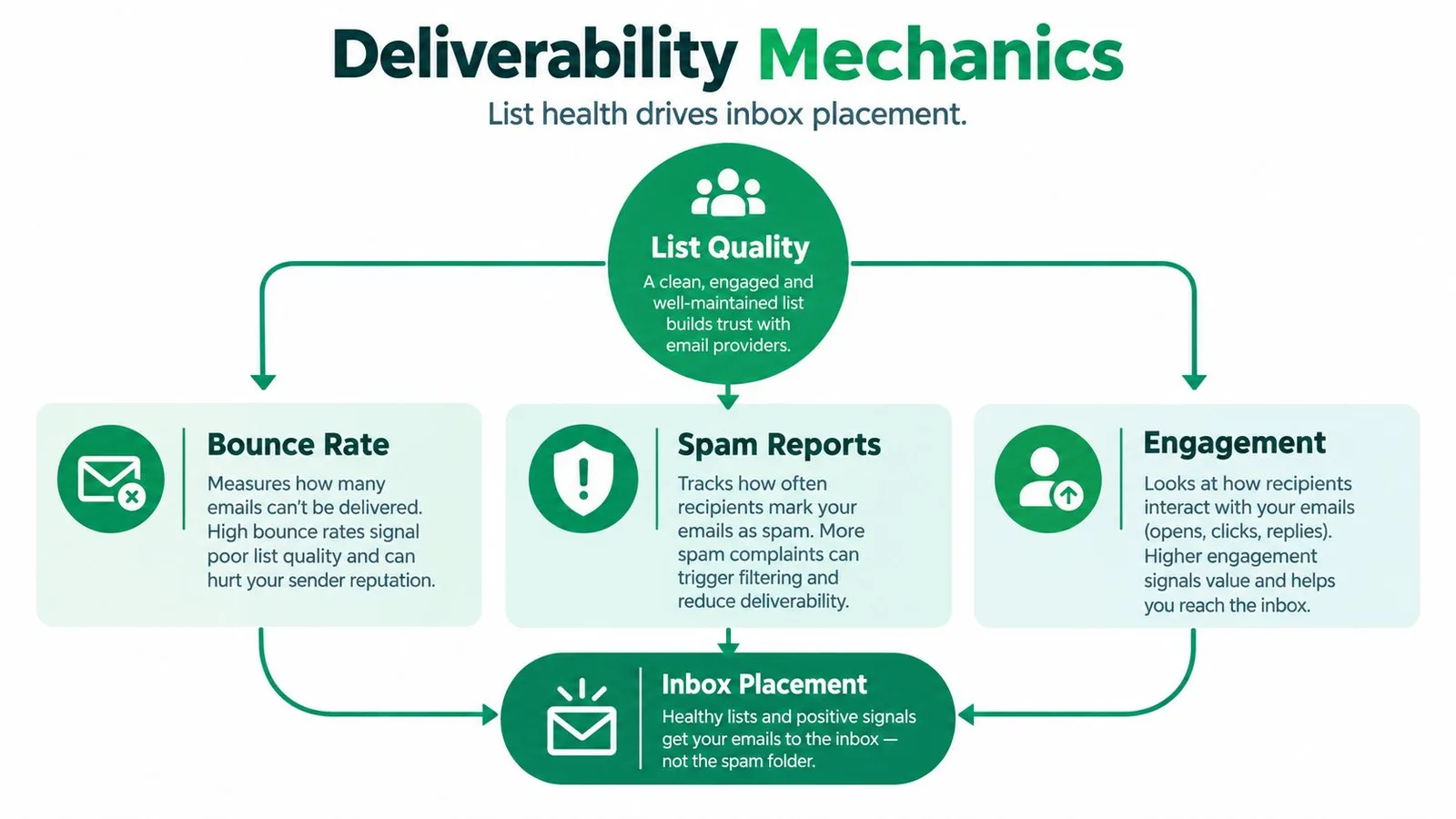
A spreadsheet export can look complete and still damage inbox placement. Mailbox providers assess sender behavior through bounces, complaints, and recipient engagement. Invalid addresses create failed deliveries, while poorly targeted contacts may ignore messages or report them as unwanted. Those signals affect whether future campaigns reach the inbox.
List decay is an operating condition, not a one-time cleanup task. Industry reporting estimates that about 23% of an email list can degrade in a single year (ZeroBounce’s list-decay analysis). Another source reports 2.1% monthly and 22.5% annual B2B contact-data decay, with email addresses showing annual decay of 23% to 30% (Landbase’s contact-data accuracy overview). People change jobs, abandon inboxes, move between companies, or stop having a relevant business relationship with your team.
A reported 2025 dataset found that only 62% of submitted email addresses were valid. That result, summarized by ZeroBounce, does not describe every company’s list, but it shows why an old spreadsheet should not be treated as send-ready just because every row contains an email-shaped string.
The signals worth monitoring
Use the metrics already available in your sending tool:
| Signal | What it tells you | Practical response |
|---|---|---|
| Hard bounces | The address probably cannot receive the message | Suppress it and retain the status record |
| Complaints | Recipients may not recognize or want the communication | Review consent, targeting, and message expectations |
| Clicks and replies | The audience is taking a meaningful action | Use these signals for active segments |
| Unsubscribes | The recipient has withdrawn from that communication | Suppress future marketing sends |
| List decay | Records are becoming stale over time | Schedule verification and review |
A widely used sending benchmark keeps total bounce rate below 2%, with 0.5% to 2% described as acceptable and top performers often below 1%, according to Campaigner’s bounce-rate guidance. For B2B databases, guidance commonly treats 95% or higher accuracy as healthy. Accuracy below 90% signals a serious data-quality problem. The same guidance recommends total bounces below 2% and hard bounces below 1% (Salesmotion’s B2B data-quality guide).
Open rates alone are an unreliable control metric because Apple Mail Privacy Protection can inflate them. Clicks, replies, bounces, complaints, and unsubscribes provide a clearer basis for decisions. Recent list-cleaning guidance recommends ongoing verification, bounce suppression, role-account filtering, and engagement-based decisions instead of a single annual scrub. For a small team using Google Sheets and Gmail, a pre-send review of these signals is a practical way to protect deliverability without enterprise tooling.
Building Your Contact List from Google Sheets and Gmail
For a small team, Google Sheets is often the practical starting point. Create one working sheet instead of letting every employee maintain a private version. Use clear column names such as Email, First name, Last name, Company, Source, Consent date, Segment, Last engagement, and Status.
A practical import workflow
- Create a controlled source sheet. Keep the email column consistent, remove accidental spaces, and separate headers from recipient rows. Don’t mix notes such as “call next week” into the email field.
- Bring together permitted sources. Add customer records, form submissions, and Gmail contacts only when your team can explain why each person belongs in the intended campaign. If you need prospect research for a defined audience, Gritt.io investor email sourcing can be a useful research resource, but sourced addresses still need an appropriate outreach basis and careful review.
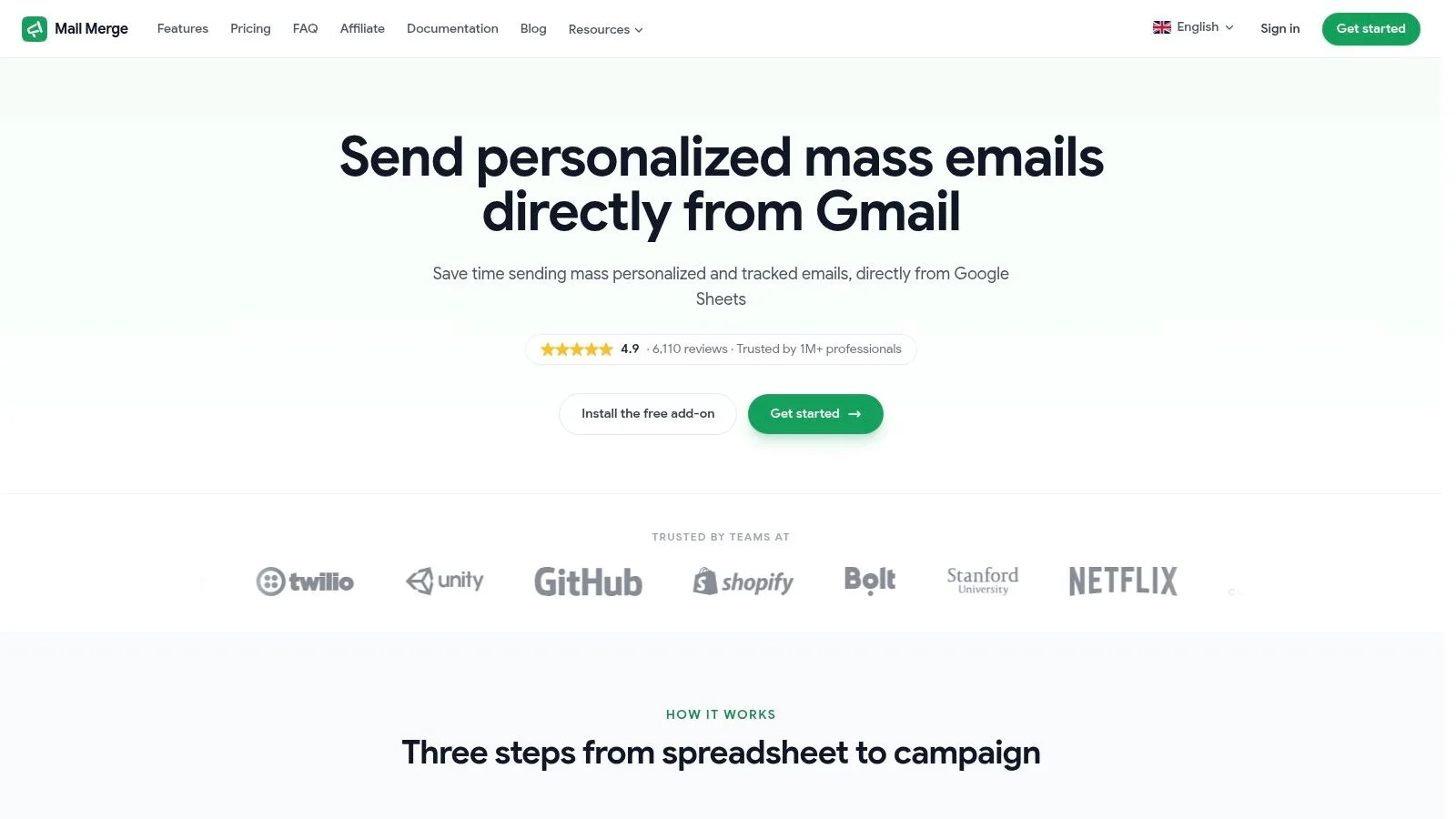
- Connect the sheet to your mail merge workflow. In Mail Merge for Gmail, select the Google Sheet, identify the recipient column, and map fields such as first name or company to the matching columns. Each row should represent one recipient, not a group of addresses pasted into a single cell.
- Preview before sending. Check blank names, incorrect substitutions, duplicate rows, attachments, and the audience segment. Send a test to yourself and review the message on desktop and mobile.
- Write results back to the sheet. Keep delivery and engagement statuses with the row so your next campaign can exclude bounces, unsubscribes, and inappropriate recipients.
If your contacts currently live only in Gmail, first review the export and remove outdated or ambiguous records before importing them into a campaign sheet. A separate guide on exporting contacts from Gmail can help you move that data into a format your team can inspect.
The tool should simplify sending, not replace list governance. Keep a protected master tab, a campaign-ready tab, and a suppression tab. Restrict editing of consent and suppression fields, because a well-meaning colleague can otherwise overwrite the evidence that tells you why a record must not be mailed.
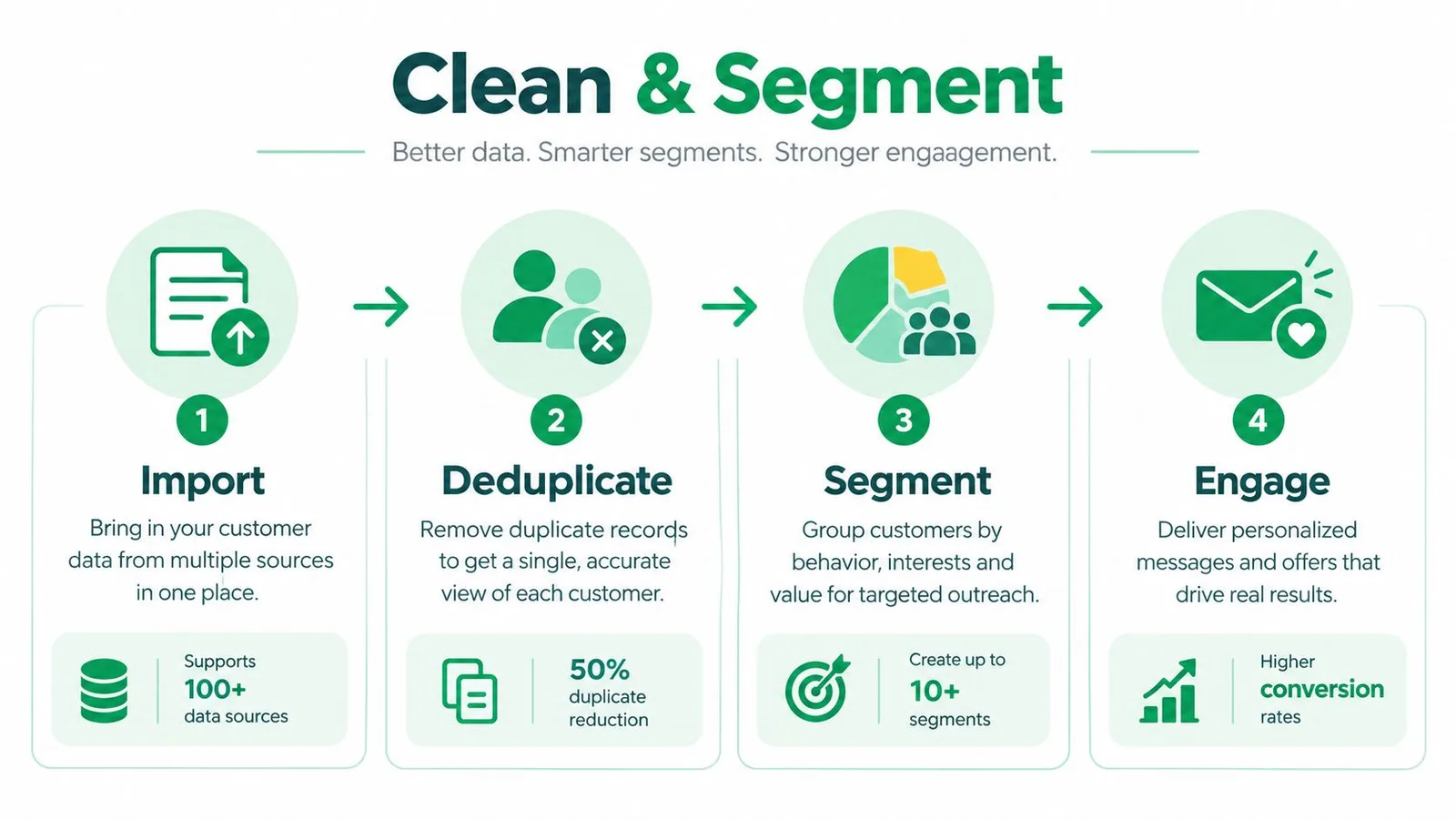
Deduplication and Segmentation Strategies That Work
Duplicates usually appear when a sales representative adds a personal address, a customer submits a second form, or two teams merge separate sheets. Deleting repeated rows without checking context can erase useful history. The safer approach is to identify duplicates, consolidate the profile, and preserve the most reliable permission and activity record.
A spreadsheet-first cleanup method
Begin by normalizing the email field. Convert addresses to lowercase, remove leading or trailing spaces, and check for obvious formatting errors. Then sort or filter by email address so repeated values sit together. A spreadsheet’s duplicate-highlighting feature can find matching values, but someone still needs to decide which row contains the correct name, source, consent record, and status.
Use this decision order:
- Keep the strongest record: Combine useful fields rather than choosing the newest row automatically.
- Preserve restrictions: If one duplicate is unsubscribed or suppressed, carry that restriction into the merged profile.
- Retain evidence: Keep the source and consent history needed to explain the record later.
- Separate role accounts: Treat shared addresses such as generic departmental inboxes cautiously, especially for personalized outreach.
- Quarantine uncertainty: Move questionable rows to a review tab instead of sending to them while someone investigates.
Segmentation should reflect a real communication decision. A local service company might separate current customers from prospects and former customers. A recruiter may distinguish candidates by role, stage, and consent context. A nonprofit coordinator could separate volunteers, donors, and event attendees, because each group expects different updates.
Choose segments your team can maintain
A segment is useful only if someone can assign and update it consistently. Start with a few durable categories:
| Segment basis | Example | Sending decision |
|---|---|---|
| Relationship | Customer, prospect, supplier | Match the message to the relationship |
| Interest | Product line, service area, event topic | Send only relevant updates |
| Engagement | Clicked, replied, inactive | Prioritize active contacts and review inactive ones |
| Permission | Newsletter, transactional, unclear | Mail only within the documented purpose |
| Lifecycle | New lead, active customer, former customer | Adjust timing and message expectations |
For more detail on maintaining a reliable source of contact records, use this practical guide to contact database management. The principle is simple: deduplicate for accuracy, segment for relevance, and suppress for safety. Those three decisions work better than a large number of labels nobody updates.
GDPR Compliance and Consent Management for Small Teams
A spreadsheet row is not proof of permission. For each person on an email contact list, your team should be able to explain who consented, when, how, and what they were told. Consent may also need refreshing after an appropriate period, often between 2 and 5 years, depending on the communication context. Keep the purpose and wording attached to the record rather than relying on someone’s memory.
That standard changes how small businesses handle everyday sources. An address copied from a business card is not automatically a newsletter subscriber. A customer relationship may support some messages, but it does not automatically cover every marketing purpose. Purchased and third-party lists create a harder problem because your business may lack evidence that the person agreed to receive your messages.

Keep a consent record people can understand
Add fields that let another team member reconstruct the decision:
- Consent status: Use clear values such as confirmed, withdrawn, unclear, or not applicable.
- Collection date: Record when the person gave permission, not when someone imported the row.
- Collection method: Note the form, event, checkout, direct request, or other source.
- Purpose and wording: Preserve what the person agreed to receive.
- Proof location: Link to the form record, CRM entry, or other internal evidence.
- Suppression status: Record unsubscribes and hard bounces separately from ordinary contact notes.
Operational rule: If your team cannot explain why someone is on the campaign list, pause the send until the record is resolved.
Unsubscribe, suppression, and deletion require different handling. Unsubscribe records a recipient’s choice to stop a particular marketing communication. Suppression tells the sending process to exclude the address while retaining the record and reason for compliance and reporting. Deletion removes personal data, but deleting an address without an appropriate suppression record can allow a later import to re-add someone who already opted out.
Put legacy contacts in a review queue. Ambiguity is not permission. For third-party imports, check whether the source collected consent for your organization and stated purpose. For offline collection, record the context accurately and avoid sending when the available evidence does not support inclusion. Teams reviewing Gmail-based spreadsheets can also use this practical data privacy guidance for Gmail-based workflows.
A lightweight process is enough for many small businesses. Use a protected consent tab, a separate suppression tab, consistent status values, and one named owner for review. That structure makes list hygiene an ongoing operational discipline, not a one-time cleanup, and gives the team a workable way to handle inevitable contact decay without enterprise tools.
Maintaining List Quality Over Time
An email contact list starts aging as soon as addresses enter it. Industry guidance places annual list decay around 23%, and a reported Hunter study found that 2.3% of a sample contact list had become outdated after eight weeks (Hunter’s email-verification guidance). Rates vary by audience, industry, and acquisition source, but the practical conclusion is consistent: contact data is perishable. Hygiene must be an operating routine, not a one-time cleanup.
A small business usually needs an owner, a checklist, and clear review triggers rather than an enterprise data team.
Use a maintenance rhythm
- Before import: Verify addresses, normalize fields, remove duplicates, and check permission status.
- Before each send: Exclude unsubscribed, suppressed, and hard-bounced records. Review the campaign segment and resolve questionable rows.
- Monthly: Check recent bounces, complaints, unsubscribes, inactive contacts, and role accounts. Correct the collection process when the same errors recur.
- Quarterly: Re-verify stale records, review consent evidence, and confirm that segments still match current relationships.
- After a campaign: Write delivery and engagement outcomes to the master record. Clicks and replies provide stronger evidence of interest than opens alone.
Suppress hard bounces promptly. Persistent non-engagers should not stay in every campaign indefinitely, but deleting them immediately can erase useful history. Give known contacts a defined re-engagement window and a clear choice. If there is no useful response, suppress the record while retaining historical suppression information outside the active sending view.
List hygiene works when one person owns it as a routine, not when someone remembers it after deliverability falls.
A spreadsheet-to-Gmail workflow can support this process. Keep the master database separate from campaign copies, protect consent and suppression fields, and record each status change. Review accuracy, freshness, bounce rate, complaints, clicks, replies, and unsubscribes as operating indicators. The goal is a list your team can explain, maintain, and send to responsibly.
Mail Merge for Gmail connects Google Sheets contacts with personalized Gmail campaigns, supports message previews and scheduled sends, manages unsubscribes, and writes delivery and engagement statuses back to the spreadsheet. Visit Mail Merge for Gmail to assess whether its Google Workspace workflow fits your existing contact process.
Ready to send your first campaign?
Install Mail Merge for Gmail from the Google Workspace Marketplace and send up to 50 personalized emails per day for free.
Get started for freeMore reading
More from Guides
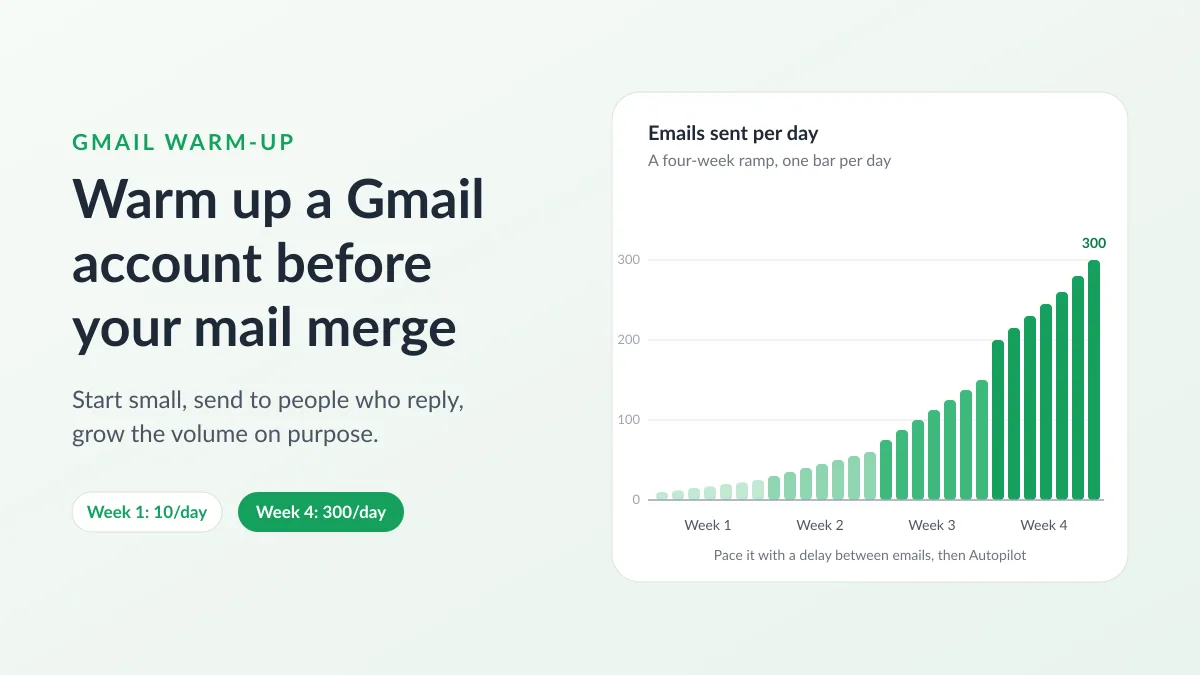
Gmail Warm-Up: How to Warm Up a Gmail Account Before a Mail Merge
Gmail warm-up explained with Google's own ramp-up rules: who needs it, a four-week manual schedule from Google Sheets, and how Mail Merge's warm-up works.
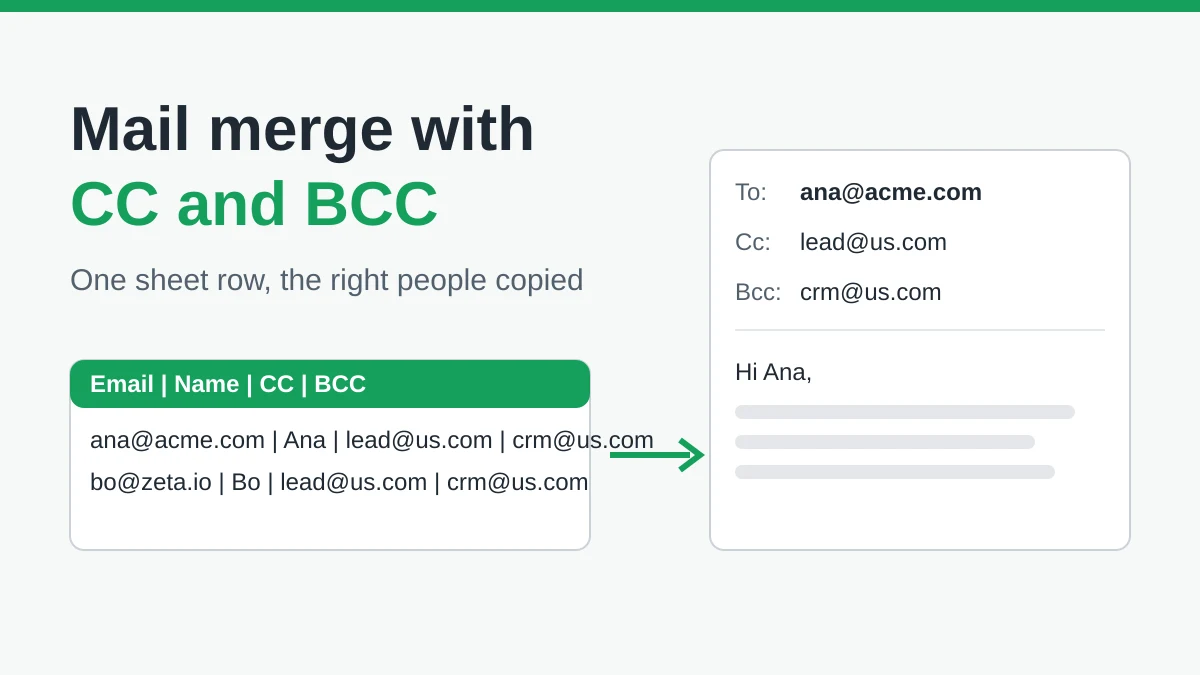
Mail Merge with CC and BCC in Gmail: Copy the Right People on Every Email
Learn how to run a mail merge with CC and BCC from Google Sheets, set up the columns, preview the result and see how copied recipients count toward your daily quota.
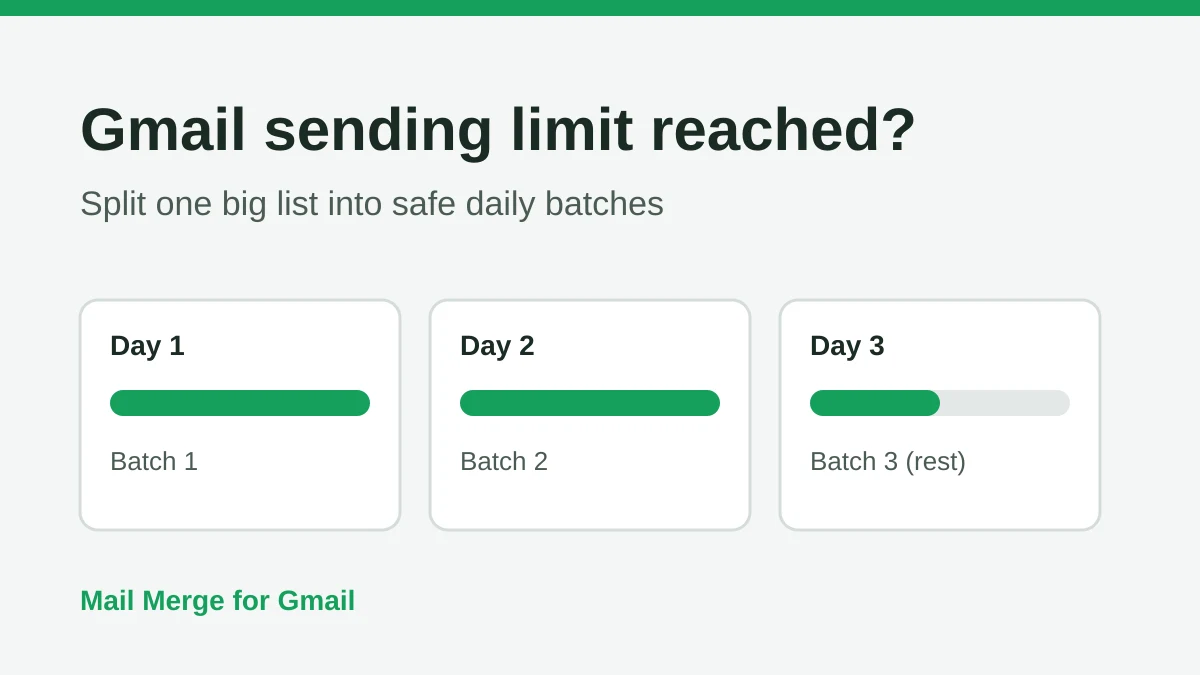
Gmail Sending Limit Reached: What It Means and How to Finish Your Campaign
Hit the Gmail sending limit reached error? Learn the real daily limits, when you can send again, and how to split a mail merge into safe daily batches.