


















Email Marketing Lead Generation Playbook That Converts
A practical email marketing lead generation playbook with proven tactics for list building, segmentation, nurture sequences, and measurable conversion wins.
Email still earns a place in the lead-gen stack because the scale is hard to ignore. There were about 4.48 billion global email users in 2024, and that number is projected to rise to 4.73 billion by 2026; nearly 376 billion emails were sent each day, with that total expected to reach 408 billion by 2027 (email marketing statistics). For teams running from Gmail and Google Sheets, that means the channel isn’t theoretical. It’s a direct path to owned contacts, fast replies, and campaigns you can control.
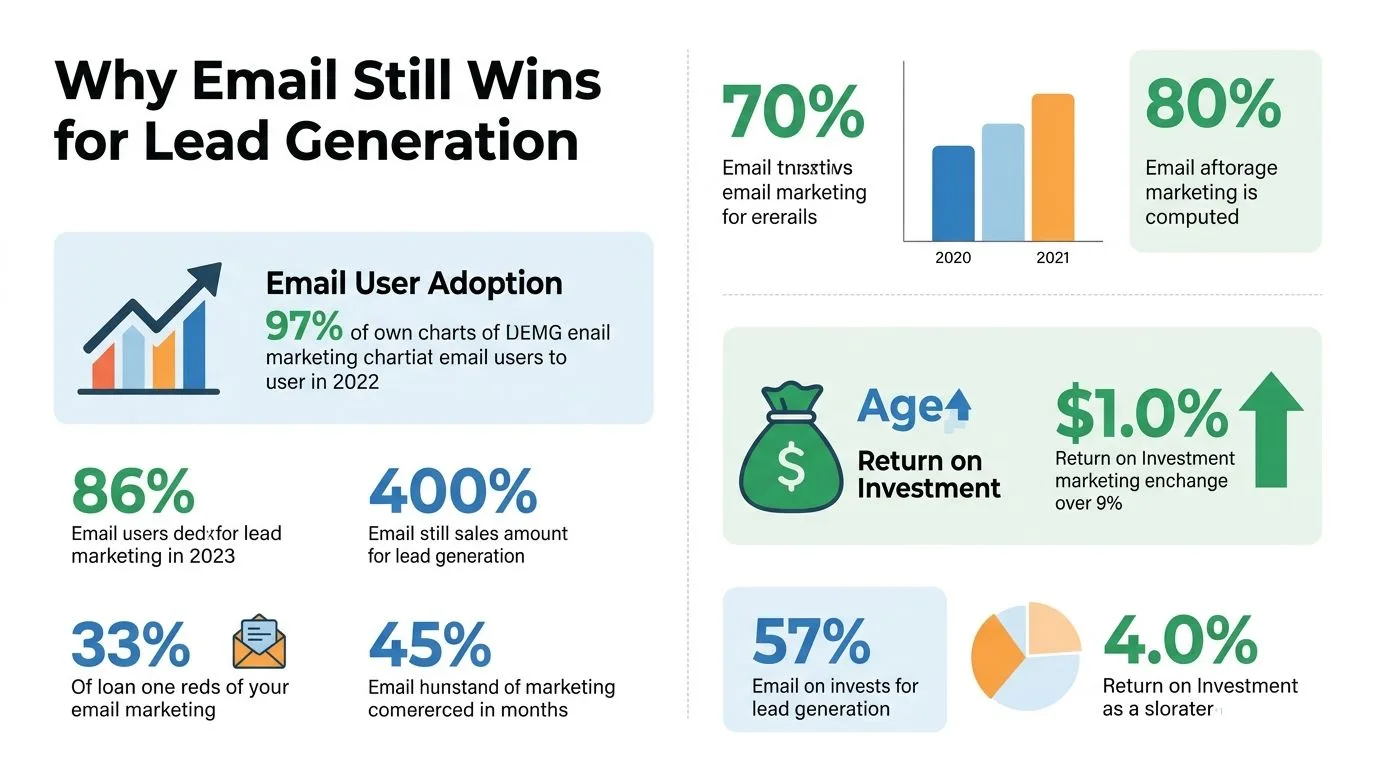
Why Email Still Wins for Lead Generation
Email keeps winning because the economics are unusually clean. Industry benchmarks put email marketing at about $42 for every $1 spent, often described as 4,200% ROI, while another benchmark places average ROI at $36 per $1 spent (lead generation statistics). That kind of return changes how a small team should think about acquisition. Paid ads demand constant spend, social platforms change the rules, and SEO takes time. Email lets you build an audience once, then work that audience repeatedly with low marginal cost.
The adoption side matters just as much. Email marketing ranked as the second most effective lead-generation channel at 32%, just behind in-person tradeshows and events at 33%, and 64% of SMBs said they use email marketing in their business. That makes email less like a niche tactic and more like a shared operating system for growth teams.
What makes it structurally different
Email gives you direct control over the follow-up. A prospect can open, skim, click, reply, forward, or ignore, and the platform does not decide whether your message gets seen next. That makes it closer to a conversation than a broadcast, especially for small teams that need each reply to count.
A Google Workspace setup keeps that control practical. Leads can enter through a form, land in Sheets, move into a segment, and get sent from Gmail without waiting on a heavier stack. The trade-off is that you have to be more deliberate about list quality, tracking, and send limits, but the upside is a system you can run every week without friction.
The key advantage is ownership. Paid channels disappear when spend stops, while an email list stays with you and can be reused across campaigns, offers, and follow-up. If you want a cleaner way to organize that list before you send, the contact database management guide is a useful companion.
That is why small teams keep coming back to it. They can manage it inside Gmail, track it in Sheets, and improve it week by week without waiting on a bigger marketing stack.
Building the Capture Foundation
A good lead magnet still starts with one job, get the right person to raise a hand. That means the offer has to feel immediate and useful, not vague and brand-led. A sales team can use a short outreach checklist, a small business can use a pricing or buying guide, and a recruiter can use a candidate prep pack. Each one should promise a result the reader can use today.
The form should stay short. Salesforce recommends concise lead-capture forms, and that advice fits small teams especially well because every extra field raises friction (lead generation guide). Capture the basics you’ll use in follow-up, then let the email sequence do the qualification work.
A simple Google Forms to Sheets flow
Use a Google Form with only the fields you need, then connect it to a Google Sheet so each new signup lands in a structured row. That gives you a clean list for segmentation, follow-up, and later reporting. If your spreadsheet already acts as the source of truth, you’ll also avoid the messy handoffs that happen when leads live in three different tools. For a deeper structure around that list, the contact database management guide is a useful companion.
Three practical lead magnet setups work well in small teams:
- Small business offer: a one-page buyer checklist, paired with a form that asks for name, email, company, and “what are you trying to solve.”
- Sales team offer: a discovery call prep sheet, paired with a form that asks for role, company size band, and current challenge.
- Recruiter offer: a candidate interview guide, paired with a form that asks for job title, hiring timeline, and preferred contact route.
Keep the first form focused on routing, not interrogation.
That mindset makes the capture stage faster and keeps the spreadsheet usable later. Once the list is structured, the rest of the workflow becomes easier to segment and send from Gmail without extra cleanup.
Segmenting Lists Before the First Send
Sending the same email to everyone is the fastest way to flatten response. A spreadsheet-backed list should carry tags from day one, even if the list is still small. Add columns for source, role, industry, lead magnet, status, and a simple lead score so every row tells you why that contact is there.
Think of segmentation as routing, not decoration. A lead who came from a pricing guide needs different follow-up than a lead who downloaded a hiring checklist. Sales teams, recruiters, and small business owners all buy for different reasons, so the message should reflect that from the first send. The email list segmentation guide is a solid reference for building that structure cleanly.
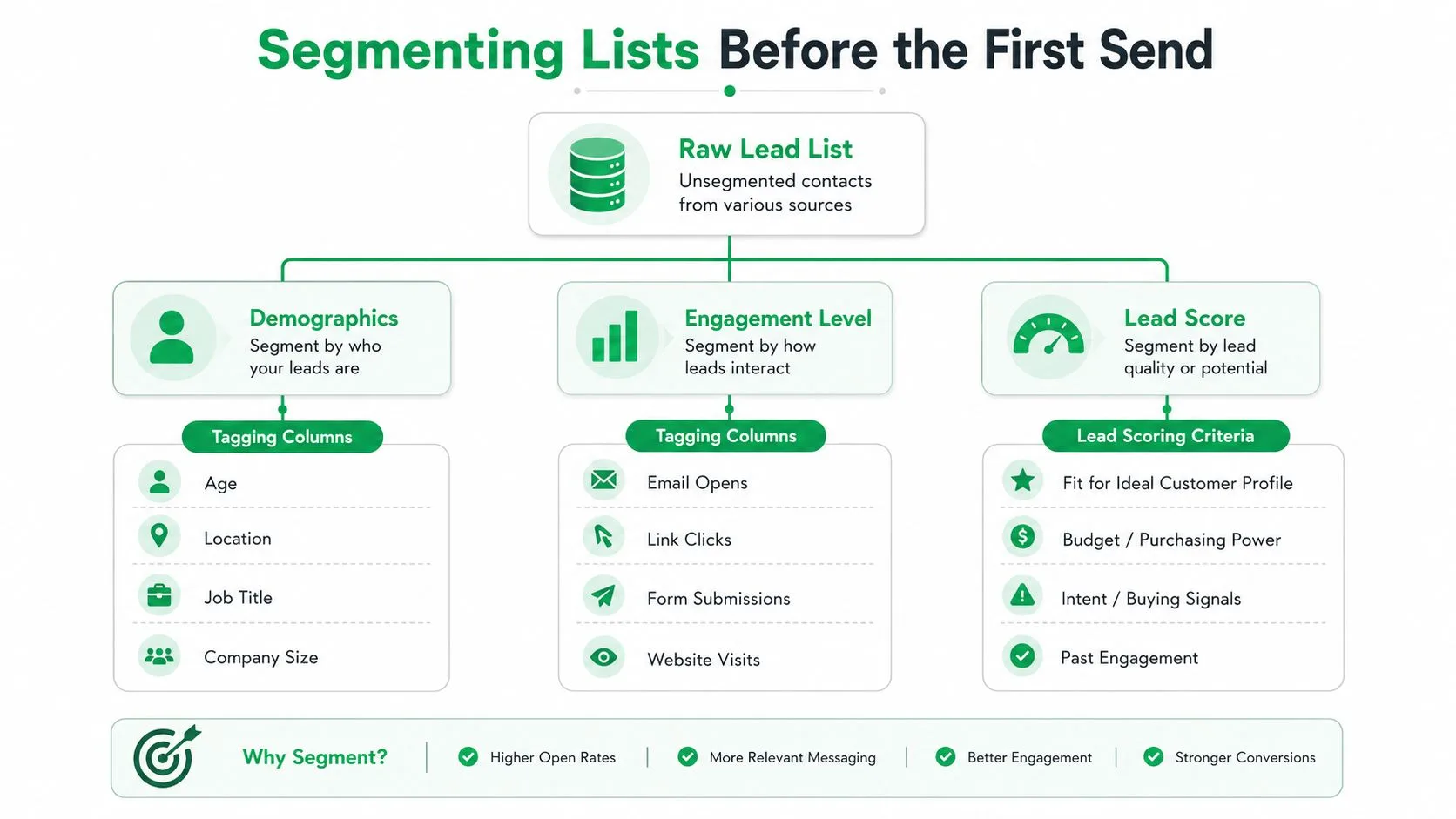
How to tag a small list without overcomplicating it
Use a few tags that change the message. For example, a small business list can be split by industry, decision-maker role, and lead magnet source. Then map each segment to a different nurture track, one for education, one for qualification, one for a direct sales nudge.
A simple lead score can stay qualitative at first. High-intent contacts are the ones who requested a demo, clicked a pricing link, or replied with a buying question. Lower-intent contacts may need more education before sales follow-up. That keeps the sheet usable without pretending the scoring model is more precise than it really is.
Useful test: if a tag wouldn’t change the next email, you probably don’t need that tag yet.
That discipline matters because segmented sends consistently outperform generic blasts. The data-backed reason is simple, the better the fit, the better the response.
Designing Nurture and Sales Sequences
A Gmail-based sequence works best when it feels like one person writing to another, not a bulk campaign wearing a fake smile. Personalization tokens in a mail merge template help, but the main lift comes from message order. Start with welcome, move through nurture, then hand off to sales only after the contact has shown enough interest to justify it.
For small teams, a Google Sheets-based mail merge workflow can handle this cleanly. Mail Merge for Gmail is one option in that category, it sends personalized campaigns from Gmail using contact data in Google Sheets and writes delivery and engagement status back to the sheet. That keeps the sequence visible without forcing the team into a separate enterprise ESP.
A five-email welcome cadence
- Welcome email, subject: “Glad you’re here.” The body should confirm what they signed up for and link to the lead magnet. CTA, tell them what to expect next.
- Problem framing email, subject: “This is a common mistake.” The hook should describe the common mistake your audience is trying to avoid. CTA, ask them to reply with their biggest blocker.
- Proof email, subject: “A simpler way to handle this.” Focus on the process, not a hard sell. CTA, point them to one useful resource or demo page.
- Qualification email, subject: “Worth a quick look?” Make the next step explicit for people with buying intent. CTA, invite them to book a call or request a walkthrough.
- Sales handoff email, subject: “Should we take this further?” Keep it brief, direct, and easy to answer. CTA, route qualified replies to sales.
The sequence doesn’t need cleverness. It needs timing, relevance, and a clean reason for each step to exist.
When to move from nurture to sales
Use behavior, not gut feel, as the trigger. A reply, a demo request, or repeated clicks are enough to justify a handoff. If the contact is still passive, keep nurturing and avoid forcing the jump too early.
Replies tell you far more than opens ever will.
That’s the operational mindset that keeps small teams from over-emailing weak leads while still moving the right ones into a real sales conversation.
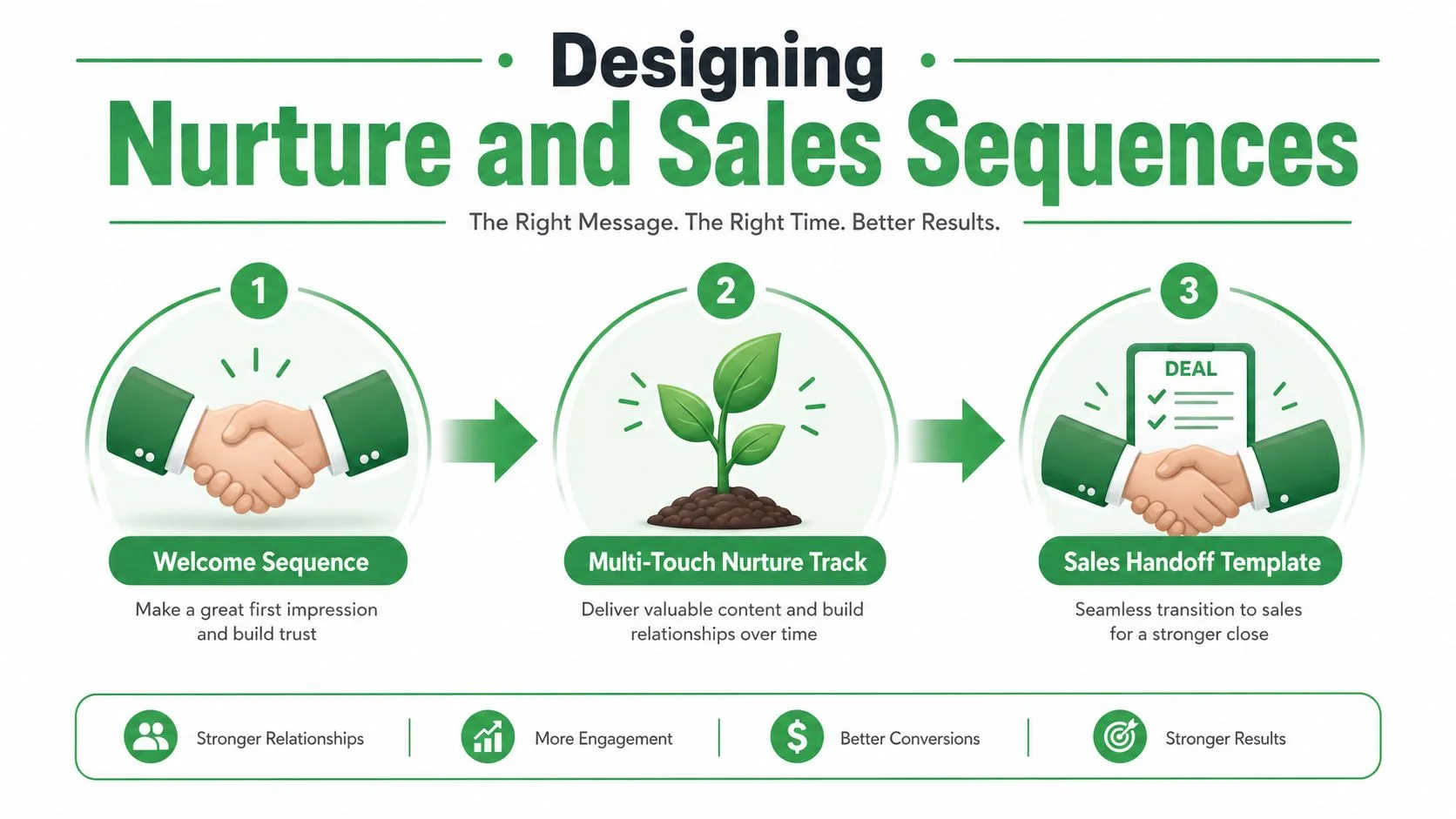
Before you build your own drip path, the industrial lead nurturing guide is a helpful reference for thinking through longer sequence structure.
Deliverability and Compliance Essentials
A sequence can be beautifully written and still fail if inbox placement collapses. That’s why deliverability needs to be treated as infrastructure, not cleanup. For B2B outreach, neutral guidance recommends warming up the sending domain, authenticating with SPF, DKIM, and DMARC, validating the list before sending, and using double opt-in plus list hygiene to cut bounces and spam complaints (email marketing lead generation).
Gmail-style outreach also has to respect newer mailbox rules. Current guidance emphasizes reducing send frequency, preferring plain text over heavy HTML, and using one-click unsubscribe because bulk-sender requirements have tightened (email marketing leads). For small teams, that means the technical setup isn’t optional. It’s the difference between an inboxed campaign and a campaign that disappears before anyone sees it.
What to check before volume goes up
Start with sender reputation basics. Confirm that the domain is authenticated, the list has been validated, and the first sends are conservative. Then watch bounce rate and complaint patterns before increasing volume. If those signals are weak, adding more send volume usually makes the problem worse.
Practical rule: scale only after the inbox is stable, not before.
That approach fits small teams because it creates a controlled feedback loop. The domain warms gradually, the list stays cleaner, and you avoid burning a send domain on a short burst of impatient outreach.
A few compliance habits that actually matter
Double opt-in is worth using when the lead source allows it, especially for inbound captures. Keep unsubscribes easy. Treat list hygiene as a recurring task, not a one-time fix.
If you’re building drip-style follow-up and want a broader framework, the most useful material is the kind that connects cadence, targeting, and inbox placement instead of just teaching subject lines. That’s where most beginner guides stay thin, and it’s where small teams often get tripped up.
Measuring What Actually Converts
Open rates are useful, but they don’t tell you whether the lead pipeline is healthy. The metrics that matter most are the ones that connect sending to selling, reply rate, qualified lead rate, and revenue per subscriber. A campaign with pretty opens and no real conversations isn’t generating much at all.
A Sheet-backed workflow makes the measurement simple. Write per-row statuses like Sent, Opened, Clicked, and Replied back into the spreadsheet so the team can review performance without another dashboard. That gives you a shared surface for campaign history, follow-up decisions, and basic reporting. For a more structured view of campaign tracking, the campaign performance reporting guide fits naturally here.
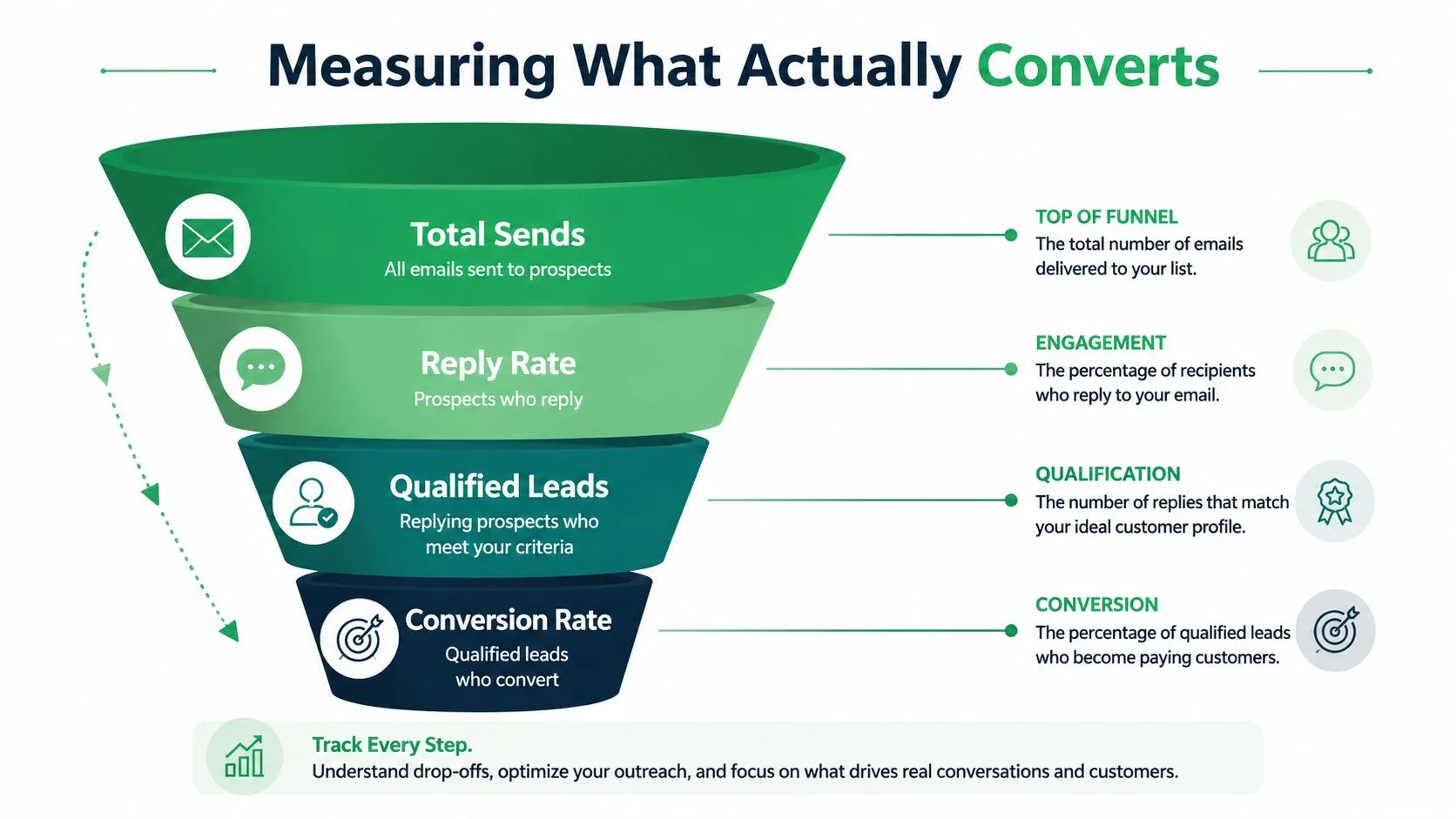
What to look at every week
- Reply quality: Count how many replies show buying intent, not just politeness.
- Lead source performance: Compare which lead magnet created the best conversations.
- Segment behavior: Watch whether one audience segment consistently outperforms another.
- Unsubscribes and complaints: Treat them as warning signs that the message is drifting from the audience.
- Next-step conversion: Track how many qualified replies turn into meetings or handoffs.
Small teams often overdo experimentation in the wrong place, testing for novelty instead of signal. A better first set of experiments is simple: subject line tests, send-time tests, and one CTA variation per sequence. Once those are stable, test a different lead magnet or segment.
The payoff from that approach is clarity. You can tell whether the problem sits in the offer, the audience, the sequence, or the delivery layer. That’s a much more useful answer than a dashboard full of disconnected opens.
Your 30-Day Rollout Plan
A founder or small marketing team can ship this in a month if the work stays sequenced. Week one should focus on the capture foundation, lead magnet, form, and sheet structure. The only goal is to get a clean list flowing into one place with the fields you need.
Week two is for deliverability setup. Authenticate the domain, validate the list, clean up the opt-in path, and make unsubscribe handling easy. By the end of that week, the campaign should be technically ready even if no sequence has gone out yet.
Week three is sequence buildout. Draft the welcome emails, personalize the templates, and decide which behaviors trigger the handoff to sales. If the copy sounds too promotional, it probably is. Small teams get better replies when the sequence sounds like a person who understands the problem.
Week four is measurement and optimization. Turn on tracking, review the Sheet, and compare segments by reply quality rather than vanity opens. Then ship one improvement, not five.
A realistic daily cadence helps keep this moving:
- Capture work: 30 to 45 minutes.
- Deliverability work: 30 minutes.
- Sequence writing: 45 to 60 minutes.
- Review and cleanup: 20 minutes.
The biggest mistake is launching before the list, domain, and sequence all line up. That usually leads to spam placement, low-quality replies, and a team that blames the message when the actual issue was the setup. Slow enough to stay deliverable is fast enough to generate leads.
Mail Merge for Gmail gives small teams a way to send personalized campaigns from Gmail using Google Sheets as the contact source, while keeping delivery and reply tracking visible inside the spreadsheet. If you’re building email marketing lead generation inside a Google Workspace workflow, visit Mail Merge for Gmail and see how it fits a lean send-and-follow-up process without moving out of Gmail.
Ready to send your first campaign?
Install Mail Merge for Gmail from the Google Workspace Marketplace and send up to 50 personalized emails per day for free.
Get started for freeMore reading
More from Guides
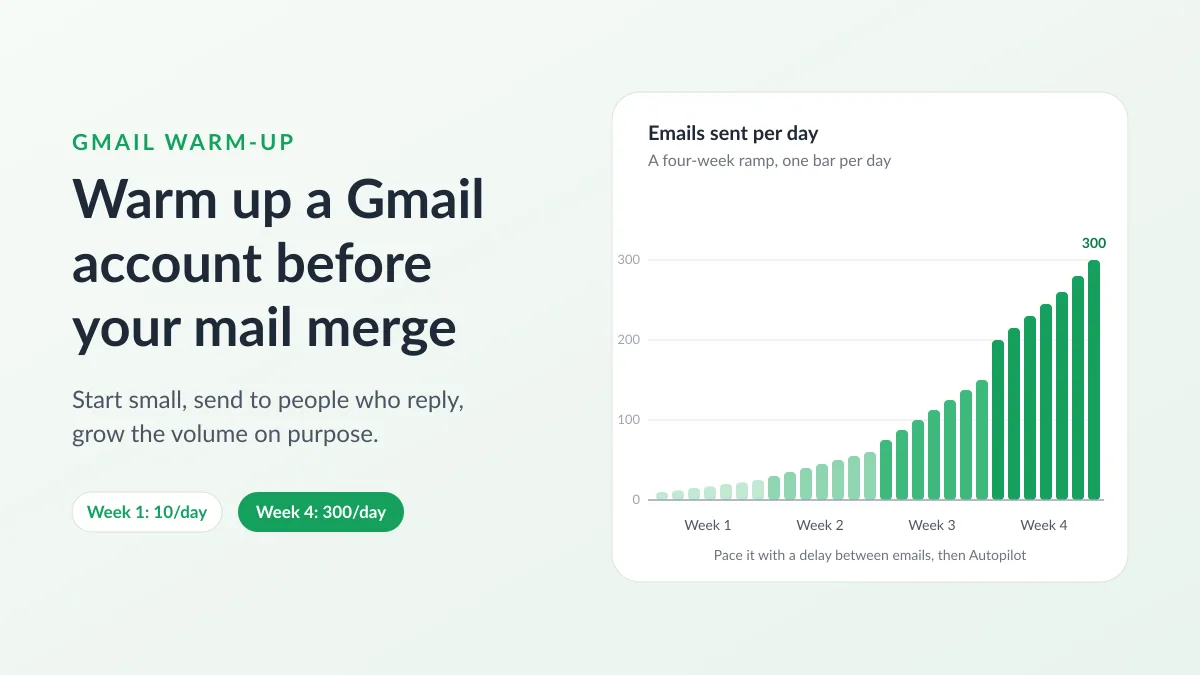
Gmail Warm-Up: How to Warm Up a Gmail Account Before a Mail Merge
Gmail warm-up explained with Google's own ramp-up rules: who needs it, a four-week manual schedule from Google Sheets, and how Mail Merge's warm-up works.
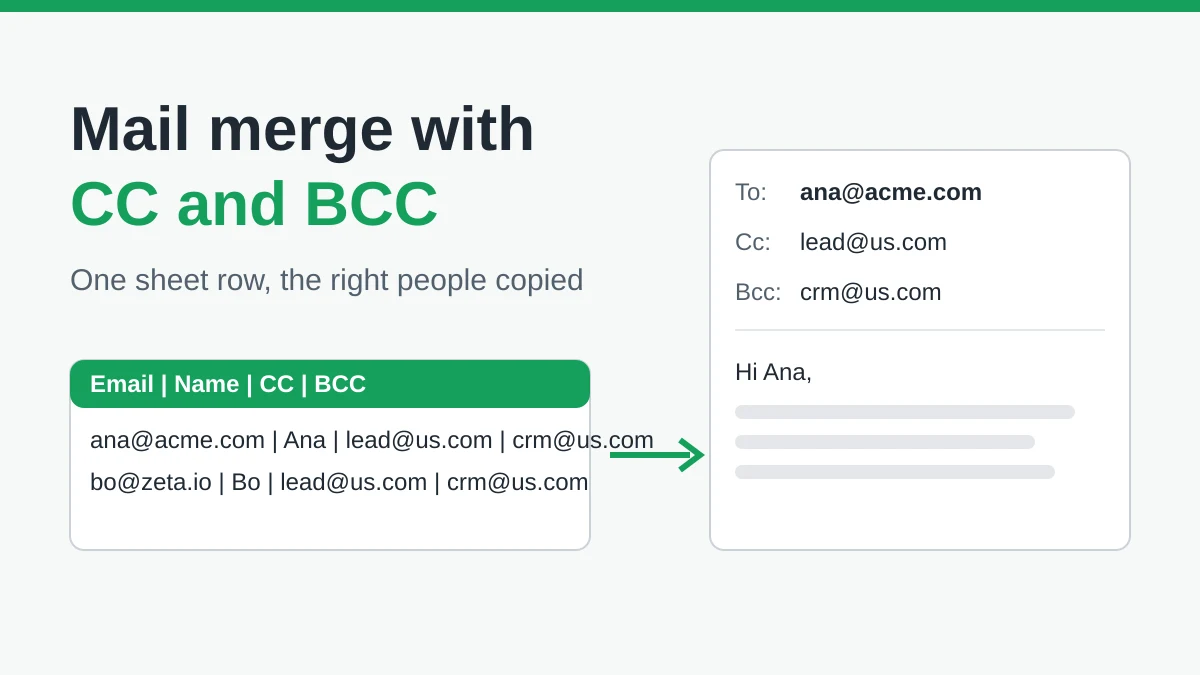
Mail Merge with CC and BCC in Gmail: Copy the Right People on Every Email
Learn how to run a mail merge with CC and BCC from Google Sheets, set up the columns, preview the result and see how copied recipients count toward your daily quota.
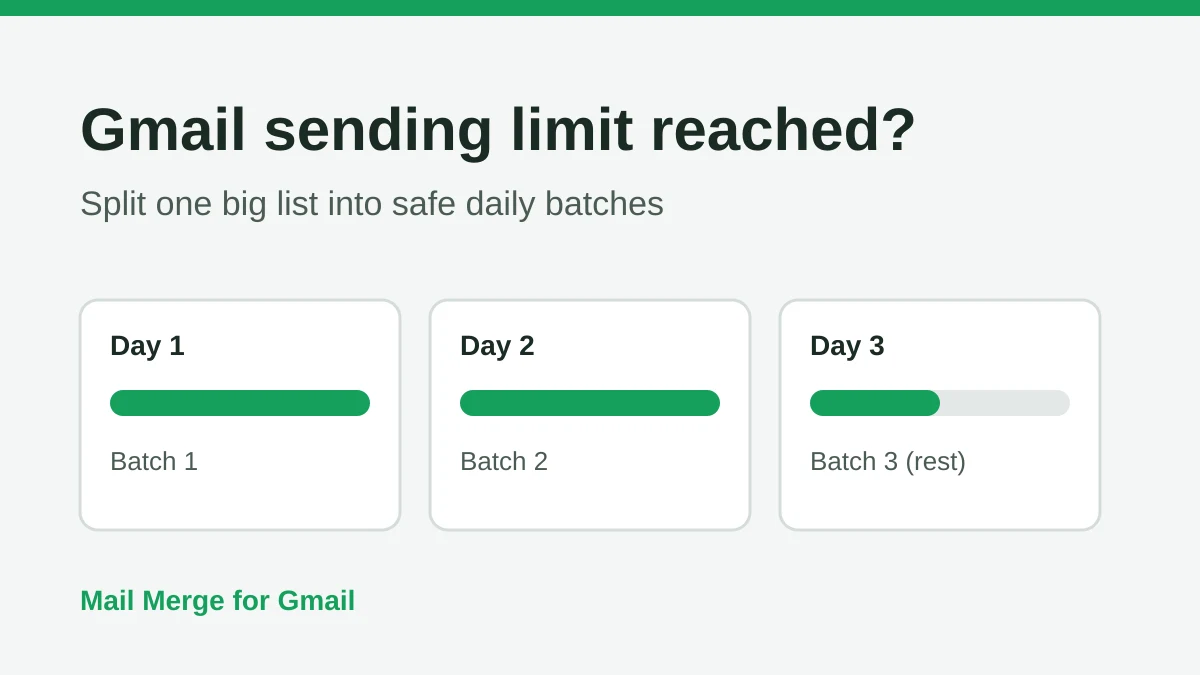
Gmail Sending Limit Reached: What It Means and How to Finish Your Campaign
Hit the Gmail sending limit reached error? Learn the real daily limits, when you can send again, and how to split a mail merge into safe daily batches.