


















Best Email Testing Tools: Boost Deliverability in 2026
Discover the top email testing tools to ensure flawless renders and high inbox placement before every send.

You’re about to hit send on an important campaign, and that little knot in your stomach is familiar. The copy looks good, the design feels polished, but you still know one broken link, one bad render, or one authentication issue can ruin the send. That’s why email testing tools matter, especially in a year when deliverability still leaves a meaningful share of mail out of the inbox, with measurable variation by region and sender setup avoid spam folder in 2026.
The smartest way to choose is to match the tool to the failure mode you need to catch. Some platforms focus on visual previews, some on deliverability and inbox placement, and others on workflow testing for signup, password reset, OTP, and billing emails. A good stack doesn’t just show you what an email looks like, it helps you understand whether it can arrive, render, and function correctly across real client environments.
1. Litmus
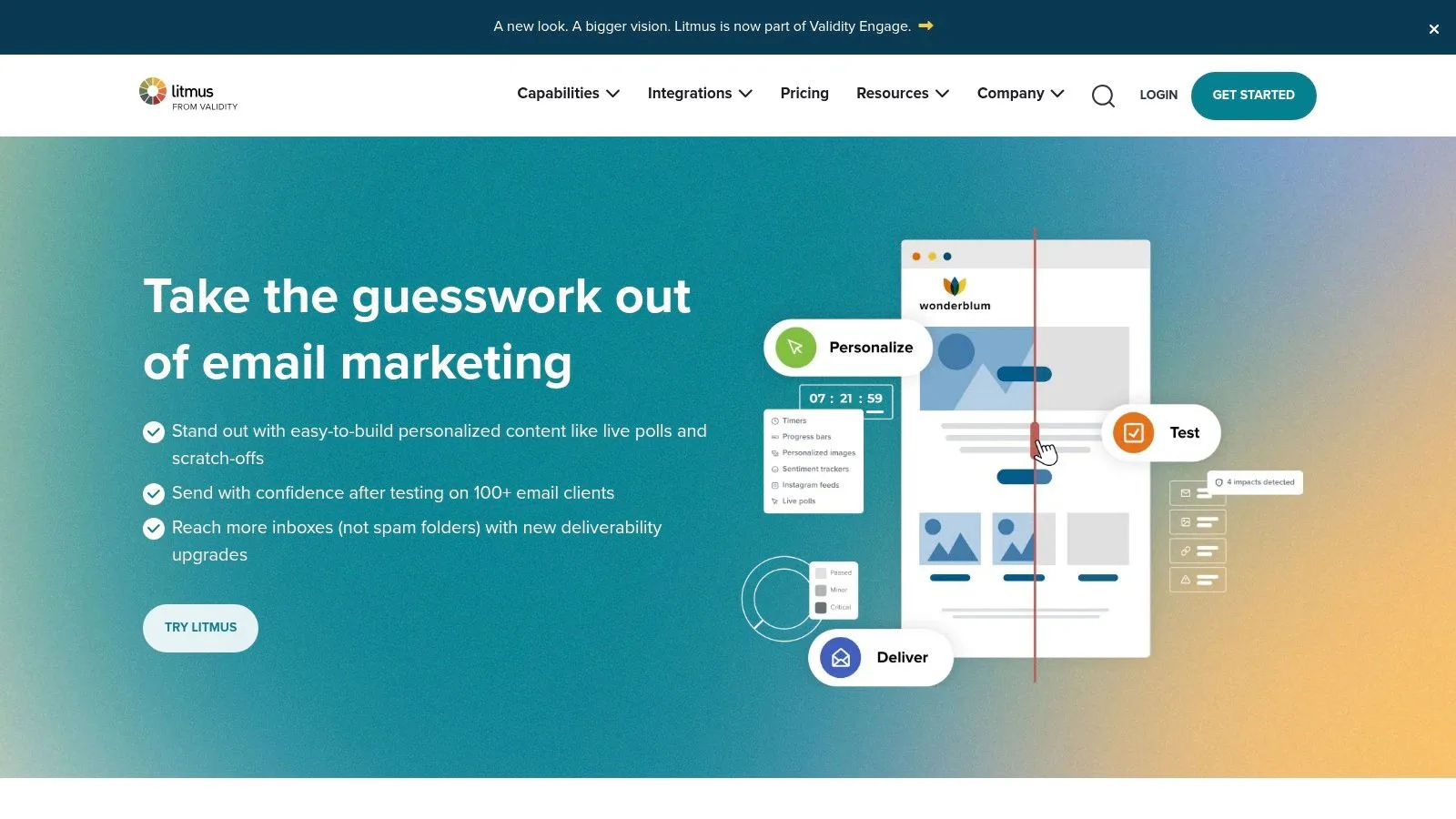
Litmus is one of the most established names in email testing tools, and it earns that position by covering both pre-send QA and post-send analysis. It’s built for teams that need more than a quick screenshot. The platform supports pixel-perfect previews across 100+ clients and devices, automated QA checks, collaboration and approval workflows, and deep post-send analytics through the broader Validity ecosystem. Its website is Litmus, and the product image below gives a quick sense of how the platform is positioned for marketing teams.
Where Litmus fits best
The strongest use case is a team that needs repeatable QA across design, copy, accessibility, and stakeholder approvals. Litmus’ own guidance describes email testing as more than visual review, it includes address validation, HTML previews, quality assurance testing, A/B testing, and inbox placement or spam testing Litmus email testing workflow. That broader definition matters because a good campaign can still fail on links, tracking, or accessibility.
Practical rule: Use Litmus when your team wants a shared workflow, not just a one-off preview.
A useful detail for teams working in Gmail, ESPs, or custom build environments is that Litmus is designed to fit into the build process rather than sit beside it. If your team tests templates during development, the article on email template testing pairs naturally with Litmus’ preview-and-QA model.
Pros
- Very strong ecosystem and integrations, which helps larger marketing teams keep QA consistent.
- Analytics, especially compared with basic preview-only tools.
Cons
- Enterprise-oriented pricing usually means quote-based buying.
- It doesn’t send email, so you still need an ESP or sender.
2. Mailgun Inspect
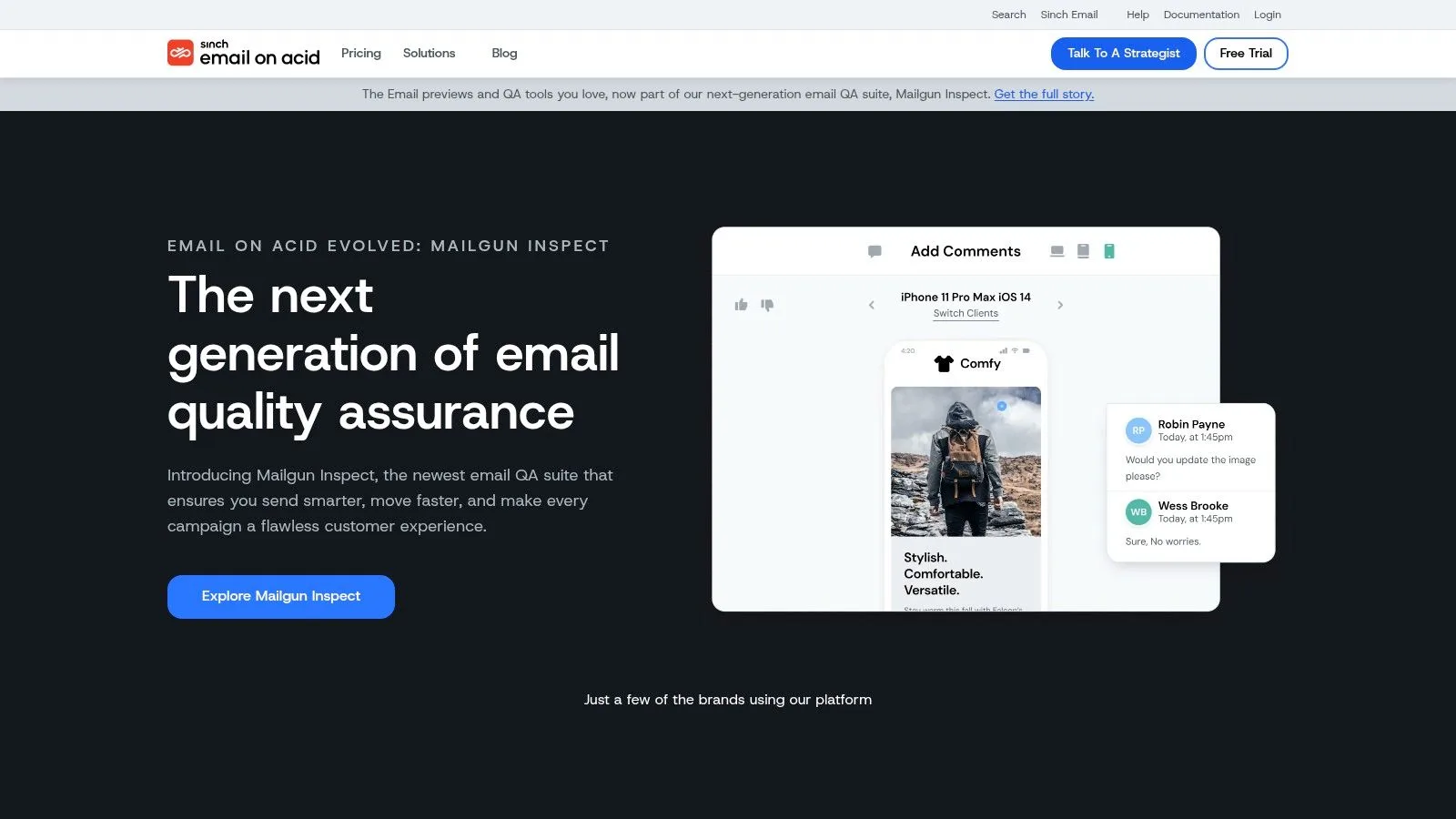
Mailgun Inspect, formerly Email on Acid by Sinch, is built for teams that need pre-send QA with a strong technical layer. It brings client and device previews across 100+ clients, accessibility checks, HTML analysis, and link and image validation into one place. The product sits at Email on Acid, while the image below reflects the platform’s quality-assurance focus.
Why the migration matters
The name change matters mostly because teams that already used Email on Acid need a clean path into the new Mailgun-branded experience. For new buyers, the bigger point is that this tool sits between visual previewing and technical QA. It is useful for teams that want to check accessibility against WCAG and EAA ideas, then confirm the mechanics behind the send without adding a separate layer of tooling.
A template can look correct and still break in small, costly ways. A broken link, a missing image, or an HTML issue may not show up in a single screenshot, but it can still affect the send. Mailgun Inspect helps catch those problems before the campaign goes out, which makes it a practical choice for senders who want structured pre-send confidence without moving into a heavier enterprise deliverability suite. For teams also reviewing how authentication affects deliverability, the email authentication guide is a useful companion reference.
Pros
- Straightforward pricing structure with preview allotments.
- Smooth migration path for existing Email on Acid users.
Cons
- Preview overages are billed per screenshot, so usage needs a watchful eye.
- Existing tests don’t transfer automatically when migrating.
3. Validity Everest
A campaign can look fine in the draft stage and still miss the inbox for reasons that are hard to spot without the right checks. Validity Everest sits on the enterprise end of the email testing tools spectrum, giving large teams a place to track inbox placement, reputation, and deliverability issues together. The platform is available through Validity, and the image below reflects its enterprise positioning.
What enterprise teams get from it
Everest works well for organizations where volume, reputation, and authentication settings affect revenue or customer communication. Its feature set includes inbox placement and ISP-level reputation monitoring, seed-list placement testing, blocklist checks, DMARC, SPF, and DKIM tracking, plus API access and professional services. Understanding your authentication setup is part of that process, so email authentication is a useful reference when teams are tracing deliverability issues back to their source. For large teams, that mix matters because testing is not only about finding visual defects, it is also about confirming that messages are landing where they should.
The market data shows why this kind of monitoring matters. Analysts in a deliverability study covering 15 providers found an average deliverability rate of 83.1%, which means 16.9% of emails didn’t reach the inbox, while 10.5% landed in spam and 6.4% were undelivered deliverability study. In a setting like that, reputation monitoring is a practical part of routine email QA, not an extra layer for unusual problems.
Teams with high send volume usually need a tool that explains the failure, not just a score.
For an enterprise sender, that difference is similar to having a dashboard versus a mechanic’s diagnostic readout. A dashboard shows that something is wrong. Everest is built to show where the breakdown starts, whether that is authentication alignment, blocklist exposure, or placement changes across providers.
Pros
- Deep data sources and consulting support help larger programs troubleshoot hard problems.
- Strong reputation and inbox-placement tooling makes it useful for complex sender environments.
Cons
- Quote-only pricing skews enterprise.
- It can be overkill for smaller teams that only need simple QA.
4. GlockApps
A team can send a campaign that looks clean in the editor and still find it in spam after delivery. GlockApps is built for that gap. It is one of the more practical email testing tools for teams that want frequent inbox placement checks without moving into an enterprise stack. The platform centers on seed-list inbox placement, spam tests, DMARC analysis, and IP or domain reputation monitoring, which makes it especially useful for SMBs and agencies. The tool’s site is GlockApps.
A useful way to understand GlockApps is to separate appearance checks from delivery checks. A preview tool shows whether a message renders correctly. GlockApps helps answer a different question, whether mailbox providers are placing that message in the inbox, promotions tab, or spam folder. For a deeper guide on keeping your messages out of spam, see how to prevent email from going to spam.
Its repeatability is the main reason teams keep returning to it. You can run placement checks often, compare results over time, and see what changes after copy edits, domain setup adjustments, or sender behavior changes. That matters because deliverability is not a one-time task. The shift toward structured tool-based workflows, including deliverability, verification, and spam testing, is a major reason the category matured in the first place Campaign Monitor guide.
GlockApps also gives non-experts practical diagnostic tools. Its free SPF, DKIM, DMARC, and BIMI checkers can shorten basic troubleshooting when a send starts acting strangely. If a message starts missing the inbox, those checks help narrow the cause before the team spends time guessing. Seed-list placement still gives direction rather than certainty, so it is useful for spotting patterns, not for predicting every subscriber’s exact view.
Pros
- Strong value compared with heavier enterprise suites.
- Helpful free diagnostics for quick technical checks.
Cons
- Seed lists are directional, not a perfect proxy for every audience member.
- Credits and limits require management if you test heavily.
5. SendForensics
SendForensics suits teams that want deliverability insight without stepping into a full enterprise suite. It brings predictive content scoring, seed-based inbox placement, client previews, and DMARC analytics into one place, so the checks stay connected instead of spread across separate tools. You can find it at SendForensics, and the image below matches its deliverability-first positioning.
A practical middle ground
A useful way to judge SendForensics is by what it removes from the workflow. Teams do not have to stitch together a preview tool, a placement checker, and a separate DMARC view just to understand why a campaign may miss the inbox. That single-screen approach matters because deliverability problems often start with a small mismatch between content, authentication, and sender reputation, not with one obvious failure.
It also avoids the feel of tools that are built only for one narrow task. Some platforms show a rendering result and stop there. Others push so much configuration that smaller marketing teams spend more time learning the system than testing the email. SendForensics sits between those extremes, which makes it easier to use for launch reviews, sender checks, and ongoing campaign QA.
Its pricing model is part of that practicality. The published “unlimited tests” approach, with fair-use rules, is easier to understand than a quota model that changes by feature or credit type. For buyers comparing tool classes by cost and use case, that clarity helps because professional email-testing tools often sit in a monthly range that works for SMBs but still stays far below enterprise pricing EmailAnalytics pricing overview.
Pros
- Modern UI makes the workflow easier to follow.
- Generous testing allowances help teams run repeat checks during launch periods.
- Clear add-on pricing gives teams a straightforward path to scale usage gradually.
Cons
- Fair-use caps still exist, so “unlimited” is not literal.
- Smaller ecosystem than the biggest enterprise suites.
6. Mailtrap
Mailtrap is different from most marketing-focused tools because it is built as an email sandbox for dev, QA, and staging environments. That matters when a test message should never reach a real customer, but still needs to be received, inspected, and verified. The platform is Mailtrap, and the image below shows the product in its sandbox-oriented form.
Built for workflow emails, not just previews
A signup email, password reset, OTP, billing notice, or onboarding flow has a different testing need than a newsletter. With workflow emails, the question is usually whether the app sent the right message at the right moment, to the right inbox, with the right content. Mailtrap fits that problem because it acts like a controlled test inbox, so teams can capture messages, inspect headers, and confirm that the app logic worked without exposing real recipients.
That difference is easy to miss in broad tool comparisons. Rendering tools answer one question, how the email looks. Workflow testing tools answer a different one, whether the product sent the message that the user flow depends on. MailSlurp’s comparison draws that line clearly, API-first workflow testing is the better starting point when the risk is transactional failure, while rendering tools fit better when layout is the main concern MailSlurp workflow testing comparison.
Mailtrap also fits how many teams build and ship. API and SDK support let developers plug it into CI checks, team projects keep QA work organized, and SpamAssassin-based checks give another layer of feedback before a release goes out. For startup teams, that combination is often more useful than a preview tool that only shows how an email renders.
A simple example helps. If a checkout confirmation fails because the app sent the wrong template, a screenshot-only tool may still show a perfectly formatted email. Mailtrap is useful there because it helps the team verify the actual workflow, not just the appearance.
Pros
- Great for developers and QA who need to stop test emails from reaching real users.
- Transparent plan limits make budgeting easier.
- Useful for transactional flows where inbox capture matters more than visual review.
Cons
- Not a full deliverability suite.
- Message size and retention limits can matter for busy teams.
7. Mailosaur
Mailosaur suits teams that need email testing to live inside product automation, not sit beside it. It provides API-driven inboxes, POP3 and IMAP connectivity, mail rules, auto-forwarding, accessibility checks, and optional previews, along with integrations that fit Cypress and Playwright workflows. Its website is Mailosaur, and the image below reflects its automation-heavy focus.
Where it fits in a test stack
A product team can treat Mailosaur like a programmable mailbox for test flows. Instead of opening a preview tool and checking messages by hand, developers can assert that the right email arrived after signup, password reset, OTP creation, or another app-triggered event. That makes it easier to catch failures in the flow itself, such as a missing template, a broken link, or a message that never sent.
The practical value is consistency. Email testing becomes part of software quality, not a separate review task, and that matters when the same checks need to run in CI or automated QA. Litmus describes testing as part of the full pre-send workflow, and developer teams often need that same discipline inside their automated pipelines Litmus workflow explanation. Mailosaur fits that use case because it is built for repeatable checks, not ad hoc sends.
A simple example makes the difference clear. If a password reset email arrives with the wrong token or the wrong recipient address, a screenshot alone can still look fine. Mailosaur lets the team verify the message content and the delivery event itself, which is closer to checking whether a machine part is installed correctly than whether the box around it looks good.
Pros
- Strong automation story for email and SMS flows.
- Flexible packaging with core testing and optional add-ons.
Cons
- Preview features are separate, so planning matters.
- Per-day limits may constrain heavy testing.
8. Mailinator
A signup form works fine in staging until the confirmation email never arrives, or the OTP points to the wrong account. Mailinator is built for that kind of check. It gives teams disposable inboxes for quick QA, automation, and CI runs, with public shared inboxes for immediate access and private domains for tighter isolation and higher limits. The product is at Mailinator, and the image below reflects its utility-first style.
Where it earns a spot
Use it to verify the message flow itself. A team can trigger a signup, password reset, or one-time code, then check whether the email landed, whether the link works, and whether the code matches the expected recipient. That is useful for the same reason a spare key is useful during a lock test, it shows whether the mechanism works before real users depend on it.
Public inboxes are the easiest entry point, because there is nothing to configure before the first test. Private tiers are the better fit for serious automation or anything that should stay isolated, especially if a team is running repeat checks in CI. Public inboxes are visible to anyone, so they should stay away from sensitive content, customer data, or anything that needs privacy.
For teams comparing tools by job rather than by feature count, Mailinator sits closer to workflow QA than to deliverability analysis. That makes it a practical choice when the question is, “Did the right email arrive with the right content?” rather than, “How did this message perform across inbox providers?”
Pros
- Fast to start with no setup for public inboxes.
- Good API coverage for automation and CI.
Cons
- Public inboxes are not private, so they’re unsuitable for sensitive data.
- Private-tier pricing needs confirmation with the vendor.
9. Testi@ (Testi.at)
A quick render check can save a campaign from avoidable surprises. Testi@ is one of the lighter-weight email testing tools, and that is the reason small teams often keep it in their toolkit. It focuses on screenshot previews across many common desktop and mobile clients, with a Chrome extension that supports live sends from ESPs or Gmail. The site is Testi.at, and the image below reflects the product’s simple dashboard style.
A team usually reaches for it after the content is already written and the question is visual fit. Does the subject line crop oddly? Does a button wrap in one client and not another? Does a layout collapse on mobile? Testi@ is aimed at those checks, which makes it closer to a layout inspection tool than a full deliverability suite. For a small business or a busy marketer using an email tester, that narrower job can be enough.
A budget-friendly preview option
This tool makes sense when the main need is affordable rendering validation. If you send only occasionally, or if your team mainly wants to know whether a campaign looks broken in key clients, a lightweight preview service can be enough. You do not always need a full deliverability stack to answer that question.
Its low-friction setup is the selling point. A simple setup means faster checks, and faster checks mean teams are more likely to test before sending. That helps replace one-off manual spot checks with a repeatable QA habit, which is useful for teams that want a quicker pass before a campaign leaves the door.
Pros
- Very budget-friendly for small teams.
- Low learning curve for preview-focused testing.
Cons
- Fewer enterprise-level integrations than larger suites.
- Simpler documentation can leave automation teams wanting more.
10. Mail-Tester.com
A campaign can look fine in the editor and still hide simple setup mistakes. Mail-Tester.com exists for that moment, when you want a fast check before sending and need to know whether the message is likely to pass basic technical scrutiny. It sits in the email testing tools category as a quick sanity check, and it gives you a 0 to 10 deliverability score based on content review, DNS, SPF, DKIM, DMARC, spam scoring, and blacklist presence. The tool is at Mail-Tester.com, and the image below reflects the simple, direct workflow.
A practical way to use it is to treat the score like a checklist, not a verdict. Send a test email to the provided address, then read the breakdown the same way you would review a preflight inspection on a car, small issues first, then the bigger ones. If SPF is missing, DKIM is broken, or a blacklist entry appears, the report shows where the send is weak and what needs attention before the campaign goes out. For additional options, check out this email tester resource.
Mail-Tester.com is most useful for content and technical sanity checks. It is not built to prove inbox placement across real providers, so a strong score should not be read as proof that Gmail, Outlook, or Yahoo will accept the message cleanly. It does help non-experts catch obvious setup mistakes early, which is often enough to prevent a campaign from leaving with a broken authentication record or a spammy header.
Pros
- Fast, inexpensive sanity check for technical mistakes.
- Clear breakdowns help non-experts fix problems.
Cons
- Not an inbox placement tester.
- High scores don’t guarantee delivery.
Top 10 Email Testing Tools, Features & Deliverability Comparison
| Tool | Core features ✨ | Best for 👥 | Standout advantage 🏆 | Quality ★ | Price/value 💰 |
|---|---|---|---|---|---|
| Litmus | Pixel-perfect previews (100+), automated QA, collaboration, post-send analytics | Enterprise marketing teams | Comprehensive QA & analytics ecosystem | ★★★★★ | Enterprise pricing, quote-only 💰 |
| Mailgun Inspect | 100+ client previews, accessibility checks, HTML/link validation, API | Agencies & pre-send QA teams | Accessibility focus + API-driven previews | ★★★★☆ | Credit-based previews; predictable tiers 💰 |
| Validity Everest | Inbox placement, seed-list testing, reputation/DMARC monitoring, data feeds | Large deliverability teams / enterprises | Market leader in deliverability intelligence | ★★★★★ | Enterprise, quote-only 💰 |
| GlockApps | Seed-list placement, spam-score, DMARC & IP monitoring | SMBs & agencies running frequent placement tests | Cost-effective, easy frequent placement checks | ★★★★☆ | Tiered plans with test credits; good value 💰 |
| SendForensics | Predictive content scoring, seed placement, client previews, DMARC | SMBs wanting predictive deliverability insights | Predictive scoring + generous testing allowances | ★★★★☆ | Clear add-on pricing; scalable 💰 |
| Mailtrap | Isolated sandboxes, HTML preview, SpamAssassin checks, API/teams | Developers & QA teams (dev/staging) | Prevents test emails reaching real users; dev-first | ★★★★☆ | Transparent tiers & limits; affordable for teams 💰 |
| Mailosaur | API-driven inboxes, auto-forwarding, CI integrations, accessibility | Dev teams automating email/SMS QA | Strong automation & CI/CD testing support | ★★★★☆ | Core plans + paid add-ons; flexible 💰 |
| Mailinator | Public disposable inboxes, private domains, API for CI | Rapid QA, signup/OTP flow testing | Instant, no-setup disposable inboxes | ★★★☆☆ | Free public; private tiers vary 💰 |
| Testi@ (Testi.at) | Screenshot previews (~50), Chrome extension, pay-as-you-go | Occasional testers & small teams | Very budget-friendly pay-as-you-go previews | ★★★☆☆ | Low-commitment, pay-as-you-go pricing 💰 |
| Mail-Tester.com | SpamAssassin score, SPF/DKIM/DMARC checks, blacklist lookups | Senders needing quick spam/setup checks | Fast, simple spam & technical diagnostics | ★★★★☆ | Inexpensive one-off tests / freemium 💰 |
Final Thoughts
The best email testing tools aren’t the ones with the longest feature list, they’re the ones that match your real failure mode. If your team needs visual QA, Litmus, Mailgun Inspect, and Testi@ make sense. If inbox placement, authentication, and reputation matter most, Validity Everest, GlockApps, and SendForensics are closer fits. If your biggest risk is a broken signup, reset, OTP, or billing flow, Mailtrap, Mailosaur, and Mailinator are more useful than a pure rendering tool.
The category itself has matured because testing is no longer a nice-to-have. The market is growing, deliverability still leaks messages before they reach the inbox, and teams now treat testing as part of the full email workflow rather than a final checkbox market growth report framework for email delivery success. That’s why the right stack often combines one preview tool, one deliverability tool, and one workflow-testing tool instead of forcing a single product to do everything.
For small businesses, startups, recruiters, educators, and nonprofits, the practical move is to start with the tool that catches your most expensive mistakes first. If you’re only checking design, keep it simple. If you’re debugging inbox placement or transactional flows, choose a tool that gives you repeatable evidence, not just a visual pass.
If you’re sending personalized campaigns from Gmail and want a simpler way to manage them, Mail Merge for Gmail lets you build, preview, and send trackable messages without leaving Google Workspace. It’s a practical fit for teams that care about personalization, delivery tracking, and consistent email QA, and it can help you bring a more structured workflow to outreach and updates.
Ready to send your first campaign?
Install Mail Merge for Gmail from the Google Workspace Marketplace and send up to 50 personalized emails per day for free.
Get started for freeMore reading
More from Tips
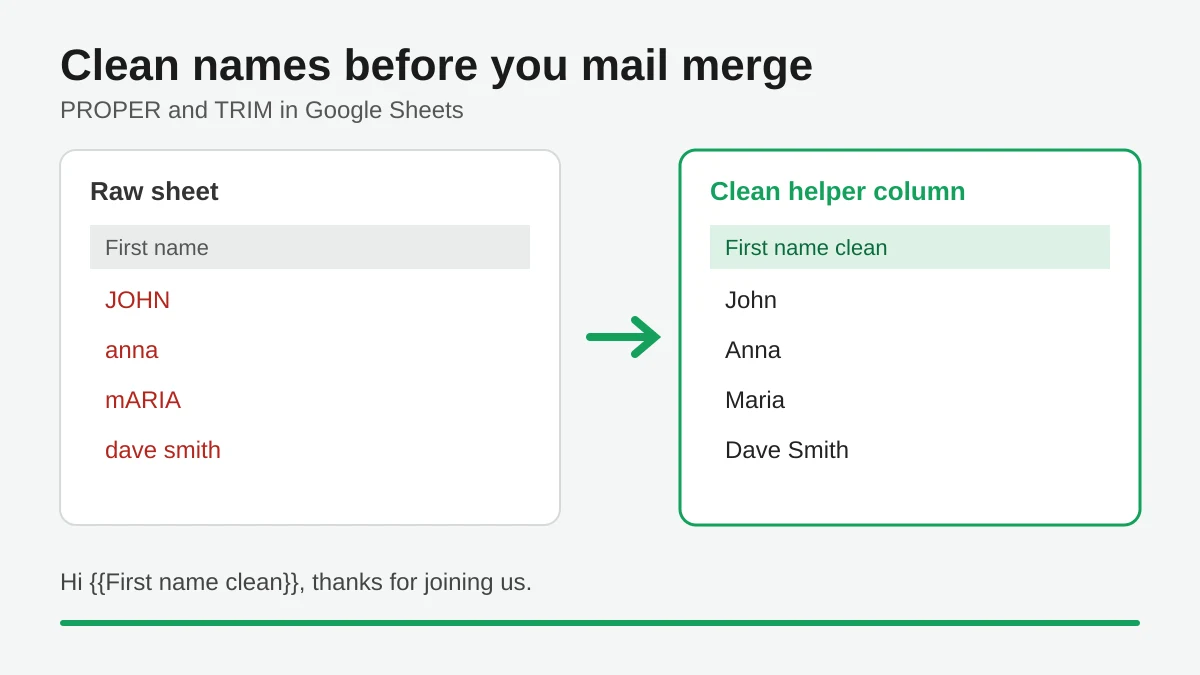
Mail Merge Names Capitalization: Clean Your Google Sheet Before You Send
Fix wrong capitalization and stray spaces in names before a mail merge. Use PROPER, TRIM and a helper column in Google Sheets so every merged email greets people correctly.

Track Email Opens in Gmail
Learn to track email opens in Gmail with clear setup steps, Sheets status updates, troubleshooting tips, and privacy guidance for reliable outreach results.

10 Email Campaign Best Practices for Better Results
Use these 10 email campaign best practices to improve targeting, deliverability, engagement, testing, compliance, and conversions with Mail Merge for Gmail.