


















How to Track Email Open Rates: A Practical Guide
Learn how to track email open rates accurately. This guide covers setup in Mail Merge for Gmail, interpreting metrics, and navigating privacy issues like MPP.

You send a campaign, refresh your sheet, and wait for any sign that the message landed. No reply yet. No click yet. You mainly want to know one thing first: did anyone even see it?
That’s why people try to track email open activity in the first place. It gives you an early signal. Not a perfect one, and not one you should treat like courtroom evidence, but still a useful signal when you’re deciding whether to follow up, pause, or move a contact into a different sequence.
The problem is that open tracking sits in an awkward place now. It still helps with timing and trend analysis, but privacy protections, image blocking, and bot activity mean you have to read the data with a skeptical eye. If you want it to be useful, the key skill isn’t just turning it on. It’s knowing what the numbers can tell you, what they can’t, and how to use them inside your Gmail and Google Sheets workflow without fooling yourself.
The Why and How of Email Open Tracking
What open tracking actually does
To track email open activity, email tools embed a 1x1 tracking pixel inside the HTML version of the message. When the recipient’s email client loads that invisible image, the email platform records an open event. That’s the whole mechanism. Simple in theory, messy in practice.
Email senders often struggle to interpret inbox silence. If nobody replies, that could mean the email was ignored, buried, skimmed, or blocked. Open tracking helps narrow the possibilities.
Why the metric still matters
A useful benchmark exists, as long as you treat it carefully. The global average email open rate reached 42.35% in 2025, based on an analysis of over 3.3 million campaigns from 155,182 unique accounts and sender profiles, according to Genesys Growth’s email open rate analysis. That same analysis also notes why this number needs caution: Apple’s Mail Privacy Protection can register opens by pre-loading images, while image blocking in other clients can hide real readership.
So yes, open data is flawed. It’s still useful for directional questions:
- Was this subject line stronger? Compare trends across similar sends.
- Did this segment react at all? A dead campaign usually looks dead early.
- Should I follow up soon? Timing matters more than vanity.
Practical rule: Use opens to understand campaign momentum, not to prove that one person definitely read your message.
If you want to improve the front end of this metric, subject line work still matters. Machine Marketing’s email strategy guide is worth reading because it focuses on the parts you can control before the message is sent.
What a tracked open should mean to you
Think of opens as the first checkpoint, not the finish line. If a message gets opens but no clicks, that tells one story. If it gets clicks, replies, or meetings, that tells another. The mistake is treating “opened” as equal to “engaged.” It isn’t.
Setting Up Open Tracking in Mail Merge for Gmail
If your contacts live in Google Sheets, the setup is straightforward. In this workflow, open tracking is basically a simple tick in the main screen.
The click-by-click setup
To enable open tracking, go to the Google Sheets sidebar, expand Enable Email Tracking, add a campaign name, and check Track Email Opens. That option inserts the invisible 1x1 tracking pixel used to register opens when the recipient loads the message, as described in this Mail Merge tracking walkthrough.
In practical terms, the setup usually looks like this:
- Open your campaign sheet in Google Sheets.
- Launch the add-on sidebar from the sheet.
- Expand the email tracking area.
- Name the campaign so reporting is easier to recognize later.
- Tick the open tracking box.
- Send the campaign after your normal preview and checks.
If you’re starting from scratch, the basic sending flow is covered in this guide on how to turn on mail merge in Gmail.
What shows up in the spreadsheet
Once tracking is active and messages go out, your sheet becomes the reporting surface. Instead of jumping between separate dashboards, you can review per-recipient status in the rows you already use to manage outreach.
That matters because analytics are only useful if they’re close to the work. A live spreadsheet makes it easier to scan for patterns like:
- Opened but didn’t click
- Clicked but didn’t reply
- No visible activity at all
- Clusters of engagement from a specific list segment
The biggest advantage of sheet-based tracking isn’t the pixel itself. It’s that follow-up decisions stay attached to the same rows where you manage contacts.
That setup also keeps your reporting practical. You don’t need to export data just to decide who gets the next nudge.
How to Interpret Your Email Open Metrics
Open metrics only become useful when you attach them to campaign type. A cold outreach sequence and a newsletter don’t behave the same way, so they shouldn’t be judged by the same internal standard.
In practice, results often vary by audience quality, topic, and intent. For example, cold email can sit around 30% while a newsletter may reach 60%, but those figures depend heavily on relevance and list quality. They’re not universal benchmarks. They’re a reminder that context matters more than bragging rights.
Start with a reasonable baseline
For a broad benchmark, a widely accepted standard for a good email open rate across many industries is 15% to 25%, and a 20% result sits in that range. The same source also notes that privacy changes have made raw open rates less reliable than click-to-open rate, or CTOR. CTOR is calculated by dividing unique clicks by unique opens. If 500 people open and 75 click, the CTOR is 15%, according to Monday.com’s explanation of email open rate benchmarks and CTOR.
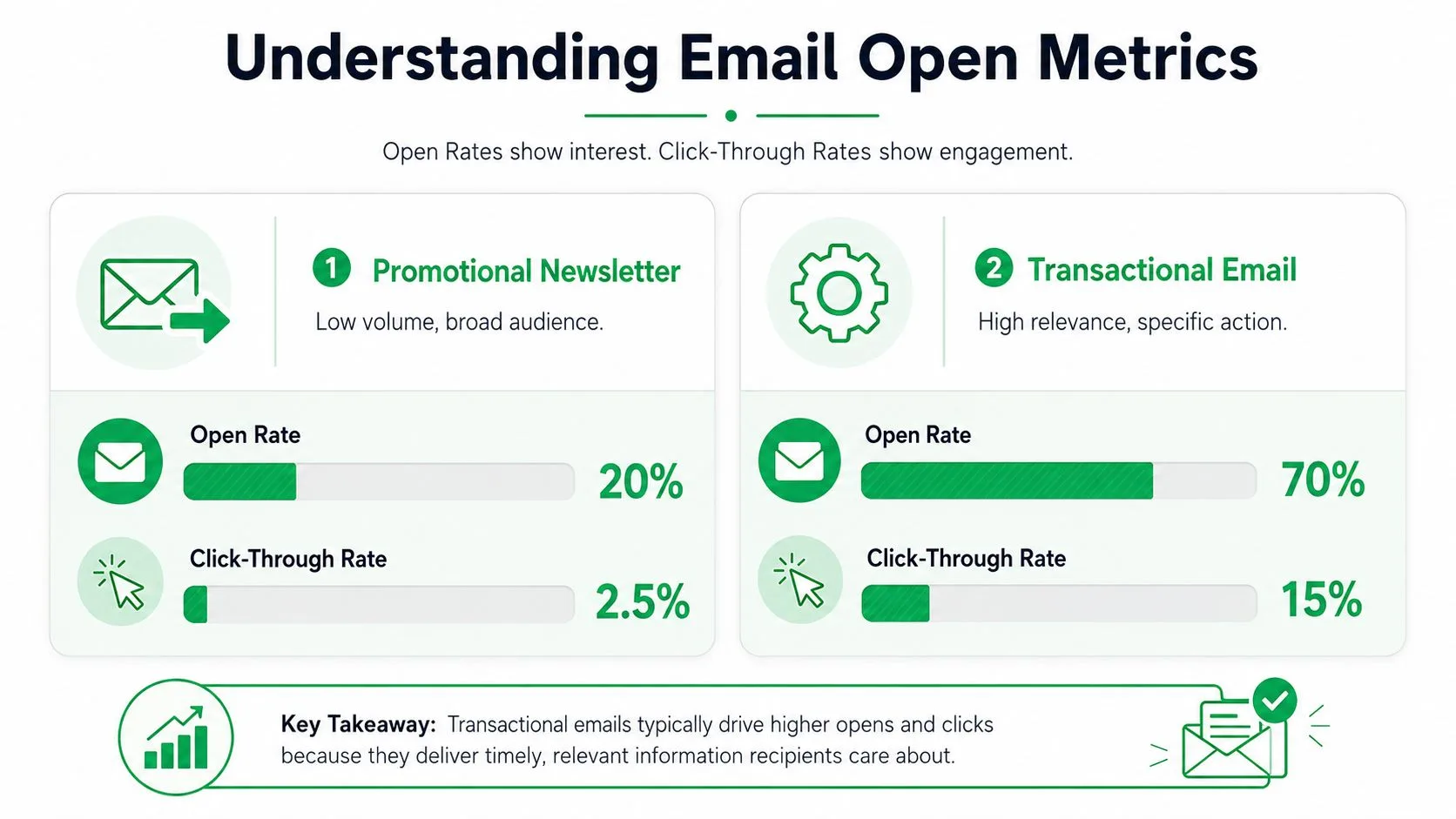
That shift matters because open rates can tell you whether the top of the funnel worked, while CTOR tells you whether the body of the email did any real persuading.
Use opens to make follow-up decisions
For cold email, open tracking is most valuable when deciding whether to keep pursuing a recipient or stop wasting touches. If someone repeatedly shows open activity but never clicks and never replies, that’s weak evidence of awareness, not strong evidence of interest. If a recipient opens and then clicks, that usually earns a better-timed follow-up.
A practical way to read the data:
| Signal | What it usually suggests | What to do next |
|---|---|---|
| Open only | Subject line got attention, body may not have moved them | Test a different follow-up angle |
| Open plus click | Realer interest than an open alone | Follow up while intent is still warm |
| No visible open | Could be no interest, or tracking may have missed it | Check list quality and message relevance |
| Reply | Strongest engagement signal | Move the conversation forward |
Adjacent customer metrics help. If your email is part of a broader lifecycle motion, it’s useful to understand how teams measure CSAT and NPS alongside email engagement so you don’t overvalue one signal.
Here’s a quick explainer if you want a visual refresher on the basics before digging deeper into your own campaign readouts.
Clean lists beat clever interpretation
If your numbers swing wildly, don’t jump straight to copy changes. List hygiene and segmentation usually deserve attention first. The same benchmark source recommends cleaning lists every 3 to 6 months and segmenting by behavior, because a cleaner audience gives every metric more meaning.
A strong open rate on the wrong list is still the wrong campaign.
The Truth About Open Rate Accuracy and Privacy
The biggest mistake with open tracking is assuming the metric is precise. It isn’t. The signal is now distorted by systems that were never built to help marketers measure human attention.
The three main reasons open data goes wrong
Email open tracking depends on a 1x1 transparent pixel loading inside the email. But that signal has become statistically unreliable for three main reasons, according to Instantly’s breakdown of open tracking accuracy.
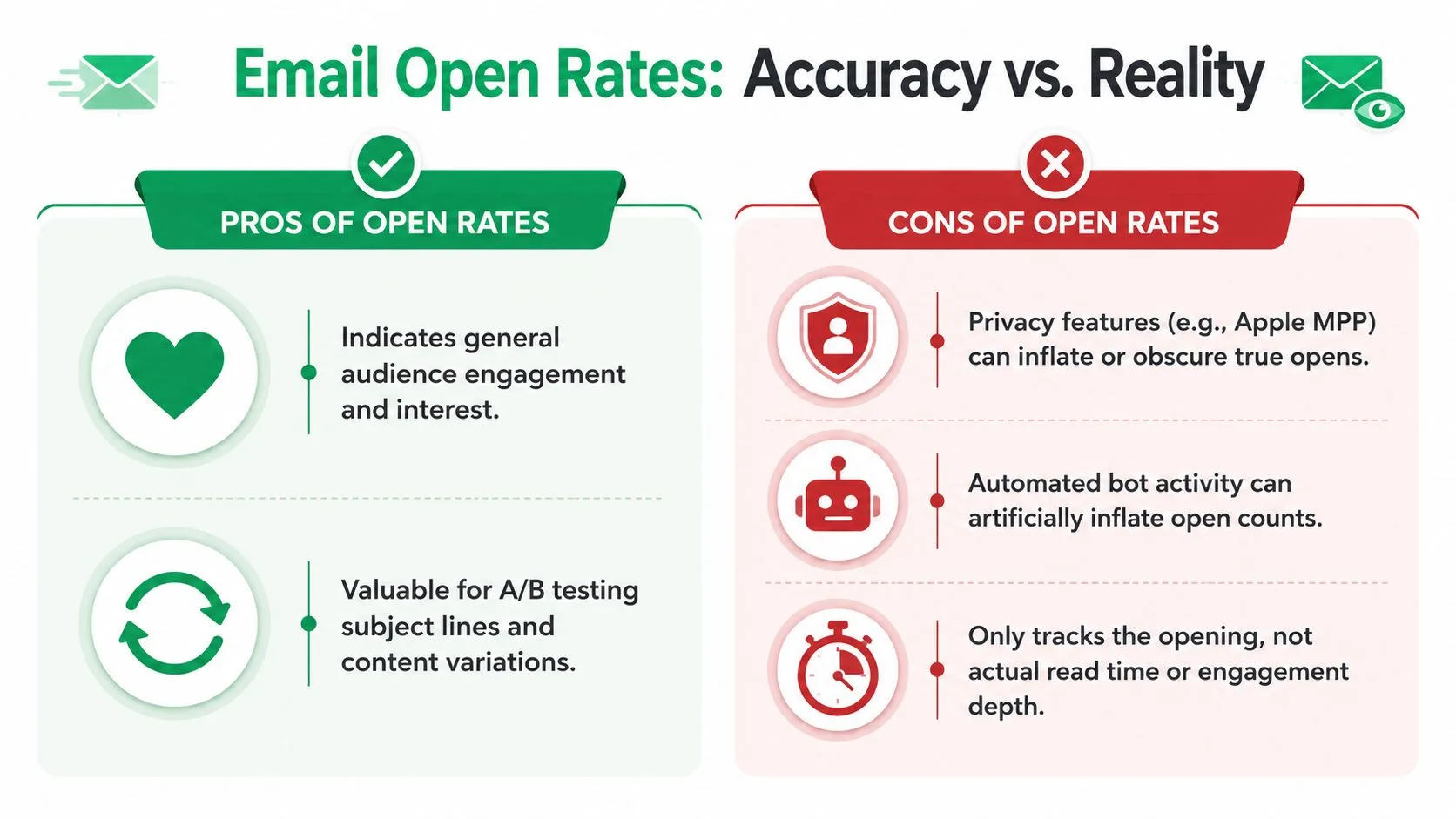
Those reasons are:
- Apple Mail Privacy Protection loads images through proxy servers. The same source says this affects 55%+ of global email opens, whether or not a person engaged.
- Corporate security bots scan messages and can create fake opens.
- Image blocking in Gmail and Outlook can prevent a real reader from triggering the pixel at all.
So the number can be inflated and undercounted at the same time, depending on who received the message.
What to trust instead
If you’re optimizing outreach, open rates shouldn’t be the final KPI. The more reliable signals are the ones tied to visible behavior: replies, positive responses, and booked meetings. Click tracking also gives you better evidence of intent than the pixel alone.
That’s why many teams now weigh click data much more heavily. If you want that side of the stack, this overview of click tracking software is a useful companion to open tracking.
Open rates still have value. They just don’t deserve authority they haven’t earned.
What privacy changes mean in practice
Privacy tools didn’t kill open tracking. They changed its job. It used to look like a direct engagement metric. Now it works better as a coarse trend indicator and a trigger for further checking.
If one subject line consistently gets more opens across similar sends, that’s still useful. If a single recipient appears to open at odd times but never interacts in any other way, don’t overread it.
Troubleshooting When Open Tracking Fails
The most common complaint is simple: someone clicked a link, but no open was recorded. That can happen. Modern email behavior breaks the neat sequence people expect.
A click can show up without an open because the pixel and the link are tracked differently. Privacy features, client behavior, and image loading rules can block the open event while still allowing the link interaction to register. False positives also happen in pixel-based systems because security scanners and auto-preview features may load images without a human viewing the email, as noted in Ablebits’ explanation of Gmail mail merge tracking limitations.
What suspicious patterns usually mean
Another red flag is the opposite scenario. You see extremely high opens, but nobody replies. That’s often a bot or proxy problem, not a miracle campaign.
Apollo’s email tracking overview points to a practical interpretation: high open rates with zero replies are a primary signal of bot interference, and open rates are better used for overall trend analysis than for judging individual behavior. It also argues that click tracking without open pixels and reply-based attribution are more reliable than relying on opens alone.
A short troubleshooting checklist
- Check for clicks first. A click often tells you more than an open.
- Look for reply absence. Lots of opens and no responses usually deserve skepticism.
- Review bot filtering settings if your tracking dashboard offers them.
- Compare patterns across the campaign instead of focusing on one contact.
- Treat missing opens cautiously. They may reflect image blocking, not disinterest.
If the tracking looks broken, don’t ask only whether the pixel fired. Ask whether the recipient did anything meaningful.
Best Practices for Better Engagement and Deliverability
If you want better open data, earn better engagement. Tracking doesn’t rescue weak targeting, a stale list, or an email that sounds mass-produced.
The habits that actually help
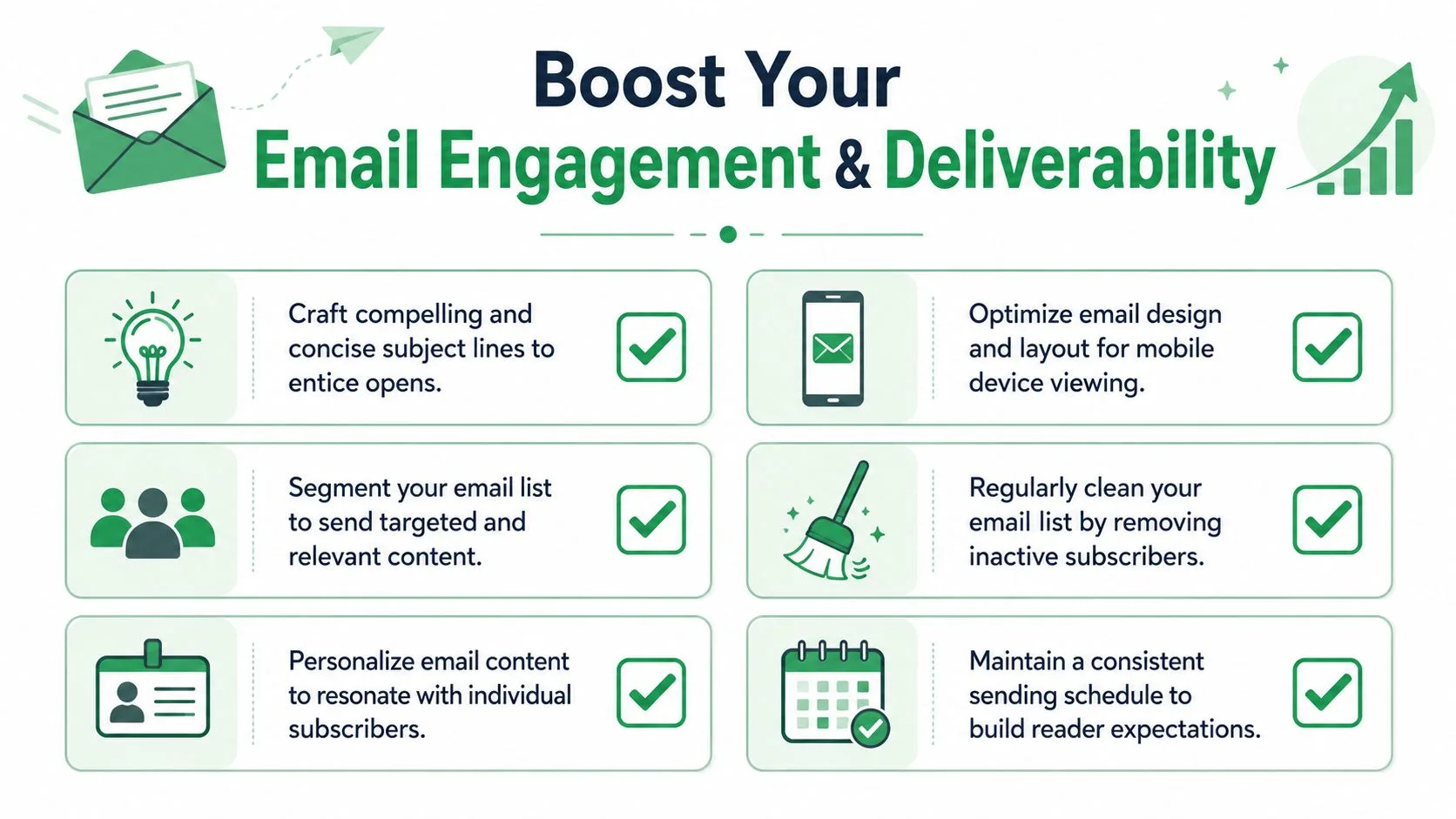
A few habits consistently make the metric more useful:
- Write subject lines for a real person. Clear beats clever most of the time.
- Segment by intent or behavior. Broad blasts produce muddy signals.
- Personalize the message body so the open has somewhere to go.
- Keep the email mobile-friendly because cramped layouts lose attention fast.
- Remove inactive contacts regularly. Dead weight damages interpretation and deliverability.
- Send on a consistent rhythm so recipients recognize you.
Protect the infrastructure too
Strong engagement starts before the recipient reads a word. Authentication, domain reputation, and list quality shape whether the email reaches the inbox where it can be opened at all. This guide to email authentication is worth reviewing if your campaigns look weaker than the writing deserves.
For teams building more advanced nurture flows, advanced email marketing systems can help connect segmentation, timing, and automation so tracking data becomes part of a repeatable process instead of a spreadsheet afterthought.
One final nuance matters here. Real-time open data can be useful for follow-up timing. Mailtrack says that following up immediately after an email is opened can lift reply rates by up to 80% in some cases, which highlights the operational value of open tracking when used for timing rather than surveillance, according to Mailtrack’s explanation of real-time open tracking.
If you want to send personalized campaigns from Google Sheets and keep delivery and engagement status visible in the same workflow, Mail Merge for Gmail is a practical option. It lets you send through Gmail and write statuses like sent, opened, clicked, and replied back to your spreadsheet so you can act on the data instead of chasing it across tools.
Ready to send your first campaign?
Install Mail Merge for Gmail from the Google Workspace Marketplace and send up to 50 personalized emails per day for free.
Get started for freeMore reading
More from Tutorials
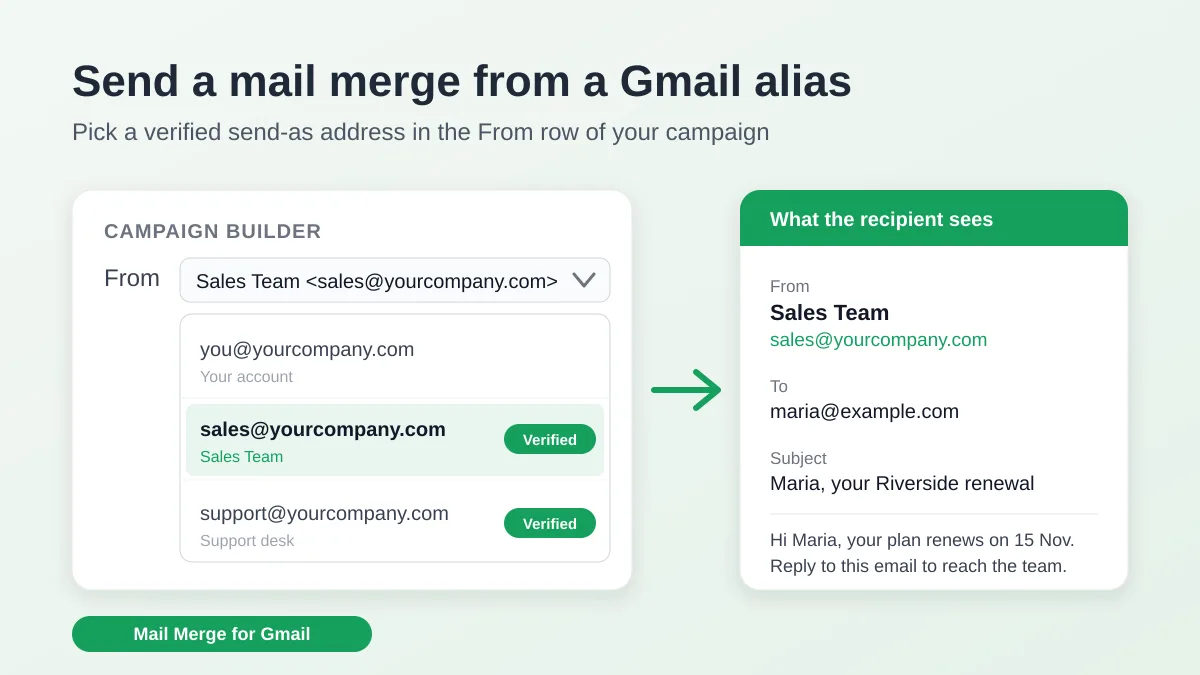
Send a Mail Merge from a Gmail Alias or Shared Mailbox
Send a mail merge from a Gmail alias, group or shared mailbox: set up Send mail as in Gmail, verify the address in Mail Merge and keep replies working.
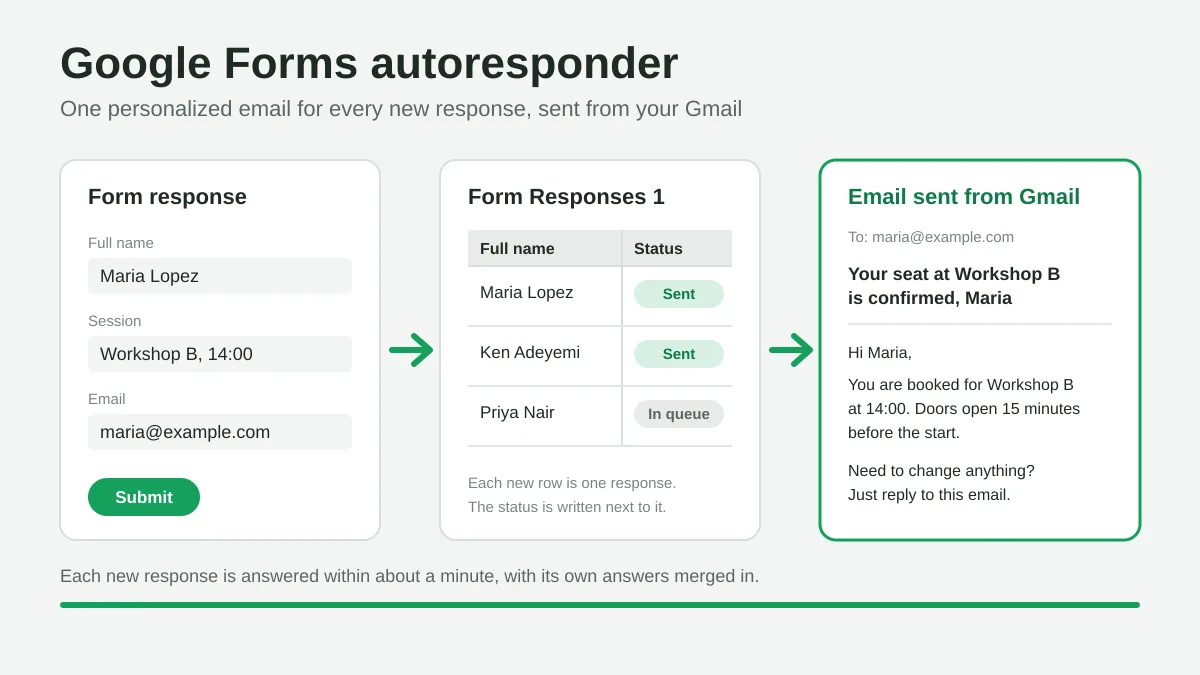
Google Forms Autoresponder: A Personalized Email for Every Response
Set up a Google Forms autoresponder that emails every new response from Gmail, personalized with the answers, using Google Sheets and Mail Merge for Gmail.
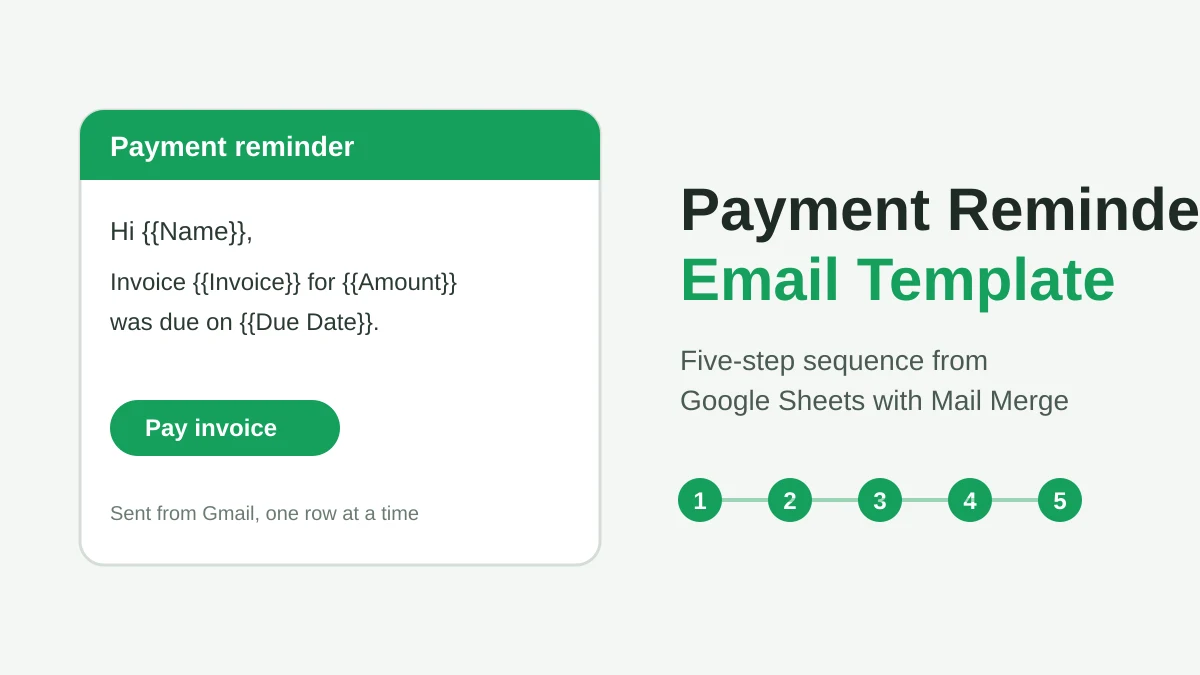
Payment Reminder Email Template: Five Messages You Can Send from Google Sheets
Copy a payment reminder email template for each stage of an overdue invoice, then send every reminder from Google Sheets through Gmail with personalized merge fields.