


















How to Send a Background Check Email: Templates & Compliance
Learn how to send a compliant background check email. Our guide provides templates, consent language, and tips for scaling your process with Gmail.
You’ve got a candidate at the finish line. The interviews went well, the hiring manager is ready to move, and now the process depends on one email. If that message is vague, late, or overly legalistic, candidates hesitate. If it’s too casual, your team risks compliance mistakes and inconsistent documentation.
A strong background check email does three jobs at once. It tells the candidate exactly what happens next, protects your process, and shows that your company handles sensitive information with care. That’s why experienced HR teams don’t treat it as an administrative afterthought. They build a repeatable communication flow around it.
Why Your Background Check Email Process Matters
The pressure point usually looks the same. You’ve extended a conditional offer, the candidate is excited, and your internal team wants the check completed quickly. That’s the moment when tone matters most. A rushed or confusing email can turn a smooth hiring experience into a trust problem.
Verification isn’t optional. A 2023 ResumeLab survey found that 37% of people lied about their length of employment, and data from the Wall Street Journal indicates that 34% of all application forms contain outright lies about experience, education, or abilities, making verification a critical hiring step, as summarized in these background check statistics for 2025.

That doesn’t mean every candidate should feel like they’re being interrogated. The better approach is simple. Explain the process clearly, ask for what you need, and avoid language that sounds accusatory. A background check email should feel procedural and respectful, not suspicious.
What good teams get right
The most reliable teams treat this email as part of candidate experience, not just risk management. They usually do three things well:
- They explain the reason: Candidates are more responsive when the request is framed as a standard final hiring step.
- They keep the action clear: One consent form, one deadline, one contact person.
- They protect deliverability: If your emails land in spam, your process slows down fast. This practical guide on email sender reputation is worth reviewing if candidates regularly miss HR messages.
For a broader operational checklist, this HR guide to background checks is a useful companion resource because it helps align hiring workflow, documentation, and follow-up expectations.
A candidate rarely judges your process by your policy manual. They judge it by the email they receive.
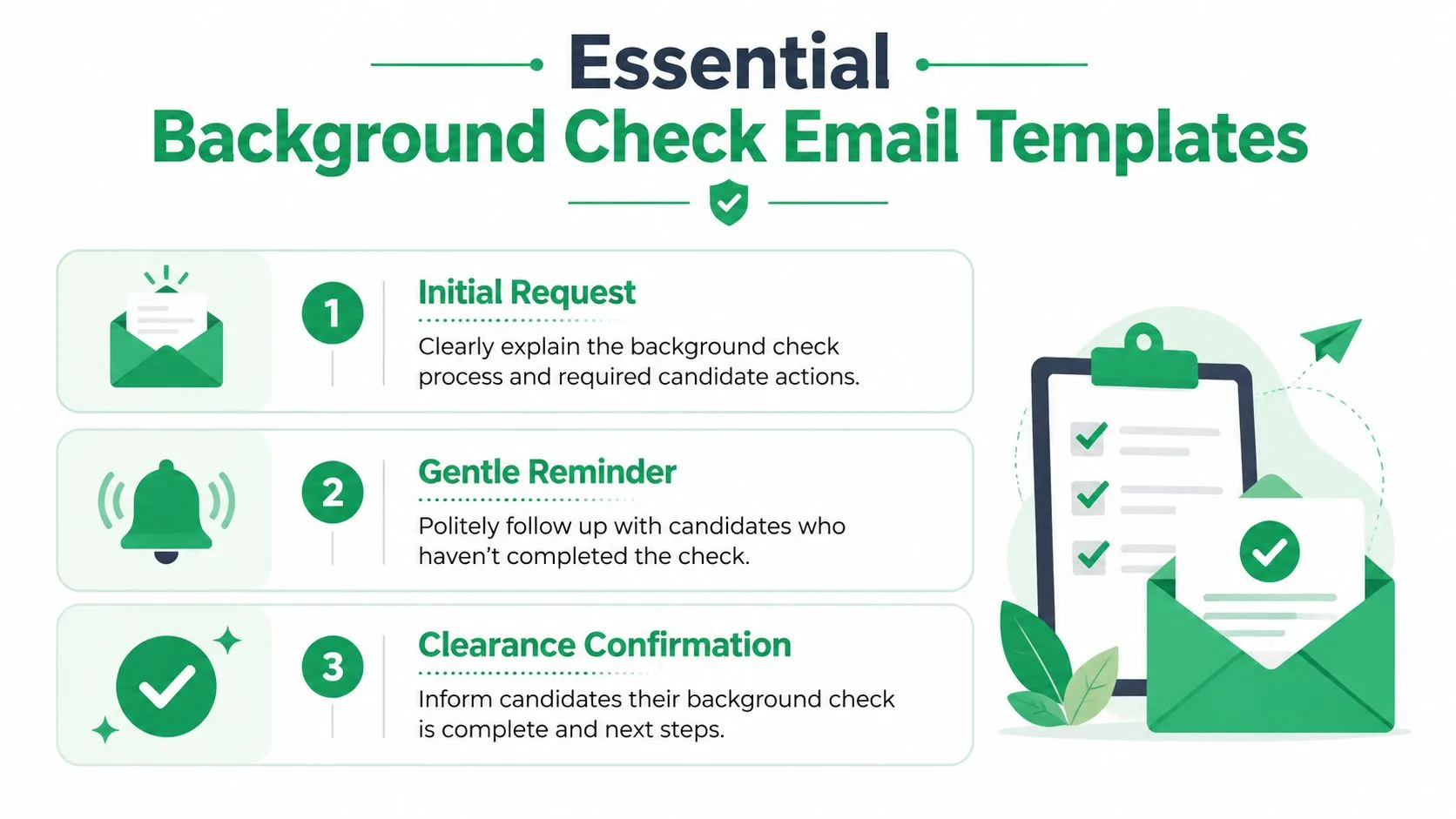
Essential Background Check Email Templates
Templates matter because the biggest mistakes in hiring communication usually come from inconsistency. One recruiter sends a polished request. Another sends a two-line note with no deadline. A third forgets to explain what the candidate should expect next. Standard templates fix that.
Initial request email
This email sets the tone. Keep it calm, direct, and complete.
Subject: Next step for your employment background check
Hi [First Name],
We’re pleased to move forward with the next step in our hiring process for the [Job Title] role.
As part of our standard pre-employment process, we’ll need your authorization to begin the background check. Please review and complete the attached or linked consent form by [Day, Date].
Here’s what to expect:
- The background check will begin after we receive your completed authorization.
- If the screening provider needs any additional information, they may contact you directly.
- If you have questions about the process, you can reply to this email and our team will help.
Please complete the form here: [Consent Link]
Thank you,
[Your Name]
[Title]
[Company]
Why this one works
The subject line lowers anxiety because it signals process, not trouble. The body gives the candidate one action to take and enough context to avoid back-and-forth. It also avoids legal overexplaining in the message itself, which often makes straightforward HR emails harder to read.
If your team still relies on loosely formatted intake emails, a structured application workflow helps upstream. A tool like the Formzz job application solution can make candidate data more consistent before the screening stage even begins.
Gentle reminder email
A reminder should sound organized, not impatient.
Subject: Reminder to complete your background check authorization
Hi [First Name],
This is a friendly reminder to complete your background check authorization for the [Job Title] role.
We haven’t yet received your completed form. To keep your hiring process on schedule, please submit it by [Day, Date] using the link below:
[Consent Link]
If you’ve already completed it, thank you and please disregard this message. If you’re having any issues accessing the form, reply here and we’ll help.
Best,
[Your Name]
[Title]
[Company]
Practical rule: A reminder should assume delay, not resistance. People miss emails, get pulled into current jobs, or pause because one instruction wasn’t clear.
Clearance confirmation email
Once the check is complete, close the loop. Candidates shouldn’t be left wondering whether silence means approval or delay.
Subject: Background check completed for your application
Hi [First Name],
We’re writing to let you know that your background check process has been completed.
Thank you for completing this step promptly. Our team will now proceed with the remaining onboarding or hiring steps, and we’ll be in touch shortly with next details.
If you have any immediate questions, feel free to reply to this email.
Best regards,
[Your Name]
[Title]
[Company]
Small details that improve every template
A background check email gets stronger when you standardize these parts:
| Email element | What to do |
|---|---|
| Subject line | Keep it neutral and process-focused |
| Deadline | Give a specific date, not “as soon as possible” |
| Action link | Include one clear link or attachment path |
| Support contact | Tell candidates exactly how to get help |
| Tone | Use plain language and avoid loaded wording |
Navigating Compliance and Candidate Privacy
HR teams get exposed if they move too fast. A polished email template doesn’t protect you on its own. The process behind it has to be compliant.
Compliance with the Fair Credit Reporting Act requires employers to provide clear disclosure and obtain written consent before conducting any background check, and failure to include a pre-adverse action notice can void the entire screening process, according to this overview of background check best practices.
Written consent is not a nice-to-have. It’s the line between a defensible process and a preventable dispute.
What clear disclosure actually looks like
In practice, clear disclosure means the candidate should understand that a background check will be conducted and what they are authorizing. Don’t bury that notice inside a long offer email full of unrelated details. Separate it cleanly, and make the consent step obvious.
That’s also why your background check email shouldn’t overpromise. If you’re doing formal employment screening, say so. If your team is only doing basic email-based research before deciding whether to move a lead or referral forward, don’t label it a background report.
An email background check is not a formal employment background report. It’s a lightweight, informal research process that uses only public signals and can’t confirm identity, verify employment history, access criminal records, or determine legal eligibility for hiring or partnerships, as explained in this guide to an email background check.
Candidate privacy is part of professionalism
Candidates notice whether your process feels respectful. They also notice when HR asks for too much by email. Sensitive documents should go through your approved workflow, not as loose attachments passed around manually.
A few habits reduce risk immediately:
- Use only necessary information: Don’t request extra personal details just because a form allows it.
- Limit internal access: Only the people involved in hiring and compliance should see screening-related communication.
- Avoid speculative research: If your team does public-profile checks, stick to relevant, public information and don’t infer facts you can’t verify.
For teams tightening operational controls, this DynamicsHub guide is a useful reference for mapping pre-employment checks into a documented workflow. If you’re reviewing systems, this article on email compliance software is also relevant because message handling and recordkeeping often sit closer together than teams expect.
Pre-adverse action is where process discipline shows
The hardest compliance failures tend to happen after the report comes back. Hiring managers want speed. HR wants closure. But if adverse information appears, the next step has to follow the required process.
That includes giving the candidate the appropriate notice and a chance to review and dispute before final action. Some dispute situations are especially sensitive. Praesidium’s FAQ notes that when trafficking-related adverse items are disputed, consumers must provide proof of identity and trafficking documentation, including a “self-attestation signed by a representative from a governmental entity,” which you can review in their background check FAQs.
Timing Your Emails and Managing Follow-Ups
A background check email works better when the sequence is predictable. Candidates shouldn’t have to guess when they’ll hear from you or whether a delay means there’s a problem.
A simple timeline that keeps things moving
The cleanest timing starts after the candidate accepts a conditional offer. That avoids premature screening and keeps the request tied to a real hiring decision. Send the authorization email promptly while the offer is still fresh.
Then manage follow-ups with intention:
- Send the initial request promptly: Don’t wait so long that the candidate thinks the process has stalled.
- Set expectations in the first message: Tell them what they need to do and what happens after they submit.
- Follow up politely if there’s no response: A reminder should feel administrative, not pressuring.
- Close the loop when complete: Even a short confirmation reduces uncertainty.
What to avoid
The most common timing mistakes are operational, not legal. Teams either send too many reminders too quickly, or they stay silent and let the process drag.
When candidates don’t respond, the cause is often confusion or inbox overload. A cleaner message usually fixes more than a stronger nudge.
One more point matters during employment verification outreach. Best practice is to independently validate a past employer’s phone number before contacting them, make at least five valid contact attempts to HR or payroll, and avoid contacting a current employer without explicit written consent, based on these employment verification best practices.
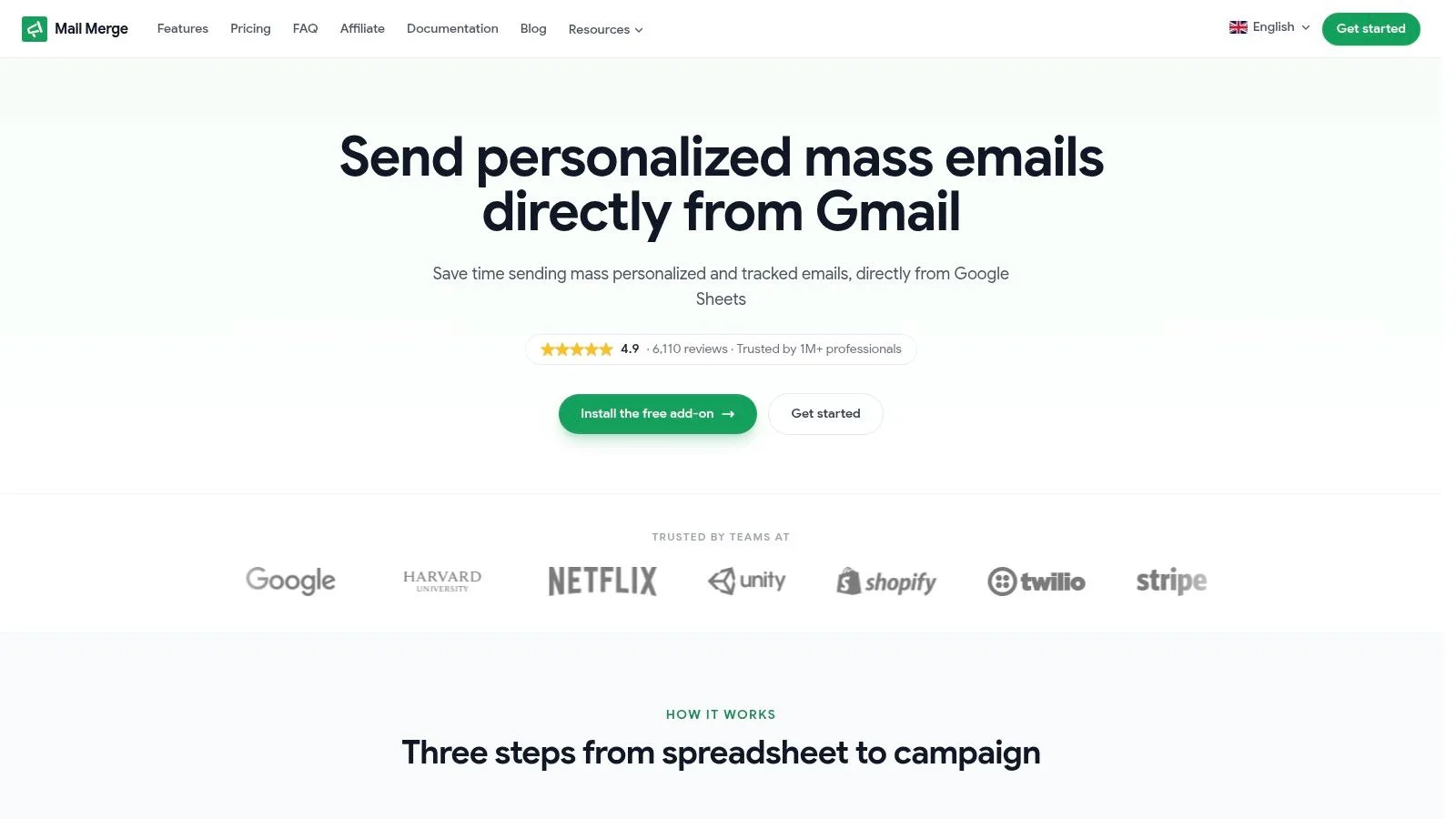
Sending Background Check Emails at Scale with Mail Merge
Manual sending works when you’re hiring occasionally. It breaks down when you’re onboarding a class of new employees, recruiting for multiple locations, or managing a seasonal surge. At that point, the issue isn’t just time. It’s consistency.
The workflow that scales cleanly
The most practical setup uses a spreadsheet as the control layer and a single approved email draft as the message source. Candidate names, roles, due dates, and consent links sit in columns. The draft pulls those values into merge fields so each candidate gets a personalized message without manual editing.
That approach reduces three common HR problems:
- Missed personalization: No more “Hi there” when you already have the candidate’s name.
- Version drift: Everyone sends the same approved wording.
- Weak visibility: You can track who received which message and manage follow-up from one sheet.
For HR teams evaluating this setup, this walkthrough on mail merge for HR in Gmail is a practical reference point because it maps well to recruiting and onboarding communication.
Why native Gmail mail merge falls short
Gmail’s built-in option is fine for simple sends, but it has real limits in hiring workflows. Gmail’s native mail merge tool can send to about 1,500 recipients, but it lacks the ability to track engagement data such as opens, clicks, or replies, which makes it a poor fit for campaigns that depend on follow-ups and visibility, as outlined in this review of Gmail built-in mail merge.
That matters in recruiting because follow-up depends on signal. If a candidate never opened the consent request, you handle that differently than a candidate who opened it twice and still didn’t complete the form.
A quick product note matters here. When researching Mail Merge for Gmail, it’s worth being careful because the product name is highly descriptive. It’s easy to confuse competitor content with information about this specific tool, so any evaluation should confirm that the source is referring to Mail Merge for Gmail and not a different Gmail mail merge product.
Here’s a visual walkthrough of the workflow in action:
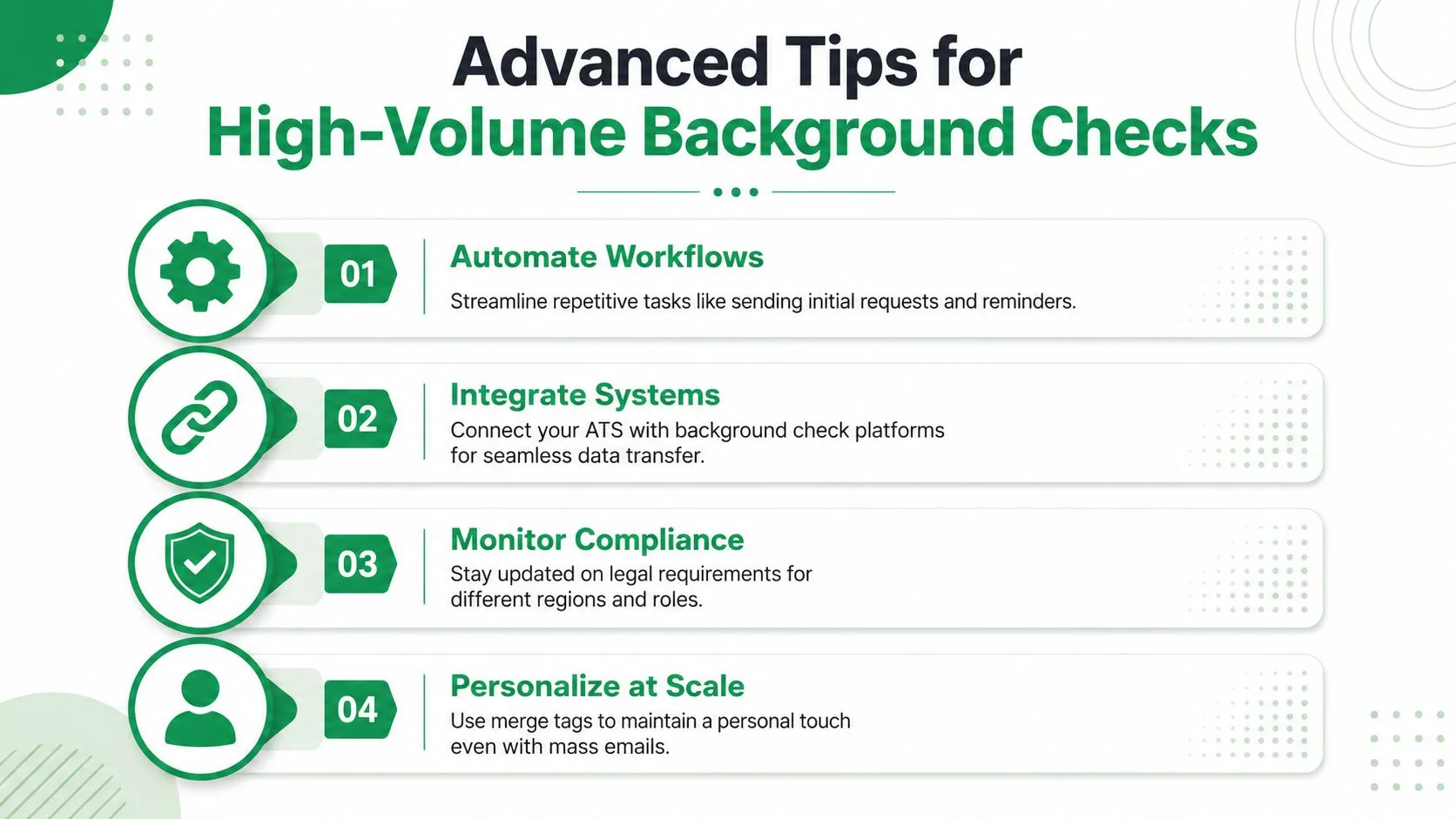
Advanced Tips and Scaling Considerations
Once you start sending background check emails in batches, the process shifts from writing to capacity management. The message may be right, but your send settings can still create avoidable problems.
Know the real Gmail limits
The first trap is assuming every Gmail account behaves the same way. Standard Gmail accounts are restricted to sending a maximum of 500 unique outgoing messages per day, while Workspace Individual, work, and school accounts can send up to 2,000 unique outgoing messages daily. The mail merge feature itself caps the total recipient count at 1,500 per day, as discussed in this thread on the true Google mail merge limit.
That means your campaign plan has to match the account you’re using. HR teams often build a batch workflow that looks fine on paper and then hit limits because the sender account wasn’t checked first.
CC and BCC can quietly cut your capacity
This catches people all the time. When using mail merge with CC or BCC enabled, each CC’d or BCC’d address counts as a separate send against your daily limit. Sending an email to 500 recipients with one BCC address will consume 1,000 sends from your daily 1,500 recipient quota, as demonstrated in this explanation of mail merge recipient counting.
If your team copies a shared HR inbox or hiring manager on every message, your usable capacity drops fast.
Shared visibility is useful, but CC is an expensive way to get it in bulk outreach.
A practical troubleshooting checklist
Before launching a larger background check email run, check these items:
- Sender account type: Confirm whether the mailbox is standard Gmail or Workspace.
- Recipient math: Count CC and BCC addresses in your total.
- Template lock: Make sure the approved legal wording is the live version in use.
- Sheet hygiene: Remove duplicate rows and confirm each candidate has the right fields populated.
- Follow-up logic: Decide in advance who gets reminders and who gets manual handling.
A scalable process doesn’t have to feel impersonal. In fact, the opposite is usually true. When the workflow is organized, candidates get clearer communication, fewer errors, and faster answers.
If you want to send personalized, trackable background check emails from Gmail without turning HR follow-up into a spreadsheet mess, Mail Merge for Gmail is built for that workflow. It lets teams personalize messages from Google Sheets, monitor opens, clicks, and replies, and keep outreach organized at scale while staying inside Gmail.
Ready to send your first campaign?
Install Mail Merge for Gmail from the Google Workspace Marketplace and send up to 50 personalized emails per day for free.
Get started for freeMore reading
More from Tutorials
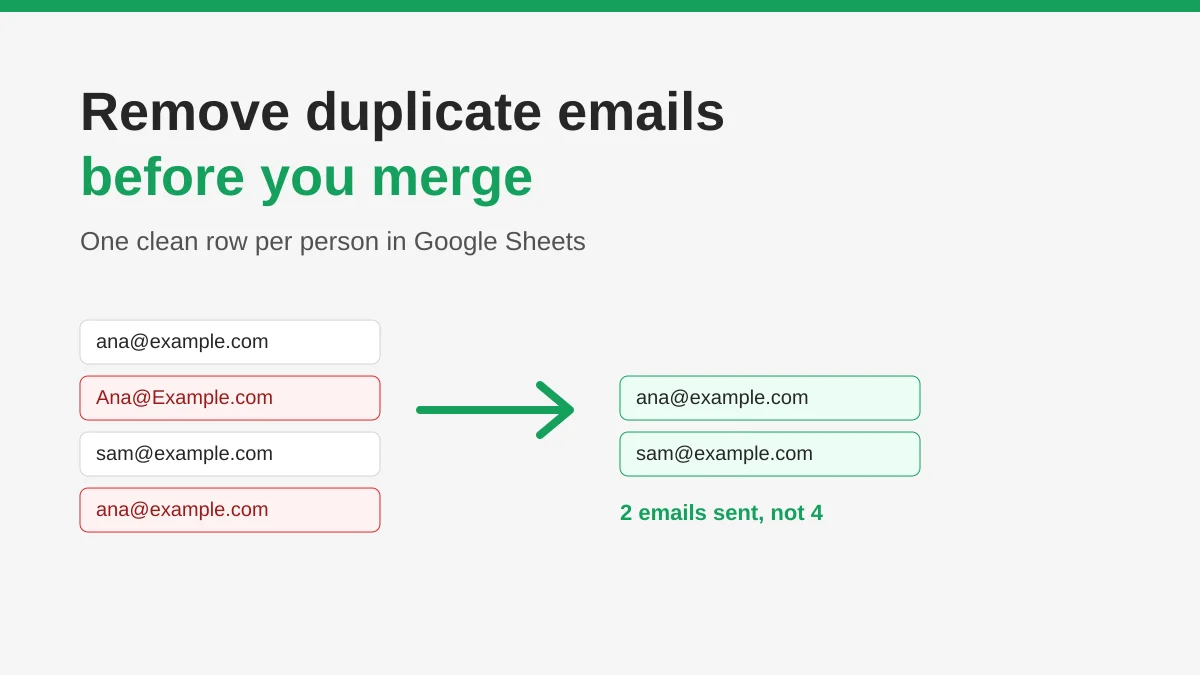
How to Remove Duplicate Emails in Google Sheets Before a Mail Merge
Learn how to remove duplicate emails in Google Sheets before a mail merge with Remove duplicates, UNIQUE and COUNTIF, so no contact gets the same message twice.
How to Build Targeted Email Lists That Actually Convert
Learn how to build targeted email lists that drive opens, clicks, and replies. Practical steps for sourcing, segmenting, cleaning, and GDPR-compliant outreach.
Send Bulk Emails from Gmail: A Complete Step-by-Step Guide
Learn how to send bulk emails from Gmail with Mail Merge for Gmail. Step-by-step guide to personalized outreach, tracking, and deliverability best practices.